
 Member
 gregkh
8 Bits Are Enough for a Version Number...
As was pointed out to us stable kernel maintainers last week, the overflow of the .y release number was going to happen soon, and our proposed solution for it (use 16 bits instead of 8), turns out to be breaking a userspace-visable api.
As we can’t really break this, I did a release of the 4.4.256 and 4.9.256 releases today that contain nothing but a new version number. See the links for the full technical details if curious.

Background bash commands

Handling multiple versions of the same application with update-alternatives

Curtail
While the app got some spotlight on GNOME Circle, I found it super handy to my own use that I decided to write about it here as well.
ImageMagick
Even though I keep forgetting syntax for everything, one of the few bash constructs I remember is the for in loop. Mainly because that's how I repeadly convert and modify images on the command line with ImageMagick's convert or mogrify (same but dangerously operating on the same file):
for image in *jpeg;
	do
	out=`basename $image .jpeg`-thumb.jpeg
	convert -geometry 400 $image $out
done
Well usually on one line as:
for image in *jpeg; do out=`basename $image .jpeg`-thumb.jpeg; convert -geometry 400 $image $out; done
Curtail
Curtail's main weapon is convention. Convention trumps configurability in my book (even if there are some preferences). Rather than making you configure a behavior, before you can do anything, it provides one. You either dig it and can immediately be productive, or you don't and flame it on reddit and the orange site. Sorry I meant move on.

So what's the convention? The main workflow is you drop images onto it with drag and drop and it automatically compresses the images. The only decision you have to make upfront is whether you allow it to compress it more by going lossy or not. That's it. No selecting of output directory, scaling, formats. Nothing. Just drop images and get them processed. They will end up in the same directory as the source, with a -min suffix. Everything happens immediately and you will see a summary of the conversion in the window. It is very rare to run into such an app in the FOSS world. Thank you, Hugo.
iPhone 12 mini

Singing praise to the most locked down device you can get is pretty dangerous for someone operating in the FOSS world. But I have to do it, as the risk of somebody angrily throwing his Purism Librem 5 at me is pretty low.

Like most people I don't use my phone to do calls. Apart from failing to avoid all the addictions it throws at me, I love it for what it really is. An amazing video and photo camera.

I've owned (and still do) a decent number of cameras. Some of them I have really fond memories of, such as the Panasonic GF1. Mostly for its 20mm pancake lens I didn't sell along with the body when the time came, but kept it until a worthy body came along. That was the beast of a video camera I use until today, the GH5. Most of my drone video b-roll is shot with it and its amazing slow motion. On my drone trips I've always been making a decision whether to take the best camera I have (gh5) or a compact one (Sony rx100m4). The latter wasn't even close to the big guy, but it was easy to fit into the bag and for the few establishing shots was good enough. Surprisingly the iphone 6 plus I had back then had better stabilisation than the RX100. But preferred the Sony for the colors and not having such oversharpened phone look.
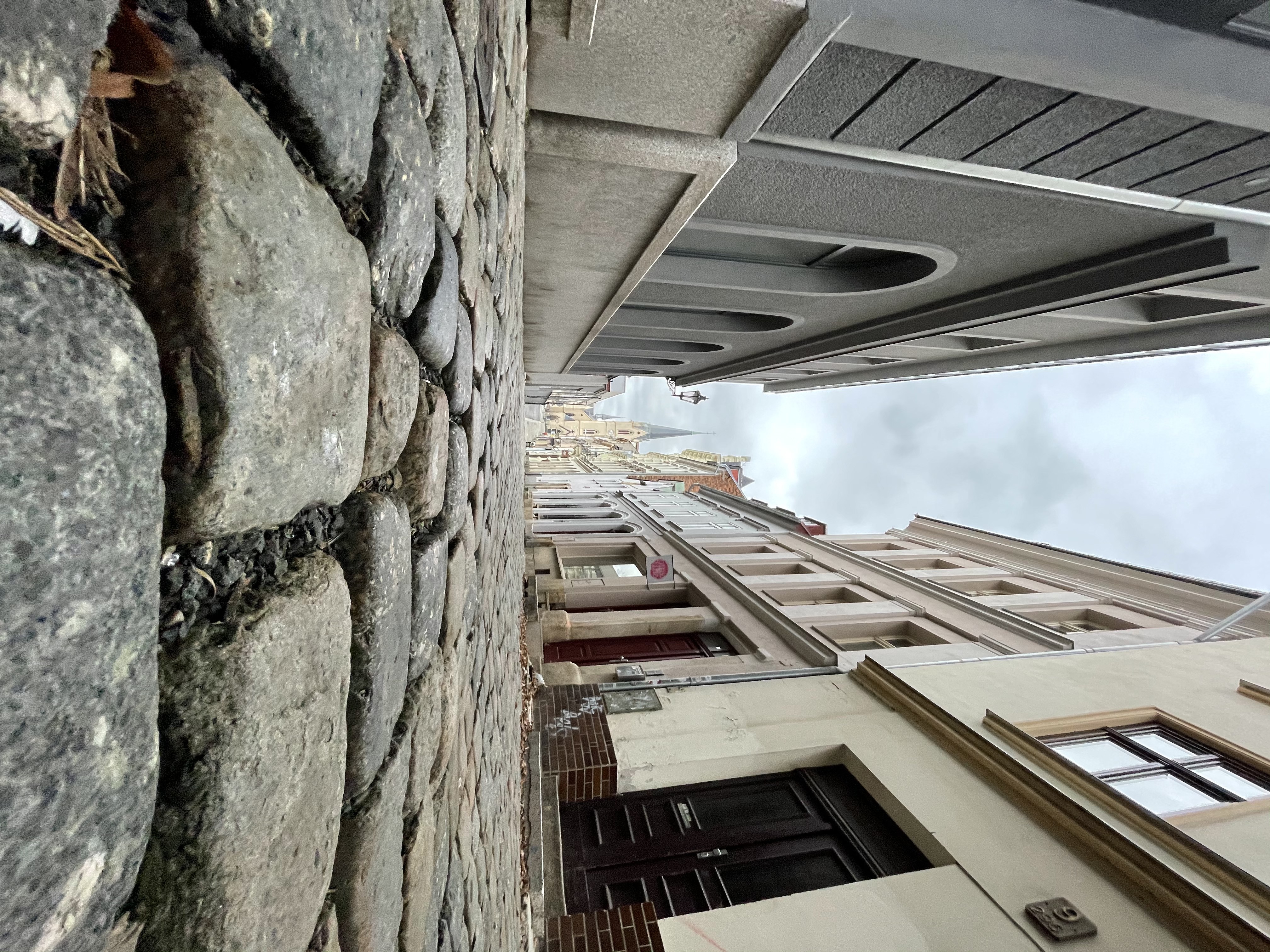


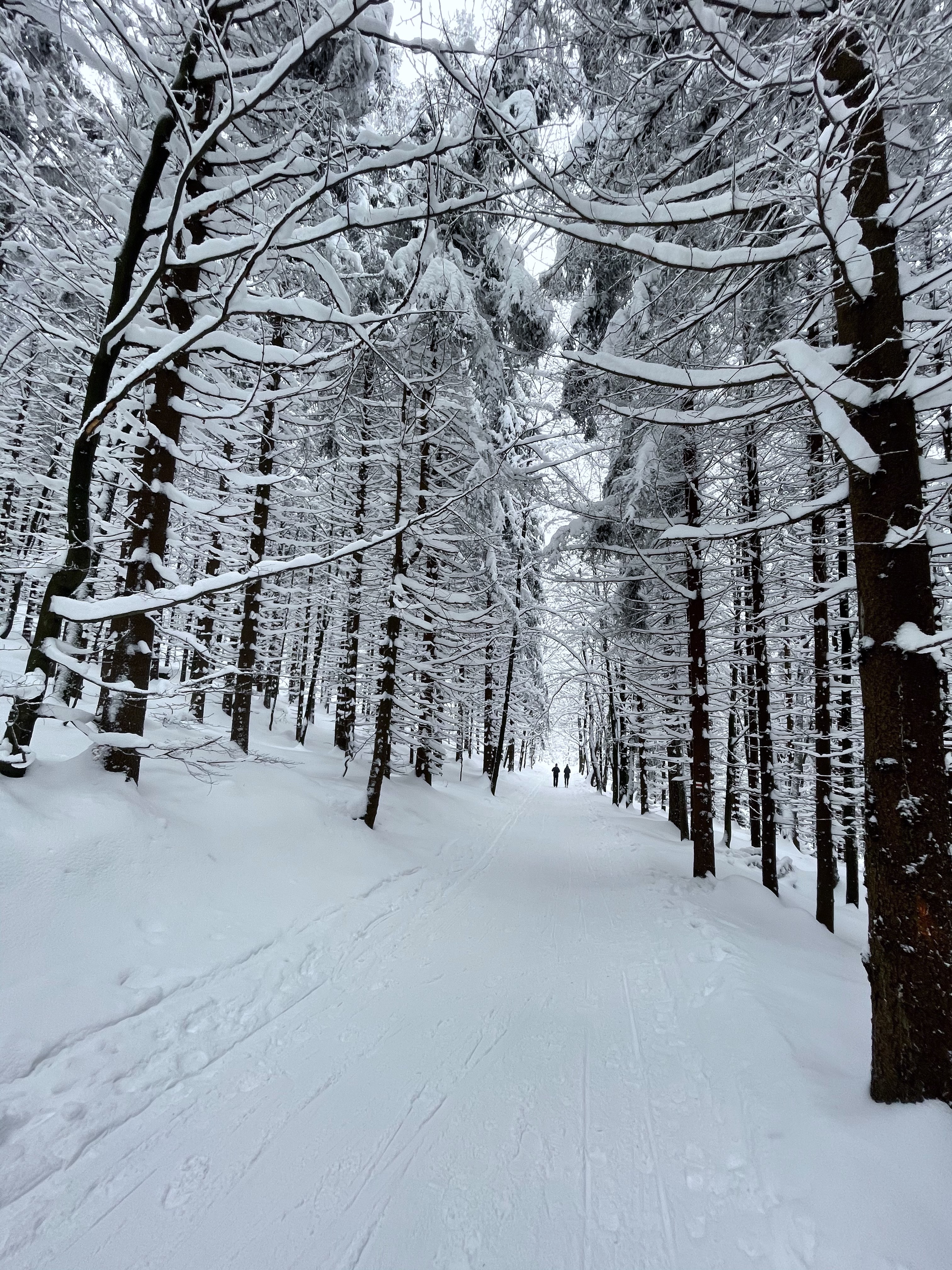
One thing that really peaked my interest when Apple unrolled the iPhone 11 was the wide angle. Very unsharp on the corners and quite poor wrt capturing light, I was really hooked on the superwides being bombarded by gopro footage (and doing a lot of that bombardment myself). Even though the primary lens on the 12 is way better, the ultrawide shots have something that really appeals to me.

Battery
Phones have gotten ridiculously big over the years. The iPhone 12 mini doesn't feel particularly small. It's after you hold any other current phone the size becomes apparent. I still wish it was a little smaller. I really miss the original Palm Pre form factor (and the most stylish OS ever).
People have reported poor battery performance even when the device is relatively new. We'll see how that's going to bite me when we will able to finally travel again, but so far the battery limitation hasn't been a constraint for me.
Lightning Port
Even though Apple is probably the corporation most trustworthy of keeping my photos, I'm still reluctant to have everything synchronized to someone elses computers. Thus the lighting cable and syncing over to a computer is a must. I really wish Apple bit the bullet and discontinued the dinosaur lightning connector in favor of a faster option. But sadly it looks like the successor won't be USB3, but no connector at all.

I assume the days of connecting the iphone to my Linux workstation and having access to app storage as well as translated media (HEVC images are provided as JPEGs by the virtual camera), but it would be nice to have some sort of local workflow even if locked to the Apple walled garden.
Helping Out With Lts Kernel Releases
A recent email thread about “Why isn’t the 5.10 stable kernel listed as supported for 6 years yet!” on the linux-kernel mailing list ended up generating a bunch of direct emails to me asking what could different companies and individuals due to help out. What exactly was I looking for here?
Instead of having to respond to private emails with the same information over and over, I figured it was better to just put it here so that everyone can see what exactly I am expecting with regards to support in order to be able to maintain a kernel for longer than 2 years:

Outreach, Survey Extension Addressed in Second Meetup
The second session of the openSUSE Project’s meetup regarding the End of the Year Survey Results on Jan. 30 led to some changes with regard to future surveys and contributors are looking to enhance outreach.
The two-hour meetup took place on openSUSE’s Jitsi instance and several community members around the globe provided input on the results and how to improve the project’s diversity as well as global use.
The group spent time discussing the projects’ weaknesses and strengths based on the survey results and commonly understood areas members hope to improve.
The previous meetup session laid some groundwork with the introduction of monthly web development sprints to address feedback provided by attendees in both sessions. One of the areas mentioned were highlighting communication entry points so new users can be welcomed to the community and introduced to the project’s distributions and tools.
Attendees also discussed how to address users switching to openSUSE from Windows or other Linux distributions like Ubuntu, Debian, CentOS, Arch, etc. The meetup also included a discussion about marketing strategies and ways to increase visibility for the projects’ projects and distributions. A marketing workgroup for the release of openSUSE Leap 15.3 was an idea brought up in the discussion and is moving forward with establishing a team.
Another topic resulted in a decision to extend future EOY surveys to be run for 30 days, which will run from mid-November to mid-December, rather than being open for two weeks like last year’s survey.
The attendees continued the discussion in the openSUSE Bar, which currently doesn’t have it’s opening hours posted.
Ele[k]tronic

More than 20 years ago (gee), before I dipped my toes into Free software, I was into making electronic music using the tools that were available. In my case it was a PC with what was called a mod tracker (Fast tracker 2 in particular). Later I found myself in love with a more sophisticated variant of a mod tracker, called Jeskola Buzz -- it still exists!
I had no theory behind me and never played any intrument, but I was driven by the amazing sounds the software produced and the gradual iteritative workflow it embraced. It allowed me to make things I actually enjoyed listening to, even years later. And that's perhaps the biggest value you get out of anything. If you are fortunate enough to be able to enjoy what you do, you've hit the jackpot.
And this brings us to 20 years later, where I finally picked up where I left off. I dipped my toes in a hardware tracker, which didn't quite spark the joy, but it led me to the world of a swedish music gear make, Elektron. These guys are the schoolbook example of beautiful things works better. There are common workflow patterns used throughout their gear, so through familiarity they win you over (non designer people like to call it the i-word, intuitive). The display is used really well. The knobs, pardon encoders, are multi-function, but they do a great job indicating the same filters/effects the same across the various UI pages. Everything about the physical objects they make is amazing, but then you get to the lush reverb sounds their Digitone produces and you're blown away.
I am still the amateur I was 20 years ago, but the joy of of nudging something that creates itself is still there. And I love it.
(Watch "Digitakt + Digitone: Boards of Landfill" on YouTube)

Install the latest version of VirtualBox on openSUSE
The main openSUSE repository does not feature the latest version of VirtualBox. To obtain the latest version of the software, one may use VirtualBox's own repo for openSUSE. Details are available on the virtualbox.org project website. However, I am reproducing them here for a quick reference & also to address some quirks that you might encounter if you simply add the repo & install VirtualBox.
Step 1
We add the VirtualBox repository by creating the /etc/zypp/repos.d/virtualbox.repo file with the below content.
[virtualbox]
name=VirtualBox for openSUSE 15.0 - $basearch
enabled=1
autorefresh=1
baseurl=http://download.virtualbox.org/virtualbox/rpm/opensuse/15.0/$basearch
priority=120
gpgcheck=1
gpgkey=https://www.virtualbox.org/download/oracle_vbox.asc
keeppackages=0
VirtualBox does not have a separate repository for Leap 15.1, 15.2, etc. The repo for Leap 15.0 should work just fine.
Step 2
Refresh the repositories and search for the latest version of VirtualBox.
sudo zypper ref && zypper se virtualboxThe output of the command is shown below.
S | Name                           | Summary                                          | Type
--+--------------------------------+--------------------------------------------------+-----------
  | VirtualBox-5.2                 | Oracle VM VirtualBox                             | package
  | VirtualBox-6.0                 | Oracle VM VirtualBox                             | package
  | VirtualBox-6.1                 | Oracle VM VirtualBox                             | package
  | python3-virtualbox             | Python bindings for virtualbox                   | package
  | virtualbox                     | VirtualBox is an Emulator                        | package
  | virtualbox                     | VirtualBox is an Emulator                        | srcpackage
  | virtualbox-devel               | Devel files for virtualbox                       | package
  | virtualbox-guest-desktop-icons | Icons for guest desktop files                    | package
  | virtualbox-guest-source        | Source files for virtualbox guest kernel modules | package
  | virtualbox-guest-tools         | VirtualBox guest tools                           | package
  | virtualbox-guest-x11           | VirtualBox X11 drivers for mouse and video       | package
  | virtualbox-host-source         | Source files for virtualbox host kernel modules  | package
  | virtualbox-kmp                 | Kernel modules for VirtualBox                    | srcpackage
  | virtualbox-kmp-default         | Kernel modules for VirtualBox                    | package
  | virtualbox-kmp-preempt         | Kernel modules for VirtualBox                    | package
  | virtualbox-qt                  | Qt GUI part for virtualbox                       | package
  | virtualbox-vnc                 | VNC desktop sharing                              | package
  | virtualbox-websrv              | WebService GUI part for virtualbox               | package
Step 3
We pick the latest version, in this case VirtualBox 6.1, and install it as follows:
sudo zypper in gcc kernel-default-devel VirtualBox-6.1Notice that we installed the GCC compiler and the Kernel development files which will be required by VirtualBox to compile and install driver modules into the system kernel. Unless these driver modules are installed we won't be able to create virtual machines or we might create the virtual machines but not be able to start them.

Once all commands have completed successfully, we can run VirtualBox 6.1.
If you would like to expertiment on openSUSE using VirtualBox, you should know that you can grab the openSUSE Leap 15.2, Tumbleweed and MicroOS images for VirtualBox.

Getting a package from openSUSE to SLE
I was looking forward to updating a package (enchant) with a backported patch from upstream and wanted it to be included in both SLE offerings and openSUSE. I’m used to working within the community from the past, so even though I’m a SUSE employee I wanted to contribute without using anything internal.
I filed a bug and did a request to first get the patch into Tumbleweed via GNOME:Factory. That was easy, but then I looked on how to get the same patch into the stable releases. Since openSUSE and SUSE are now coming closer, I found documentationa about the Jump and mailing lists described some documents for example that there either is or is going to be a new redirector service, and suggestion was to target openSUSE:Jump:15.2 at one point.
Eventually I found out that since 15.3 is when SLE & openSUSE really closes the leap gap, Jump is already history and currently the best target is to use openSUSE:Leap:15.3. I was actually told by someone that it wouldn’t work, but… it did!
In practice my Leap request (I really submitted it to openSUSE:Leap:15.3!) was automatically detected to be about a package that openSUSE inherits from SLE, so the target was switched to SLE 15-SP2 on the fly. Secondly, after some time a person managing these kind of requests copied over my public request to be usable inside SLE process, and then an official SLE 15-SP2 update request was created automatically. It passed QA in the beginning of January, and was made available to 15-SP2 users! Luckily 15-SP3 has no deviation for this package from 15-SP2, so it’s automatically also there, and that means openSUSE Leap 15.3 is going to have the patched package automatically as well.
Finally, also without my manual intervention there was a request to get it to Leap 15.2 as well, finalizing fixing all relevant releases (15.1 is not affected by the bug).
All in all, even though it feels the documentation is a bit lacking and there could be more feedback or clearer visibility on a higher level, the functionality of the process was really good. Now that I know a bit more, I can try to improve the wiki a bit.