
 Member
 DimStar
openSUSE Tumbleweed – Review of the weeks 2022/40 & 41
Dear Tumbleweed users and hackers,
Already two weeks passed again since the last ‘weekly’ review. Of course, you are eagerly awaiting to be informed furthermore what happened during this time finally. A total of 8 snapshots have been released (0930, 1001, 1003, 1004, 1006, 1008, 1012, and 1013).
The main changes in these delivered snapshots were:
- Linux kernel 5.19.12 & 6.0.0
- Node.JS 18.10.0
- Pango 1.50.10
- fwupd 1.7.10
- QEmu 7.1.0
- kernel-firmware 20220930
- Switch to LLVM15
- PostgreSQL 15
- systemd 251.5
- Mozilla Firefox 105.0.3
- KDE Frameworks 5.99.0
- KDE Plasma 5.26.0
- Bash 5.2.2
- IceWM 3.0.1
- iproute2 6.0
- Samba 4.17.0
- Mesa 22.2.1
That’s quite a list of things accumulated in as short as two weeks. The next snapshot is already being built, and the staging areas are well utilized with these planned changes:
- Linux kernel 6.0.1
- Meson 0.63.3
- KDE Gear 22.08.2
I’m sure there will be more coming soon.

Plasma, Frameworks, Kernel, LLVM update in Tumbleweed
This week had one large and a few smaller openSUSE Tumbleweed snapshots.
The rolling release was coasting along with some smaller snapshots earlier in the week and the latest snapshot updated an enormous amount of packages.
Among the packages to update in snapshot 20221012 were Frameworks 5.99.0 and Plasma 5.26. With Plasma, there were a lot of new changes. You can resize the widgets like clock and calendar in your panel, the notifier and the KDE Connect monitor and volume control. An All Applications section easily allows navigation using an alphabetized index. For smart TV enthusiasts, two new applications landed in Plasma Big Screen; Aura is a browser specially designed for big screen TVs and Plank Player is a simple and easy-to-use media player allowing videos to be played from a storage device. Frameworks fixed the size and positioning restoration on multi-monitor setups with KConfig. Frameworks fixed a bug that clears the PasswordField with Ctrl+Shift+U and updated the desktop theme. User Interface Framework Kirigami improved DefaultListItemBackground code. An update of ImageMagick 7.1.0.49 fixed a confusing color space with linear-RGB. The ModemManager 1.18.12 release fixed a few very critical issue that happens when using a glib2 newer or equal to version 2.73.2. The package also added new pkgconfig modules build requirements. Poor contrast on various menu items with certain themes on Linux systems were fixed with the Mozilla Firefox 105.0.3 update. The browser fixed several additional Common Vulnerabilities and Exposures in the newer release. One of those was CVE-2022-40961, which caused a stack-buffer overflow when initializing graphics. An update of pipewire 0.3.59 fixed a case where a node could pause while still adding to the graph, which could cause potential crashes. The audio and video package has more options to control the buffer size thanks to an Advanced Linux Sound Architecture plugin. Added support for tabbed windows was made with the windows manager icewm 3.0.1 update. Many other packages were updated in the snapshot including ffmpeg-4 4.4.3, git 2.38.0, harfbuzz 5.3.0 and iproute2 6.0, which introduced Point-to-Point Protocol over Ethernet support.
An update of systemd 251.5 arrived in snapshot 20221008. It fixed a memory leak and fixed a warning about invaild introspection data. Spellcheck package ispell 3.4.05 fixed a major bug that caused incorrect behavior with many languages and more than six thousand words were added to the English dictionaries. The command line tools for XZ and LZMA compression xz updated to version 5.2.7. It added some Turkish translations, fixed compatibility with old shells and fixed the copying of check-type statistics.
The 6.0 Linux Kernel arrived in snapshot 20221006. The transition to the new kernel wasn’t noticeable by some people as it was the only package to update in the snapshot. The new kernel introduced some support for AArch64 and RISC-V architectures. Some bigger changes are expected for kernel 6.1, according to some reports.
A couple major version updates landed in snapshot 20221004. Both major versions of postgresql and llvm15 15 became available. The new PostgreSQL major version improves in-memory and on-disk sorting algorithms. It also adds a new built-in extension, pg_walinspect, that lets users inspect the contents of write-ahead log files directly from a SQL interface. One of the other changes avoids a bashisms in /bin/sh-based startup script. With the update of llvm15 15.0.1, there were RISC-V backend changes with various improvements and optimisations for the emerging architecture. For x86_64 users, when a failure is found with half type, check the calling conversion of the code and switch it to the new Application Binary Interface. There were changes in the LLVM tools and some new features for llvm-ar and options for llvm-nm. The kernel-firmware package updated to version 20220930 and provided wifi integration for some MediiaTek chips and added some firmware updates for several AMDGPU drivers.

Kurz práce v příkazové řádce Linuxu nejen pro MetaCentrum 2023
Don’t be afraid of command line! It is friendly and powerful tool allowing to process large data and automate tasks. Practically identical is command line also in Apple macOS, BSD and another UNIX-based systems, not only in Linux. The course is designed for total beginners as well as intermediate advanced students. The only requirement is an interest (or need) to work in command line, typically on Linux computing server.

An awesome KDE Akademy is over. Hello Thessaloniki!!!

For KDE friends who don't know me, I mainly contribute to openSUSE, GNOME, Nextcloud, ownCloud and GNU Health. I have fewer contributions to Fedora, Ubuntu and ONLYOFFICE and a few here and there to FOSS projects.
Question. Why did you attend KDE Akademy? Two were the reasons. The first and main reason was to see the organization of the conference from the inside, since my University will host the next KDE Akademy. The second reason was to "introduce" myself to the KDE community, since I contribute to other projects. Actually, I know a person from the KDE board but community is not only one person.
The only familiar person I could meet was openSUSE's community manager. Unfortunately he couldn't attend, so he asked me to represent openSUSE. The duties were to have a booth and present something openSUSE related for 3 minutes. I had an idea to propose my friend George to do his first presentation to an open source conference and start his open source journey. He was very excited and he did it.
Day 0
There was a welcome event on Friday for us, where attendees got to know each other. Unfortunately, my flight was delayed and I arrived too late to attend the event. So I stayed at the hotel and tried to rest for my first Akademy day. I felt like going to school.Day 1
The first thing we had to do was set up our booth. Well, the only promo material we had was stickers. I think all geeks like stickers so it was the best gift for everyone. I love stickers, not only from openSUSE but from other projects as well.
I attended quite a few interesting talks:
- Building the Future of Qt, Together: What have happened in The Qt Project during the last two years
-
Goals old and new! : What are Goals that were the focus of the community for the next year

- A Brief History of Terminals, and what the future holds for Konsole: Moto was "Trying to sell konsole to non kde users". I am not a KDE user and I really liked some cool stuff you can do with terminal
- Full Steam ahead! :Seen how Plasma fits into the Steamdeck and what aspects of KDE made us the right choice for their new userbase

You can see the first day, Room 1 here:
Day 2
After having fun the first day, I was excited for the second day. The first reason was that George and I (actually only George) will have the sponsor talk and the second reason was that the fact that the organizers would announce the place of next year's Akademy. Of cource that place is Thessaloniki and my University.I attended quite a few interesting talks:
- Launching an application - How hard can it be? It was what I wanted actually since we are going to launch an application with the Open Source Team of our Univeristy.
- Healthy Mind, Healthy Code : Maybe this was my favourite talk
We didn't join the trip to the mountain. We went to see the city. It was my second time and I skipped some sites.
I really loved my first KDE Akademy. I would like to thank KDE ev that sponsored my trip to attend the Akademy.
I have a lot of stuff to work here with the organizing committee.
We are working to host you all next year.

More API Endpoint Documentation for Project and Package Sources
Do you need a Strong Leader?
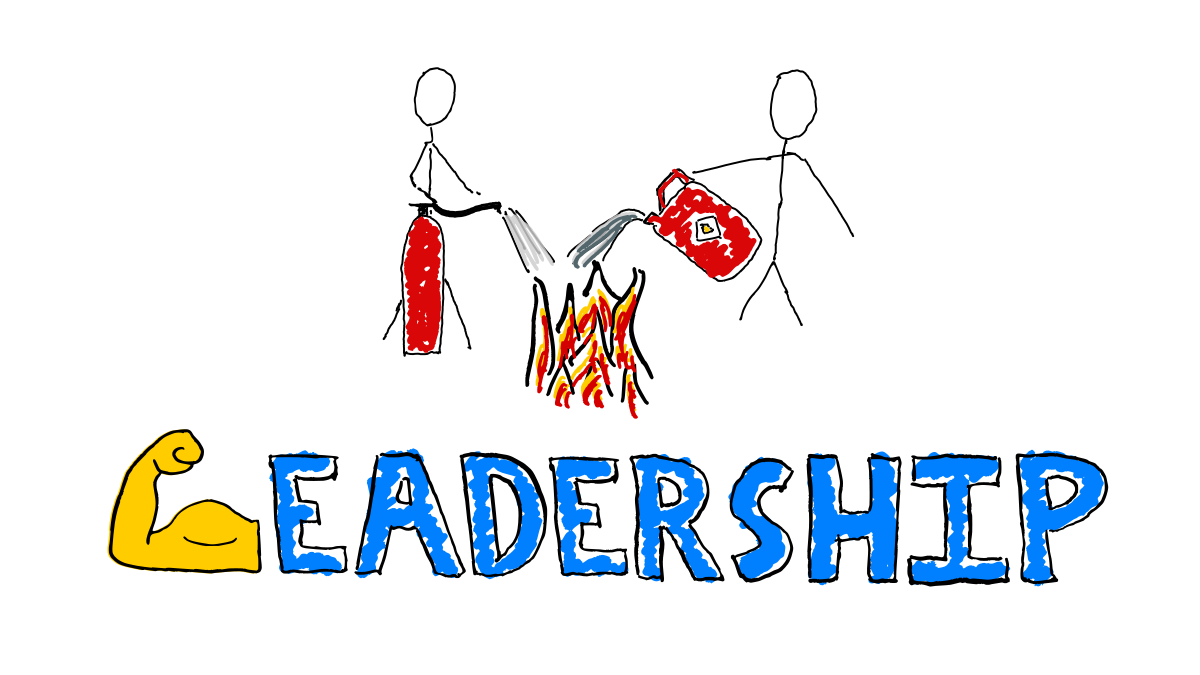
“Strong” is often used as a metaphor for capable, competent, effective leadership.
Strength is not always the most helpful metaphor for leadership skills.
Listen to how people describe strong leaders, sometimes there are connotations at odds with effective leadership. Sometimes even hints of toxic masculinity. What does it say about our gender biases that we so often use strength as a metaphor for leadership effectiveness?
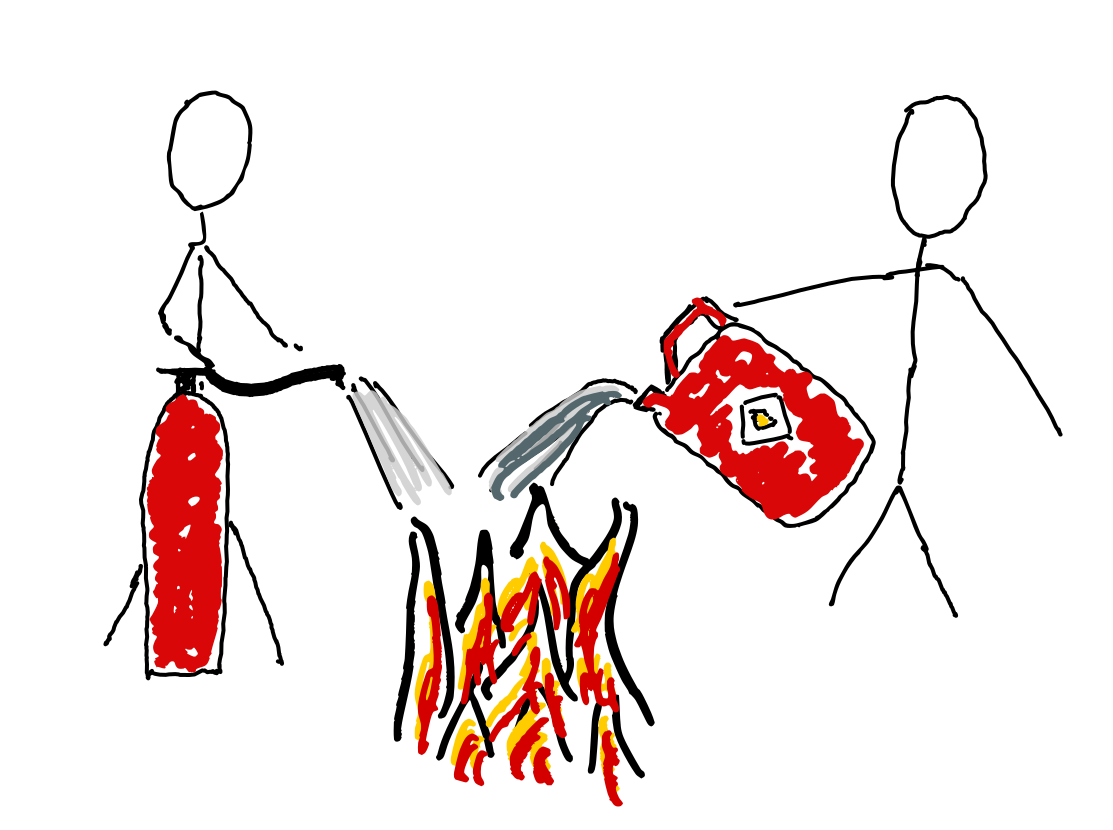
If you stopped pouring fuel onto the fires, maybe you would not need heroic firefighters.
What does Strong Imply?
Resilient?
Do you want strong leaders who are tough and resilient, who can withstand the pressures of the role…
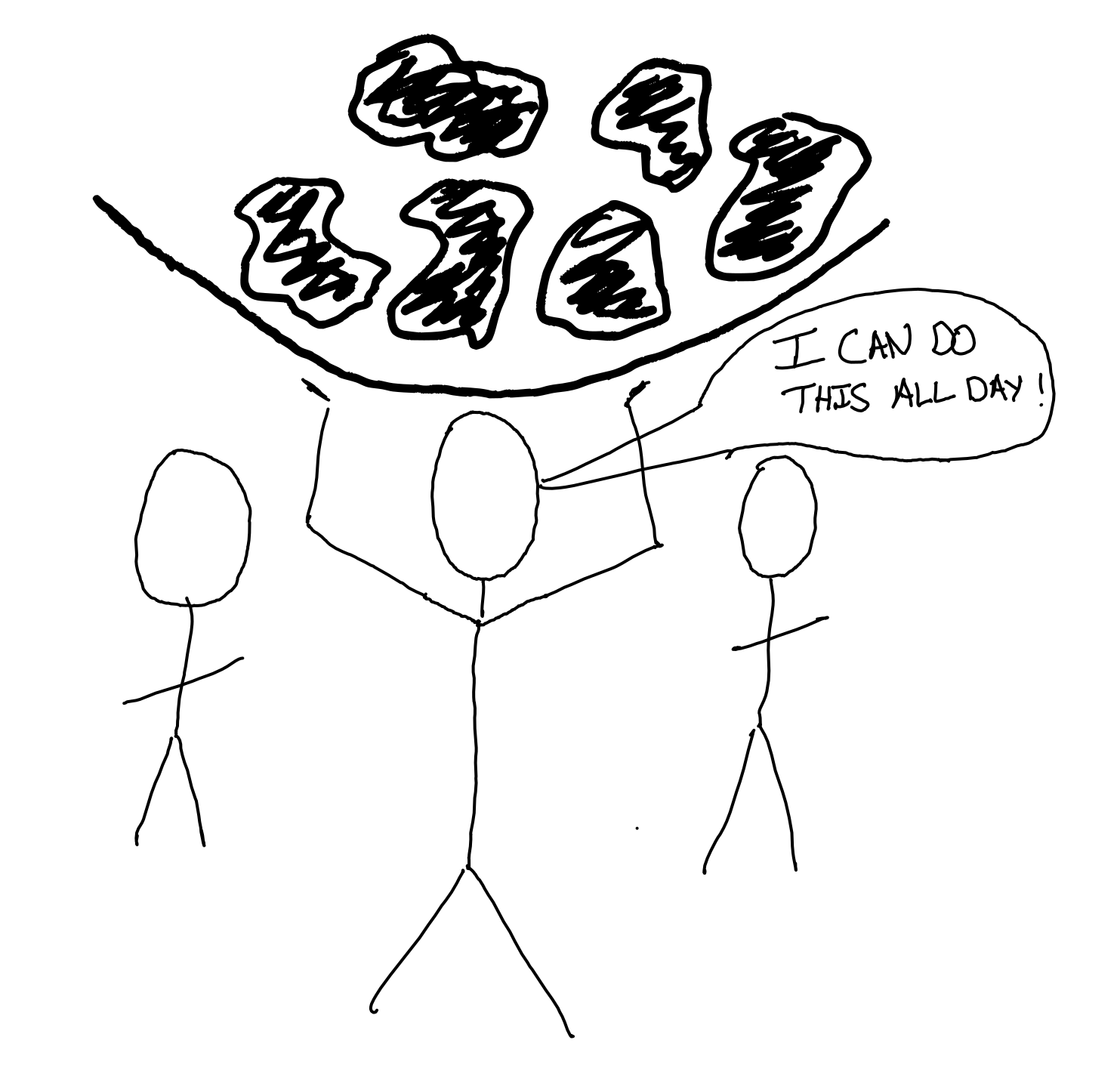
…or leaders who facilitate simple mechanisms to help the team handle big challenges
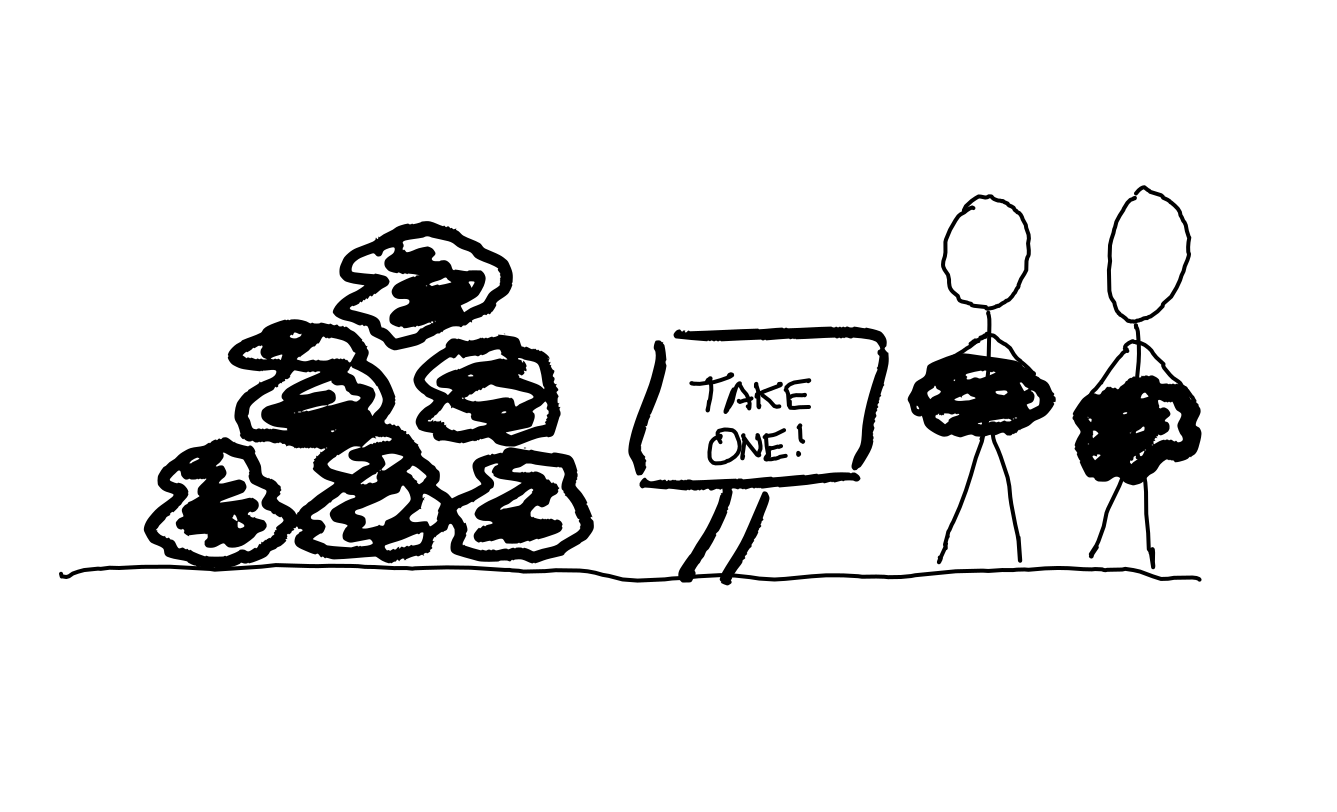
Do you need strong leaders who don’t need help? Is everyone else too busy to help? What’s causing that busy-ness? Is the lack of slack in your system precluding the possibility for collaboration towards better outcomes?
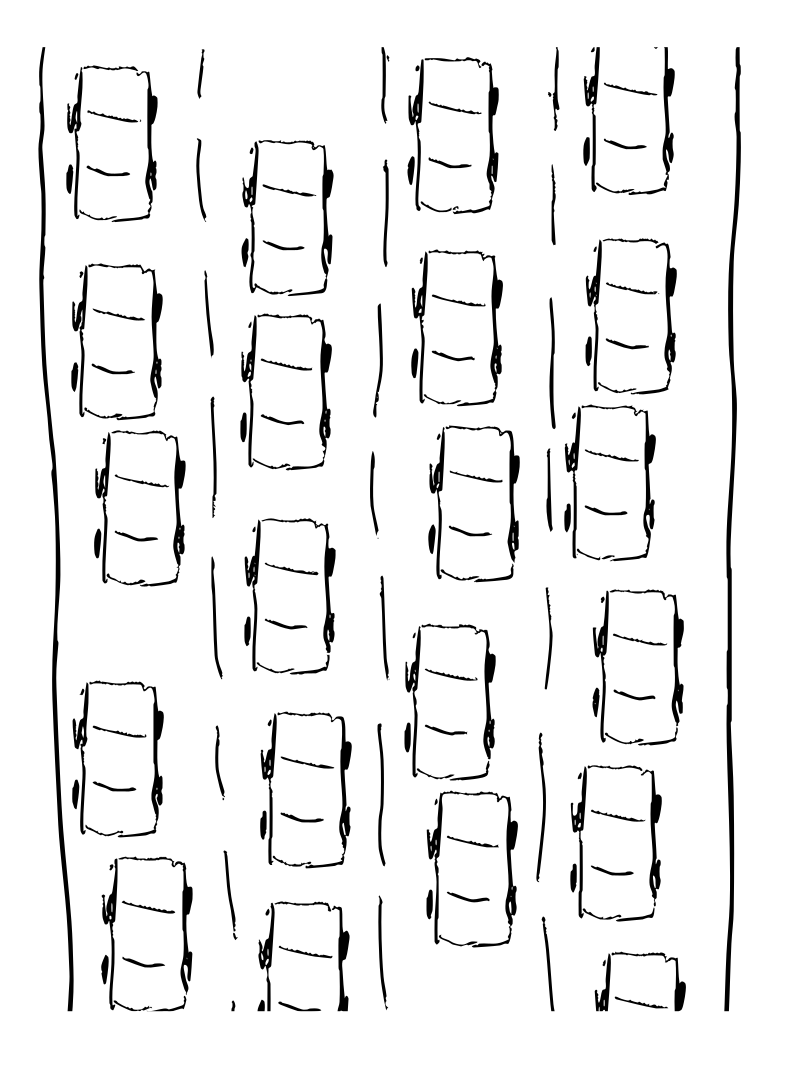
Adding a leader who can handle more is a treatment for a symptom. The underlying disease may be incentives for high utilisation. Are you cramming quarterly plans full? Are you setting OKRs with goals to stretch beyond what you know you can achieve?
Does this road need an extra lane to handle more cars? or a train, or a bicycle? The fix for your overload may need more creative thinking.
Powerful?
Do you need strong leaders who are powerful and can wield that power to achieve great feats? Why is achieving great outcomes so hard in your organisation? What’s getting in the way of folks self-organising towards the most important outcomes? What is disempowering any and every individual on the team from getting things done?
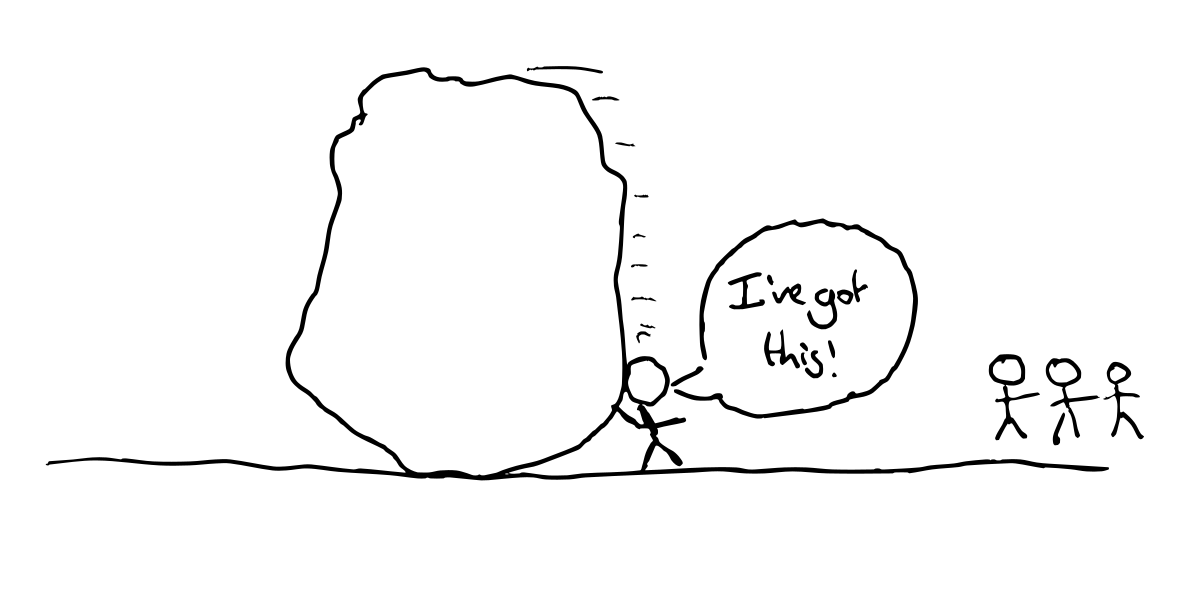
Is it bureaucracy? What would happen if you removed all the rules? What if you gave everyone authority (with accountability) to spend money as they saw fit, and autonomy to choose what to work on?
Is it fear of failures? Tackle the things causing it to be unsafe to fail rather than adding a more reckless leader. Praise people for saying no to things. Celebrate what’s learned from failures as well as successes. Reward humility and vulnerability. Bet on a team where everyone learns from each other’s missteps and comes to trust each other, over a team that avoids traps but never achieves greatness.
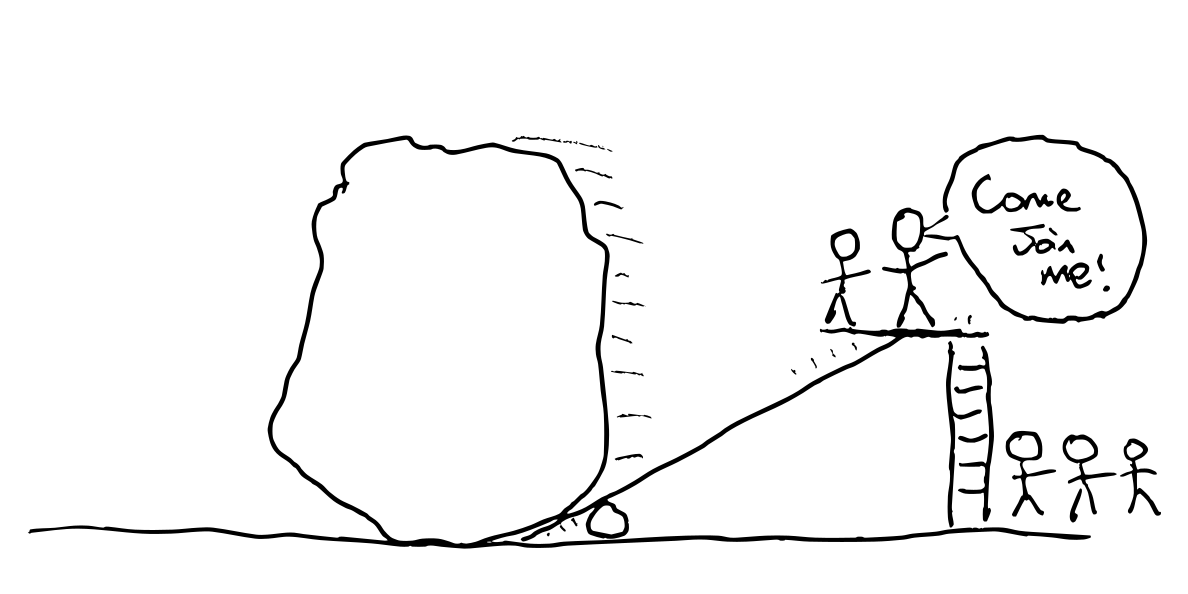
Is it perchance that your mighty leaders are not leaving space for others to step up?
Dispassionate?
Do you need leaders who don’t let emotion cloud their judgement? It sounds positive, but everyone has emotions; we are not Vulcans.

Do we not want leaders who are sensitive to the emotional impact of decisions and events on those they have a responsibility to serve? As well as aware of how their own emotions are influencing their judgement.
Feelings exist and we ignore them at our peril. A rational decision is not rational if it leaves the team despondent, fearful, angry, or demotivated.
Decisive?
Do you want leaders who think they know better than their teams? The group is often smarter than any one individual. Do you want to limit your success to the limits of your leader? Why do you have a team if one person knows best?

Do you want leaders who act confident in their own judgement? Or those who are open about their rationale, their intent, as well as the reasons their judgement could be wrong. Articulating intent enables the team to adapt in the face of new information.
Do you want stubborn leaders who need persuading to try something different? People who stick to their guns even in the face of evidence they may be wrong?
What’s making it hard for the groups to make decisions without a decisive leader?
Groups get stuck when there’s a lack of psychological safety: Are folks safe to express their opinions? Leaders who are quick to express their strong opinions undermine safety. A power imbalance adds friction to the voicing of dissenting opinions.
Decisive leaders are not necessary for decisive teams. Groups get stuck when they think they need consensus, unanimity or permission, lacking mechanisms such as
- Group decision making with roman voting, or occupy signals.
- Pre-agreed time/spend budgets for experimentation.
- Healthy habits that remove the need for repeated considered decision making.
Inspirational?
If you need a leader to inspire the team to achieve great things, what’s destroying the team’s intrinsic motivation?
Inspire sounds positive but has coercive undertones.
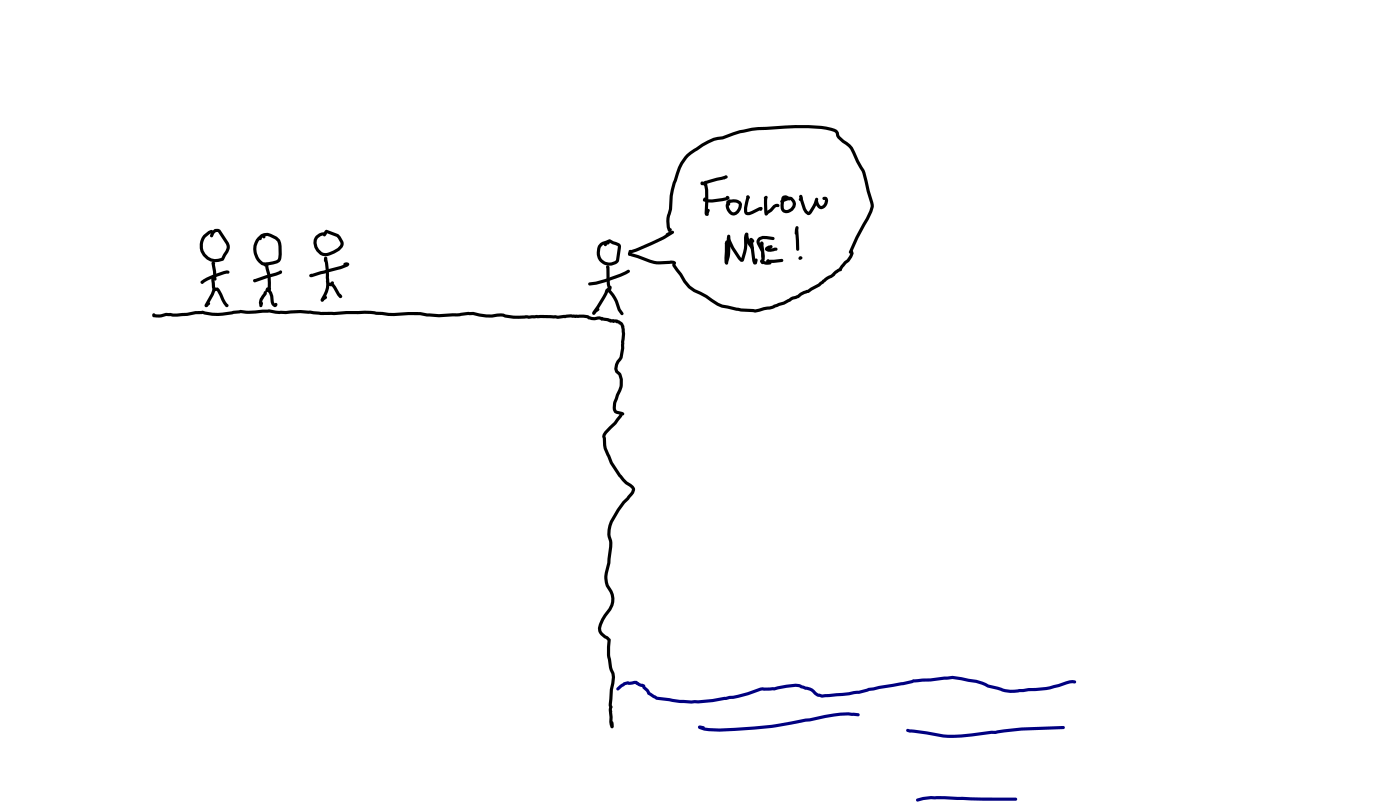
A charismatic leader who inspires their team to follow them without dissent may be very effective; as long as their chosen destination is actually a good outcome.
The organisation can lose its resilience and adaptability in the face of a leader whom folks blindly follow.
Visible?
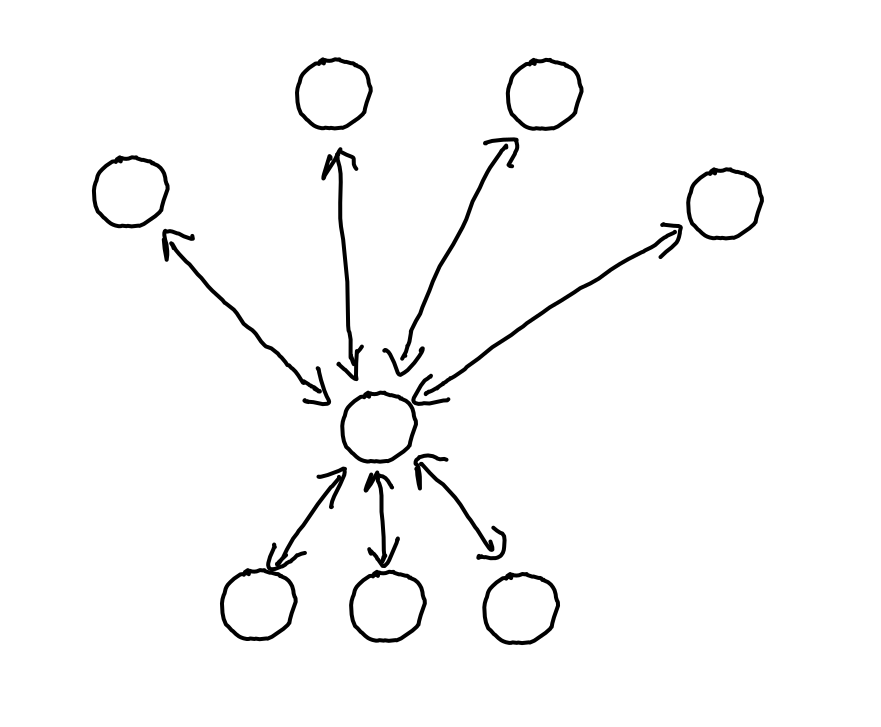
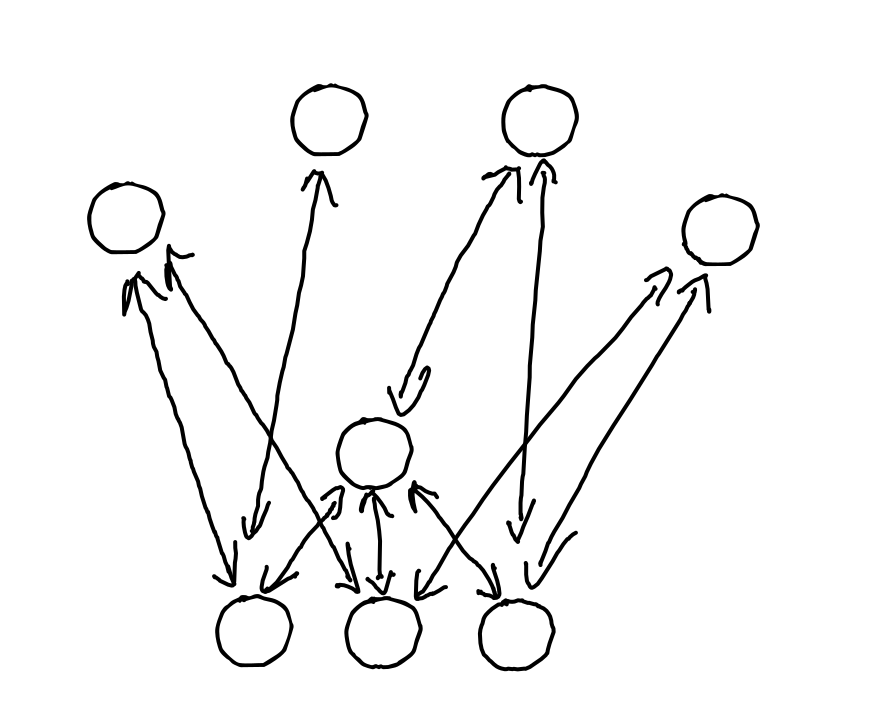
Folks often want a visible leader so that people know who to go to if they want to get something done.
Good leadership is often nearly invisible. Tending to the systems. A quiet word of feedback here. Pointing out an opportunity there. Asking the right questions at the right times.
Which of these organisations has a highly visible leader?
Which of these organisations is fragile?
Different?
“We need a strong leader” implies “we need a different leader”.
What is causing the current leadership (whether vested in a single person explicitly or distributed) to be inadequate?
Changing or adding one person with authority can be a quick fix, but isn’t guaranteed to work; especially if you don’t have a diagnosis that explains the need for a new leader. Do you really need a superhero to save you?
What are your best hopes for what a new leader will do? What stops you doing those without them?
Instead
Helping a team overcome its weaknesses requires an appreciation for weakness more than a show of strength. Being the strongest member of a team can even be a disadvantage.
We need leaders who
- model vulnerability, being open about their weaknesses, limitations, and uncertainties.
- build others up rather than hoarding power themselves.
- can adapt and help their team adapt to their context. Diagnosis and strategy over strength and power.
- connect people, more than leaders who translate.
- are curious about the options their team sees, more than they inspire action towards their preconceptions.
- remove impediments to others making decisions more than they make decisions.
- set examples with boundaries, protecting their mental health more than projecting invincibility.
- disperse power instead of wielding power.
- tend to the systems that enable us more than using systems to control us.
Strength? Of a sort: Courage and humility.
Reflecting
What’s behind your desire for a strong leader?
How strong is your organisation if you remove the strong leader?
What mechanisms could make the group’s success inevitable, despite the fallibility of whoever is currently serving as leader?
The post Do you need a Strong Leader? appeared first on Benji's Blog.
Translations available for KDE unstable packages
As many readers of this blog are aware, openSUSE has been offering packages of git snapshots from KDE since quite a while. They are quite useful for those wiling to test, report bugs, and / or hack on the code, but also for those who want to see what’s brewing in KDE land (without touching their existing systems). However, a major drawback for non English speakers was the lack of translations.
What’s the problem with translations?
KDE translations are not hosted on the community’s git repositories, but are instead stored in KDE’s SVN server. The main reason they were not moved to git was to preserve the existing workflows of the translation teams (who might not be as technical as the actual hackers). Translations are then placed in tarballs at the times of betas / RCs / releases.
This unfortunately means that having a git checkout, like what the OBS does when building the unstable packages, will not carry any translations whatsoever. Worse, existing -lang packages for stable versions will raise dependency problems if present (because they require the exact same version of their corresponding binary paclage).
Also, since the KDE team tries to keep the same set of package defintions (spec files) between the stable and unstable OBS projects, this meant some extra complexity to take into account the fact that translations might or might not be there.
As far as I remember, since some time there was some tooling in KDE infrastructure to download translations at build time, but it was a big no-no for the OBS, as there is no network access during building for security reasons.
Two sides of a solution
This proved to be a problem also for KDE’s own release management. On September 2nd, KDE hacker Albert Astals Cid outlined a proposal to have an automated way to copy translations from SVN into their corresponding repository, with a series of scripts that would do so periodically.
After some discussion and once at Akademy, the switch was turned on October 2nd. This means that our git checkouts were getting translations!
Of course, some adjustments were needed: spec files in the KDE Unstable projects were not taking the presence of translations into account, and thus quite a number of builds were failing. krop, KDE team member extraordinaire, stepped in and fixed all the spec files. This in turn made him realize that some upstream KDE projects were not actually handling translations correctly in their CMake code, so he fixed them too.
Within a couple days, all KDE Unstable repositories (Frameworks, Applications and Extra) had translations enabled, where applicable. After many years, it became possible to test the latest KDE software and have it in your own language.
Do I need to do anything?
If you don’t have the language packages installed and you have installation of recommended packages enabled (the default), they should be installed automatically. If you have, like myself, forcibly installed the language packages from the stable repositories, you can force install the new ones (for example with zypper install -f <packagename>), or if you’re on Tumbleweed, accept to swap them when prompted (this occurs when a new stable version of KDE software is published in a snapshot). Or you can install them manually should you prefer to do so.
Should any issues with the packaging arise (e.g., missing dependencies, conflicts), please file a ticket on bugzilla.opensuse.org.
And as always, have a lot of fun!
QEMU, Vim update in Tumbleweed
Snapshot releases of openSUSE Tumbleweed were plentiful during the month of September with the rolling release delivering 27 snapshots out of 30 days in the month.
Since last Friday, four snapshots have been released.
Several libraries were updated in snapshot 20221003. An update of libva 2.16.0 was among those changed in the snapshot; the Video Acceleration Application Programming Interface for Linux simplified some mapping tables. Another library to update was libcap 2.66. This library made the Makefiles more robust to address an error and the package fixed some documentation typos. The links 2.28 package disabled the cache when following redirects from consent.google.com. An update of yast2-network 4.5.8 fixed an issue when writing the NetworkManager configuration without a gateway. The C library for parsing command line parameters, popt 1.19, fixed multiple resource and memory leaks. It also improved random number handling. There were several other packages to update in the snapshot including libbluray 1.3.3, tdb 1.4.7, python-cryptography 38.0.1 and more.
Text editor vim 9.0.0626 updated in snapshot 20221001 and it fixed a Common Vulnerability and Exposure; CVE-2022-3352. The text editor also fixed the command line window that remained visible when quitting with CTRL-C. An update of qemu 7.1.0 switched QEMU Linux use to emulate the same CPU as the one of the host by default. While controversial and tricky, it should be just fine for Linux users, according to the changelog. The emulator had some fixes for arm and added RISC-V support for privileged spec version 1.12.0. The package also provided optimisations and improvements for the vector extension for RISC-V. The update of php7 7.4.32 was a security release that fixed CVE-2022-31628, which had potential Denial-of-Service issues, and CVE-2022-31629, which had a vulnerability to enable network and same-site attackers to set a standard insecure cookie in the victim’s browser. The super-thin layer on the DBus interface fwupd updated to version 1.7.10. It had several fixes including checking for invalid depth requirements and aligning up addresses greater than 4GB.
A few GNOME packages were updated in snapshot 20220930. Both gnome-logs and the screen-reader speech/braille package orca transitioned from the beta release to version 43. The latter prevents double-presentation of notifications and it fixed the presentation of Nautilus items for GTK4. It also fixed a bug causing the wrong voice to be used. Both gnome-logs and orca updated translations while gnome-logs updated screenshots. GNOME’s spellcheck package gspell 1.12.0 had some small maintenance tasks and simplification changes, and pango 1.50.10, which is a text layout and rendering package, fixed line height computations. A total of three CVEs were fixed in the nodejs18 18.10.0 version, which only CVE-2022-35255 was considered to be greater than a moderate threat. The update of yast2 to version 4.5.15 allows for better detection of yast2-journal. Linux Kernel 5.19.12 had multiple Advanced Linux Sound Architecture for ASUS. Other packages to update in the snapshot were perl-Image-ExifTool 12.45 and xterm 373.
Packages to update in snapshot 20220929 were adwaita-qt-src 1.4.2, libqt5-qttranslations 5.15.6 and v4l2loopback 0.12.7.

Data visualization with Grafana and Telegraf
It all started when…
Few weeks ago we have decided to create a dashboard where we can monitor the status of the SUSE Linux Enterprise maintenance update queue. Naturally there are tons of cool open source solutions to build this type of monitoring. Two decades ago I probably would have written a Perl or Python based monitoring script for the monitoring part and use the good old gnuplot (http://www.gnuplot.info/) to visualize the data and create an active page written in some silly web UI framework. Let’s just say that luckily those times has passed.
Run a Booth, Increase Awareness of openSUSE
The openSUSE community is filled with tons of volunteers, professionals and hobbyists who contribute to the project and want to see it thrive.
One of the ways of doing this is to organize an openSUSE booth for an event.
Recently, security engineer Paolo Perego did this at an event in Rome called RomHack Camp. Perego learned quite a lot at the event that took place Sept 23 - 25 and shared his experience about the hacker camp on the openSUSE Project mailing list.
Perego wrote that people at the conference were surprised to see an operating system vendor having a booth and was able to let them know that openSUSE is also a project full of tools for open-source development.
“The people who previously heard about us thought that we produce a ‘derived’ distribution,” Perego wrote in a report to the community. “I explained that we use rpm, that we started back then like Slackware fork in the very early stages..
“Now (we) have our own identity, brand and added value services.”
In addition to Perego encouraging community members to reach out to contact newspaper, tech journalists and youtubers to promote openSUSE, he encouraged community members to take action.
“Most of the people who came to our booth were not aware of the existence of… openSUSE,” he wrote. “Perhaps if we participate in more events like this (it) can be the first step in changing that.”
Members can learn more about organizing an openSUSE booth on the project’s wiki page.
Along with its many distributions, openSUSE has several open-source tools like YaST, Open Build Service, openQA and several more for open-source developers and hobbyists.