
 Member
 manugupt1
Opa Greeko Style!!!!
What can I say more, The Greeks sure now how to make an event more enjoyable. This conference was definitely something I was not expecting, apart from high technical standards of the conference and also the excellent Geeky People, who knew I guess anything and everything from the world to the parties that the Greeks hosted and the way they managed to skew the timeline to add a bit of surprise to whatever we do plus the sleepless nights and the amazing Greek house along with a random encounter with a bunch of hippies, this trip was nothing but a NIRVANA trip
Thanks a lot again guys for putting the hard work and rounding up an excellent conference.
What time do scripts in /etc/cron.daily run?
/etc/cron.daily and would like to know what time it will run. And, more importantly, how does the system determine this time value?On SUSE Linux Enterprise and openSUSE, the time is determined by the
CRON_DAILY parameter in the /etc/sysconfig/cron file. If this parameter is not set, it defaults to 15 minutes after the time of the last boot.Because of how the mechanism for running scripts in the
/etc/cron.{houry,daily,weekly,monthly} directories works, the time value must be a multiple of 15 minutes (i.e. 0, 15, 30, or 45 minutes past the hour). The exact functioning of this mechanism can be seen by studying the following:# cat /etc/crontab SHELL=/bin/sh PATH=/usr/bin:/usr/sbin:/sbin:/bin:/usr/lib/news/bin MAILTO=root # # check scripts in cron.hourly, cron.daily, cron.weekly, and cron.monthly # -*/15 * * * * root test -x /usr/lib/cron/run-crons && /usr/lib/cron/run-crons >/dev/null 2>&1
This basic cronjob simply runs
/usr/lib/cron/run-crons every 15 minutes. The real magic happens inside that script.A nice discussion of how cron works in SUSE/openSUSE is available in the Support Data Base (SDB): http://en.opensuse.org/SDB:Cron
oSC13 is over, but there are more to come, join us.

openSUSE Conference is officially over. We did our best and it worked. I hope all of you had fun although I know that most of you did. There are no words of how gratefull I am to all of those people that helped for this to become a reality.
You can find all the talks in this YouTube playlist. If you have any more photos and you want to share please send them to me, I lost most of the conference trying to make it happen so I would like to see every minute.
More to come...
For those of you who lost oSC13 and for those who want to do it again, no worries openSUSE Summit is comming, join us there and have fun. I will come back with more information about it soon. I need to sleep a few days before doing that :DoSC14 is around the corner...
Yeap oSC14 is comming on April so get ready for even more fun to Dubrovnik, Croatia. Another Great team of volunteers and Free software activists are ready to host us and rock our brains out. Also one of the things I will come back later with more details.Bottom line
Community works and it can make anything happen, all it needs is people to stand up and do things, so simple. Stop complaining about stuff, stop talking about stuff, just stand up and make things happen. We are the openSUSE community and we are evolving.
Sync Progress Display
here is something new and eye candy in the ownCloud Client, so let me show a bit of what we have worked on recently.
Many users of the ownCloud Client were asking for sync progress information, in fact there was none at all until today which is a bit boring. The reason why we hadn’t it was simply that csync, which is the file synchronizer engine we use, did not have an API to hand over progress information of an actual up- or download to higher levels of the application.
We implemented two callbacks in csync: One that informs about start, end and progress of an up- or download of an individual file. Another one processes the overall progress of the currently running sync run, indicating for example that eight files have to be processed, current is file number four, and x of the overall sum y bytes have been processed already.
That information is passed into a singleton class called ProgressDispatcher in the client code, where other classes can connect to a signal providing that information. That comes handy as we need the information at different places in the client GUI. [caption id=“attachment_299” align=“alignright” width=“399”] Sync Progress Display[/caption] The screenshot shows the first and probably most detailed implementation of the progress display in the sync accounts details which are part of a new settings- and status dialog.
The visual appearance was worked out by our interaction designer Jan. We always have to argue a bit because obviously I am the greatest interaction designer around ;-) but well, finally we do like Jan says and the result is great IMO. It’s great that we have him for ownCloud as that guarantees that our project is not drifting too much onto the geeky techy side which (I heard) is scaring off some users…
Hope you like it! You can get a preview in the current nightly builds (win, mac, Linux) of the client! Please report bugs as you find them, thanks.
Some post-processing of oSC13
Well, oSC13 has come and gone and what a great event to look back on. Starting with the pre-registration party on Thursday night all the way to the end on Monday the program was jam packed with interesting talks and workshops. All sessions were well attended and some were hopelessly over flowing.
The millions of thank you’s directed toward Kostas and Stella, the driving forces for the organization, are probably not enough. In addition to having a great event we also had the opportunity to learn a lot about what it takes to pull off oSC. Until oSC13 a lot of knowledge about the oSC organization was locked up within SUSE as the primary driving force of the conference organization in previous years. The “locking up” of information was just something that happened due to the nature of the organization of previous conferences. Information inside companies just gets lost, that’s the nature of the beast and this is certainly not intentional. Additionally, at least for me, having the community organized event this year made me think more about what it takes to pull off the organization. I guess with SUSE standing behind the event not just as a sponsor, but also as the lead organizer, it somewhat made the individuals that worked on the organization anonymous. We certainly had great conferences previously and many of us like to think back and reminisce about previous events when we meet. Another point is probably that one thinks that many more resources are brought to bare when a company is behind the organization of an event, although that is not necessarily the case.
Having the community drive the organization for oSC13 is just a completely different feeling, and I think I am not alone with this sentiment. The people that were involved in the organization of previous conferences were always happy to help and share information, and some were intimately involved in pulling things together, thank you.
The knowledge accumulated will certainly spread through the community and a number of meetings and many discussions at oSC13 started this process already. During the live project meeting, a.k.a. Town Hall meeting, it was my pleasure to announce that oSC14 will take place in Dubrovnik in April 2014. Svebor, the lead for the oSC14 organization endured a number of brain dumps and got bombarded with ideas and suggestions.
This conference paves the way for oSC to grow as a community organized event and I know that Stella and Kostas had to swallow more lumps, as the prime movers, than others in the future will have to. Thank you.
With somewhere around 250 attendees we all can be very proud of the first community organized oSC. For impressions check out some pictures of oSC13 and the video recordings of the sessions. Now is also a good time to seriously start thinking about your travel plans for April 2014. See you in Dubrovnik

Chameleon Brand Image



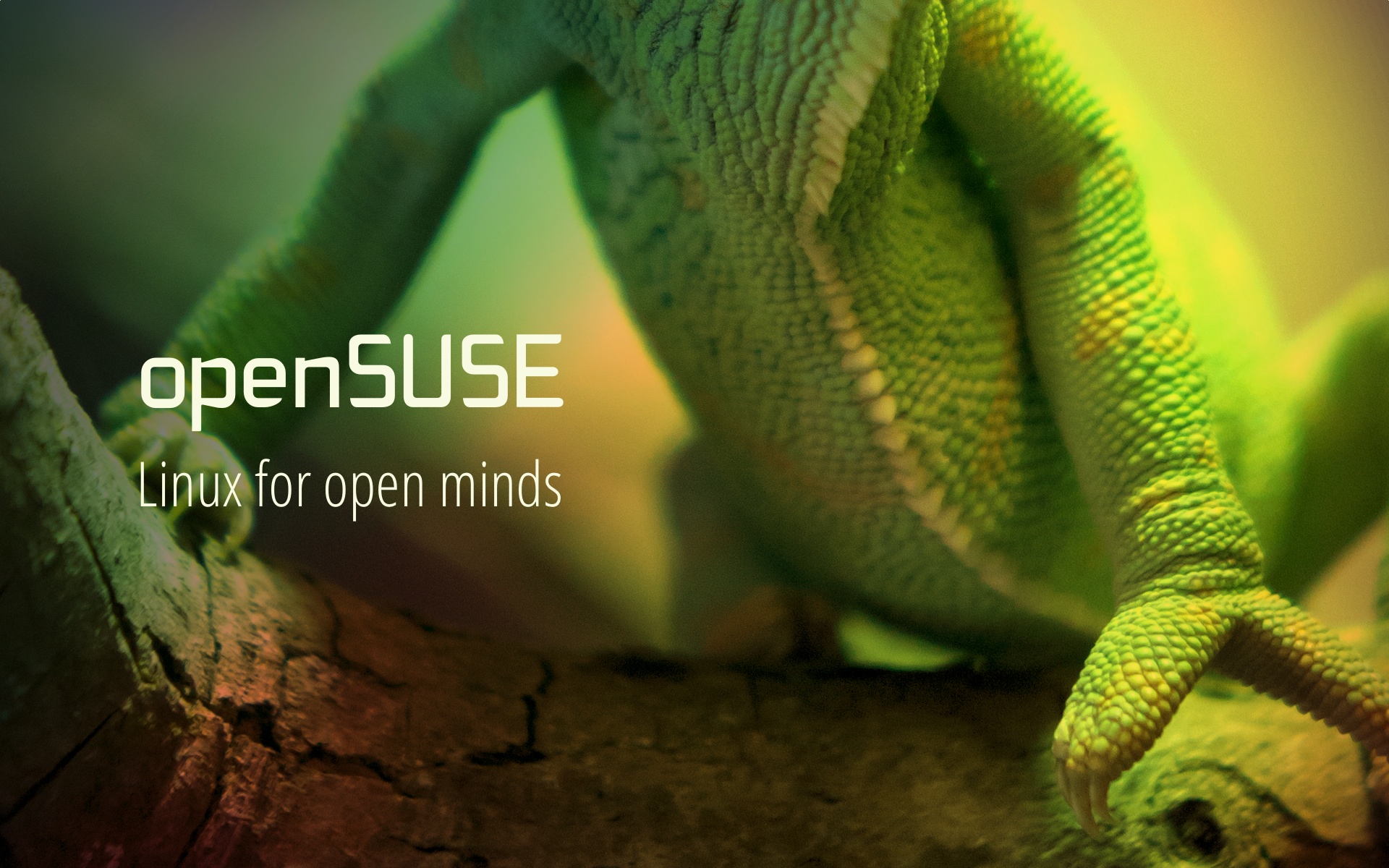
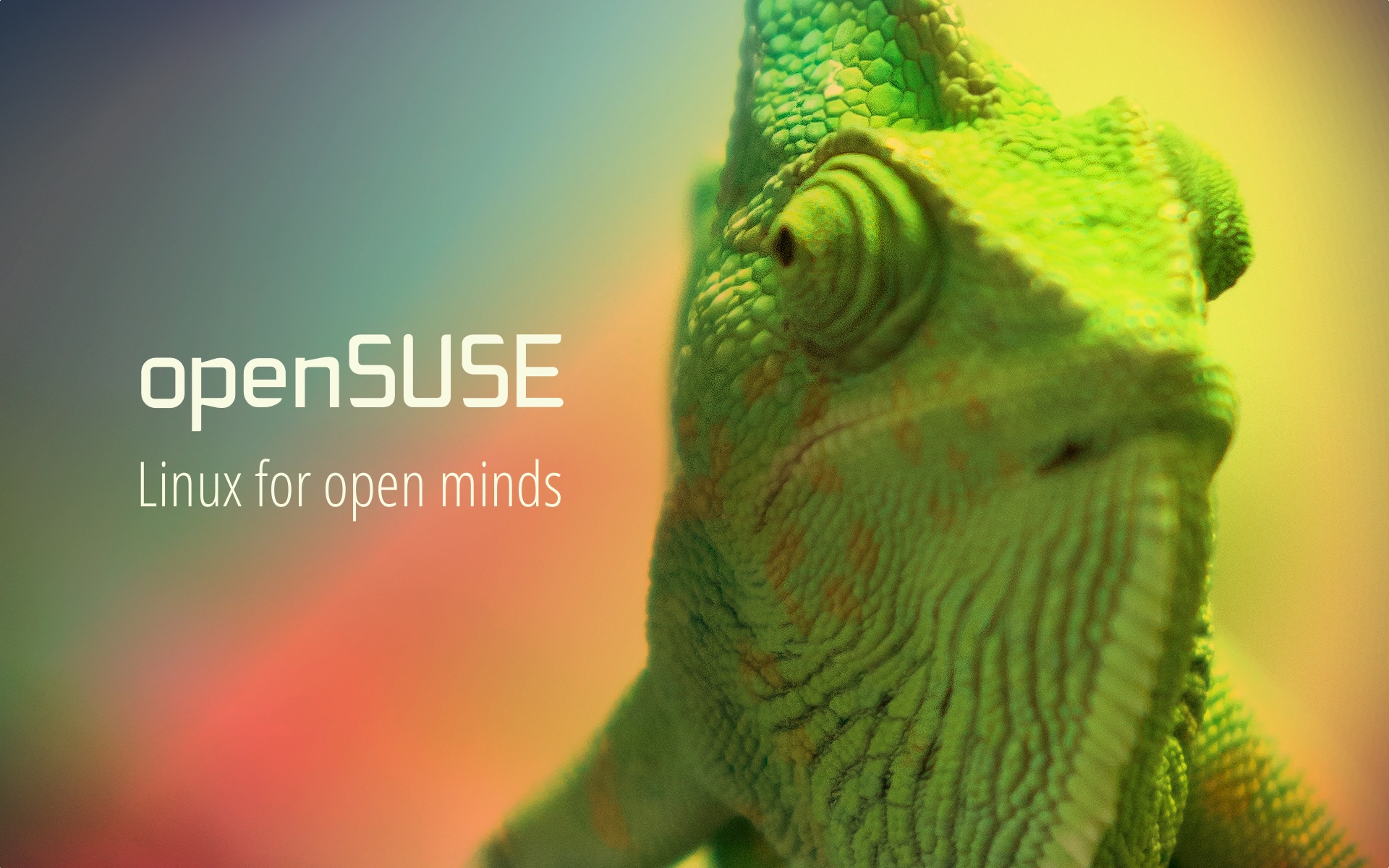
A couple of weeks ago I noticed a request in the mailing list asking to prepare a graphic that would be included in a magazine showcasing the openSUSE conference. I decided to take on the challenge and produce something striking, eye-drawing and relevant. With much thought I decided to find a simple, yet beautiful graphic to promote openSUSE as a brand. This is what came out.



A good 3 part tutorial on “Making Apps Beautiful”
I recently came across an article on Android Central that talks about 3 short videos with tips to update and improve the look of your android app.
Here are the 3 videos:
Online Enabling new DASD from a Linux LPAR on System z
When running a mainframe, there are reasons why you you want to add new control units and DASD disk devices. Assuming that you already added the hardware configuration to the system, you will find that a still running LPAR with linux will just not see any of the changes.
For example, if you have a configuration like the following in the IO configuration:
 CNTLUNIT CUNUMBR=2700,PATH=((CSS(0),41,43,4A,4D,50,51),               *
               UNITADD=((00,256)),CUADD=6,UNIT=2107
 IODEVICE ADDRESS=(2700,224),CUNUMBR=(2700),STADET=Y,UNIT=3390B,       *
               UNITADD=00
 IODEVICE ADDRESS=(27E0,32),CUNUMBR=(2700),STADET=Y,UNIT=3390A,        *
               UNITADD=E0
The configuration on DS8000 with dscli would look like the following:
dscli> lslcu
Date/Time: July 17, 2013 2:50:45 PM CEST IBM DSCLI Version: 5.4.36.107 DS: IBM.XXXX-XXXXXXX
ID Group addrgrp confgvols subsys conbasetype
=============================================
...
06     0 0              36 0x0004 3990-6
...
Several disks and alias devices have been configured already on logical control unit 6 of DS8000. The alias devices are needed for the HyperPAV feature of the DS8000. :
dscli> lsckdvol -lcu 06
Date/Time: July 17, 2013 2:56:25 PM CEST IBM DSCLI Version: 5.4.36.107 DS: IBM.XXXX-XXXXXXX
Name ID   accstate datastate configstate deviceMTM voltype   orgbvols extpool cap (cyl)
=======================================================================================
-    0600 Online   Normal    Normal      3390-9    CKD Base  -        P12         27825
-    0601 Online   Normal    Normal      3390-9    CKD Base  -        P14         27825
-    0602 Online   Normal    Normal      3390-3    CKD Base  -        P12          3339
-    0603 Online   Normal    Normal      3390-3    CKD Base  -        P14          3339
-    0604 Online   Normal    Normal      3390-9    CKD Base  -        P12         10017
-    06E0 -        -         -           -         CKD Alias 0600     -               0
...
-    06FF -        -         -           -         CKD Alias 0600     -               0
When using z/VM, the only thing to be done when you want to activate the devices is a vary online 2700-2704 27E0-27FF. However from a linux in LPAR mode, there is no such command available. Even after activating the devices from z/VM they would not be visible inside the linux LPAR. To check this, you can use the command lscss | grep '0\.0\.2700'.
The solution to make the devices available without rebooting the linux is to vary online one of the chpids that are already online. If you look at the IOCDS, it shows that there are six chpids online: 41,43,4A,4D,50,51. In our case, these are just shared for all DASD devices and are also used for other device ranges. Thus they are just online. This can be seen with the following command:
# lscss | grep 0.0.2600
0.0.2600 0.0.01e6 3390/0c 3990/e9 fc fc ff 41434a4d 50510000
The numbers at the end just represent the use chipids. To activate the chpid with number 41, use the following command:
# chchp -v 1 41
Vary online 0.41... done.
After this, the available disks can be checked again:
# lscss | grep '0\.0\.27'
0.0.2700 0.0.02e6 3390/0c 3990/e9 fc fc 2b 41434a4d 50510000
0.0.2701 0.0.02e7 3390/0c 3990/e9 fc fc 13 41434a4d 50510000
0.0.2702 0.0.02e8 3390/0a 3990/e9 fc fc 07 41434a4d 50510000
0.0.2703 0.0.02e9 3390/0a 3990/e9 fc fc 83 41434a4d 50510000
0.0.2704 0.0.02ea 3390/0c 3990/e9 fc fc 43 41434a4d 50510000
Now, the disks on control unit 2700 are also visible on this LPAR. From that point, it is easy to just configure the disks for linux with yast2 dasd or the commandline utility dasd_configure.
KDE releases 4.11 RC1, and openSUSE packages follow!
The latest release from KDE moved from beta to RC stage, thus finding and reporting bugs is more important that ever. At the same time, the distribution packaging teams are also working in polishing their packages.
As far as openSUSE is concerned (not dissing other distros, just mentioning the one I’m involved in ;), you can kill two birds with one stone by installing the packages provided in the KDE:Distro:Factory repository. There are two kinds of issuses you need to report:
- Issues in the software (bugs, crashes, unexpected behaviors, regressions…): KDE would like very much your feedback, so please submit detailed bug reports to bugs.kde.org;
- Issues in the packaging (conflicts, missing files, improper installation…): in this case you may want to notify the openSUSE KDE team by filing a ticket to Novell’s Bugzilla.
You can also discuss about the upcoming release on the KDE Community Forums.
As this is not yet a stable release, this usually goes without saying, but I’m repeating it anyway: do not use these packages in production systems, install them only if you want to help testing. For everyone else, it’s much better to wait for the official release, which will also be part of the upcoming openSUSE 13.1.
That’s all. So, what are you waiting for? Let’s get testing done!
Organizing oSC13 - 2 days before(Zero hour)

Well we are practically on day zero. All the core volunteers are now here, and final set up and testing is doing and every hour counts. Huge efforts are becoming from all people around and all people working in the same spot make this one huge hackfest, saving precious time. Preparation for this conference was huge and this is 'show time' for us. The dark spot here is that no matter how we tried, no matter how personal time we dedicated and no matter how tired we are, nothing of that will actually matter if we do not deliver the best openSUSE conference done.
To be honest this whole thing surely did not started how I wanted and did not continued as I wanted. I hoped for more help from people, and this is 'my' people. Unfortunately many people were not sure for us taking the conference and many people that said will help were just vanished from the face of the earth after we finally got the conference.
On the other hand help came from unexpected places, faith to the broader community paid off and Stella and Henne turned out to have super powers. I am a very lucky guy I'm telling you...
I don't want to jinx it but if this conference goes the way it should then this will be a great 'fuck off' to all those people. This years oSC team finally made it and delivered what promised to the community.
I am not sure if I will have another actual post until the conference starts(I am planning to post some preparation photos along with comments :P ) so for those coming to this years openSUSE Conference, make things that matter, have a lot of fun and drink like there is no tommorow.
For those who won't come all I will say is that you will lose an once in a life time experience.