
 Member
QJson: easier serialization of QObject instances to JSON
I have just committed into trunk a couple of changes that make easier to serialize a QObject instance to JSON.
This solution relies on the awesome Qt’s property system.
Suppose the declaration of Person class looks like this:
{% codeblock [class definition] [lang:cpp ] %}
class Person : public QObject
{
Q_OBJECT
Q_PROPERTY(QString name READ name WRITE setName)
Q_PROPERTY(int phoneNumber READ phoneNumber WRITE setPhoneNumber)
Q_PROPERTY(Gender gender READ gender WRITE setGender)
Q_PROPERTY(QDate dob READ dob WRITE setDob)
Q_ENUMS(Gender)
public:
Person(QObject* parent = 0);
~Person();
QString name() const;
void setName(const QString& name);
int phoneNumber() const;
void setPhoneNumber(const int phoneNumber);
enum Gender {Male, Female};
void setGender(Gender gender);
Gender gender() const;
QDate dob() const;
void setDob(const QDate& dob);
private:
QString m_name;
int m_phoneNumber;
Gender m_gender;
QDate m_dob;
};
{% endcodeblock %}
The following code will serialize an instance of Person to JSON:
{% codeblock [Serialize to JSON] [lang:cpp ] %}
Person person;
person.setName(“Flavio”);
person.setPhoneNumber(123456);
person.setGender(Person::Male);
person.setDob(QDate(1982, 7, 12));
Serializer serializer;
qDebug() << serializer.serialize( &person;);
{% endcodeblock %}
The generated output will be: {% codeblock [JSON data] [lang:json ] %} { “dob” : “1982-07-12”, “gender” : 0, “name” : “Flavio”, “phoneNumber” : 123456 } {% endcodeblock %}
I hope you will find this new feature useful. I’m also considering to create a similar method inside the Parser class.
As usual suggestions are welcome.

Dublin..

A bumpy flight into Dublin. Quite some rain and clouds and occasional sun rays. A long night out in a pub that challenged me by hiding. Needed to clear my head the day after. Went on a long walk in Dublin bay. Luckily this part of Ireland wasn't affected by the flood. Rushed to meet up for a coffee in heavy rainfalls. The ticket machine refused to serve me. Had to face the Dublin traffic and the rain. Went to a friend's home and finally also met their little one. Have never seen a kid smiling that much. Extremely charming. An early start the next day. A very friendly taxi driver. Got deep-freezed at the gate and almost blown off my feet when entering the plane. Were held on the ground for an hour due to the gusts. Then the familiar culture shock at Nuremberg train station. Anyway, back home. Almost forgot: Hope to go back for the gorilla advertisement. Here are some pics of the short trip:


 mvyskocil
New pm-utils for openSUSE
The current SUSE version of pm-utils is pretty old. Rpm -q said somethink like 0.99.4.20071229. And it also contains a hacked support for s2ram, which is nowadays in upstream version. There has been also a bnc#378883 – Need an updated pm-utils I started a work on this week.
A new pm-utils package for openSUSE is available in home:mvyskocil:branches:Base:System. The HIBERNATE_METHOD is no longer supported, because upstream version contains something better – modules. There are three methods how to run software suspend on Linux
- kernel – plain echo something > /proc/something
- suspend – tool contains a lot of quirks needed on some HW
- tuxonice – kernel and userspace support for hibernate, not in upstream kernel, nor in openSUSE
Because there are too many ways in current Linux world, pm-utils simply support all by specific modules stored in /usr/lib/pm-utils/modules.d, which implements appropriate functions for suspend/hibernate and hybrid. The SUSE default is uswsusp module calls s2ram/s2disk/s2both from software suspend project, because it should be considered as a safe default.
If you want to use different module, you can add a config file somewhere to
/etc/pm/conf.d/
and set the value of SLEEP_MODULE.
# The default sleep/wake system to use.  Valid values are:

#   kernel    The built-in kernel suspend/resume support.

#             Use this if nothing else is supported on your system.

#   uswsusp   If your system has support for the userspace

#             suspend programs (s2ram/s2disk/s2both), then use this.

#   tuxonice  If your system has support for tuxonice, use this.

#

# The system defaults to "kernel" if this is commented out.

SLEEP_MODULE="uswsusp"
You can type more methods, which will be called, so SLEEP_MODULE=”kernel uswsusp” will use kernel and if it fail, or not available, it call uswsusp. Please note that config files are read in C sort order, so names matters.
So please install new pm-utils and test it and tell me if you found any regression (please inform me about a regressions only, I cannot fix generic suspend problems).
Push Email for GNOME Evolution’s Exchange MAPI provider (exchange 2007)

Report from openSUSE 11.2 Release Party in Prague
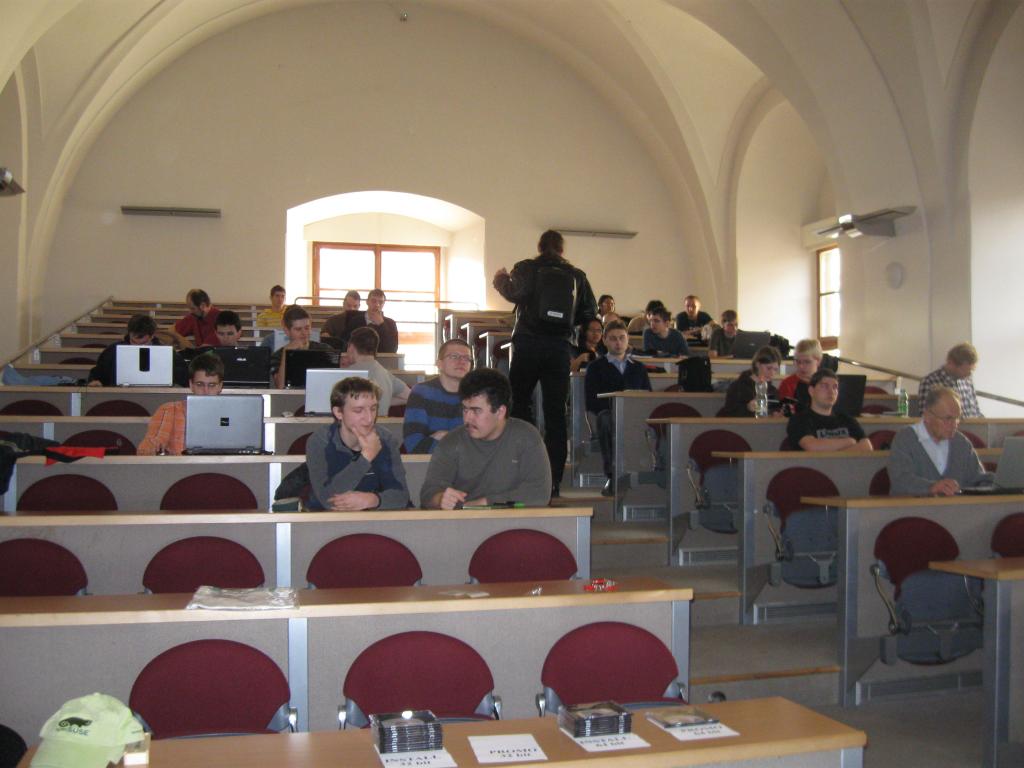
On November 20th, the Czech members of the openSUSE Boosters Team organized openSUSE 11.2 Release Party. The party took place in the nice building of Faculty of Mathematics and Physics.
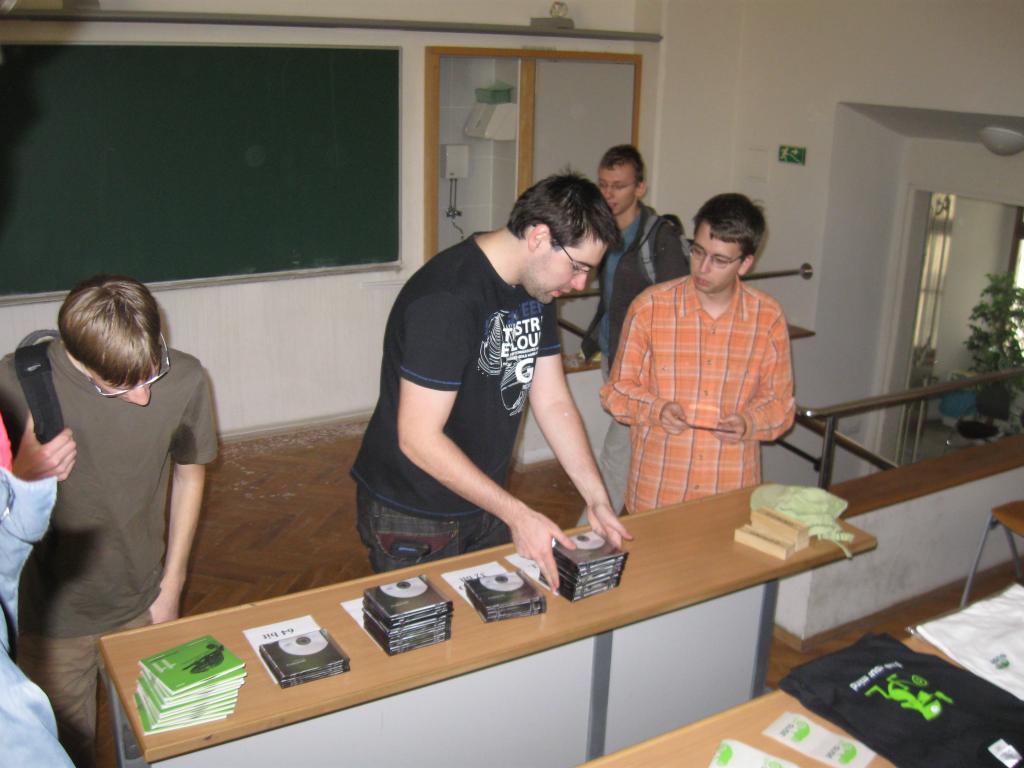
We have prepared installation DVDs, which we’ve burnt with Pavol the day before the party – about 20 32bit and the same amount of 64bit DVDs together with some promo DVDs. It was interesting that the 32bit DVDs were taken before the 64bit ones – we expected it to be the other way round. We had also some promotional stuff like T-shirts, caps, stickers etc. Everything disappeared in several minutes, so it seems that people enjoy wearing T-shirts with that little green creatures. 
It was hard to estimate how many people will come – we have expected something around 20 participants. However, to our pleasant surprise, about 40 people showed up. Moreover, not only students and young people were present, but also two or three colleagues born a bit earlier.
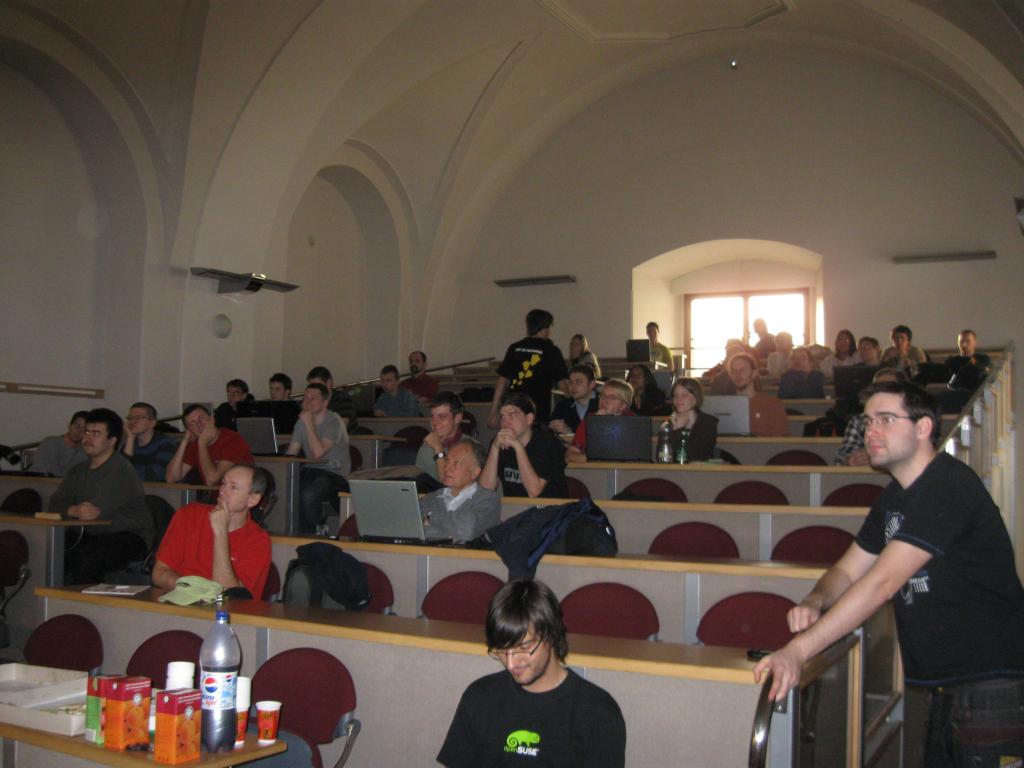
After Pavol’s quick introduction of members of Czech openSUSE Boosters Team, Michal Hrusecky started his talk about new features in openSUSE 11.2 and new look and feel. Finally, Michal noted opening of Factory, new development model with devel projects, the Contrib repository and Junior Jobs.
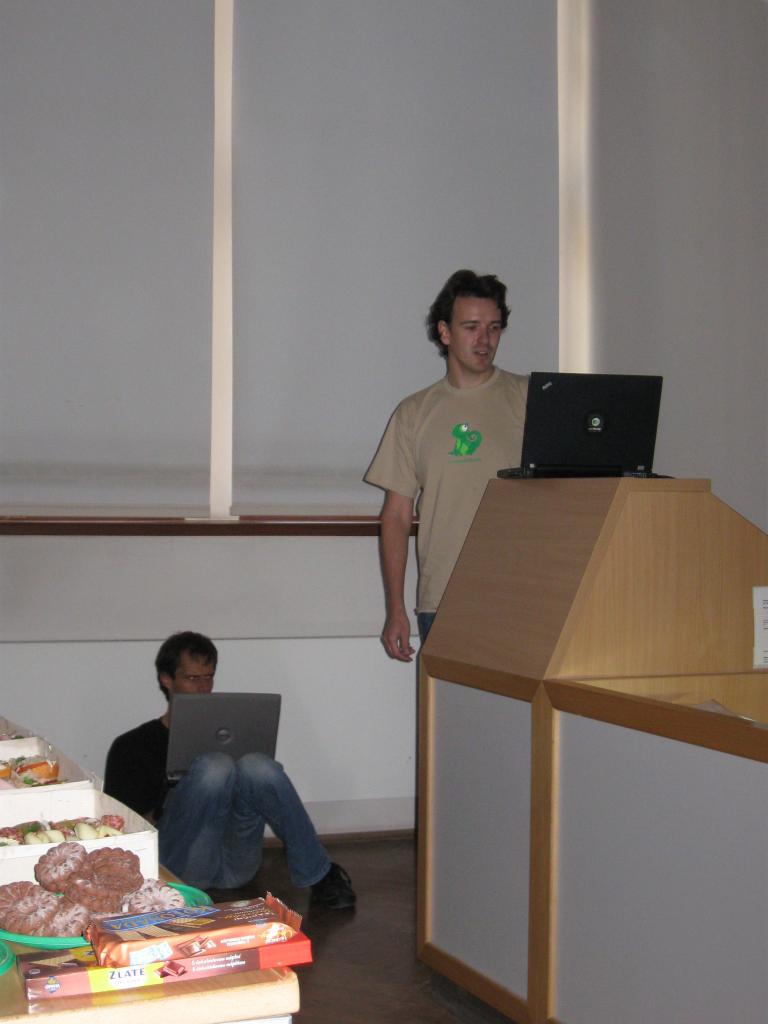
After a short snack break, Lubos talked about new KDE in openSUSE 11.2. It seems that the rotating cube effect never bores, so Lubos was asked to rotate his desktop. After having some troubles with figuring out how to switch the cube on, he of course succeeded and the cube worked – WOW! Next, Lubos exhumed his about two years old presentation named ‘What will be new in KDE 4.0’ (or something like that) and retroactively evaluated what the KDE developers achieved or not.
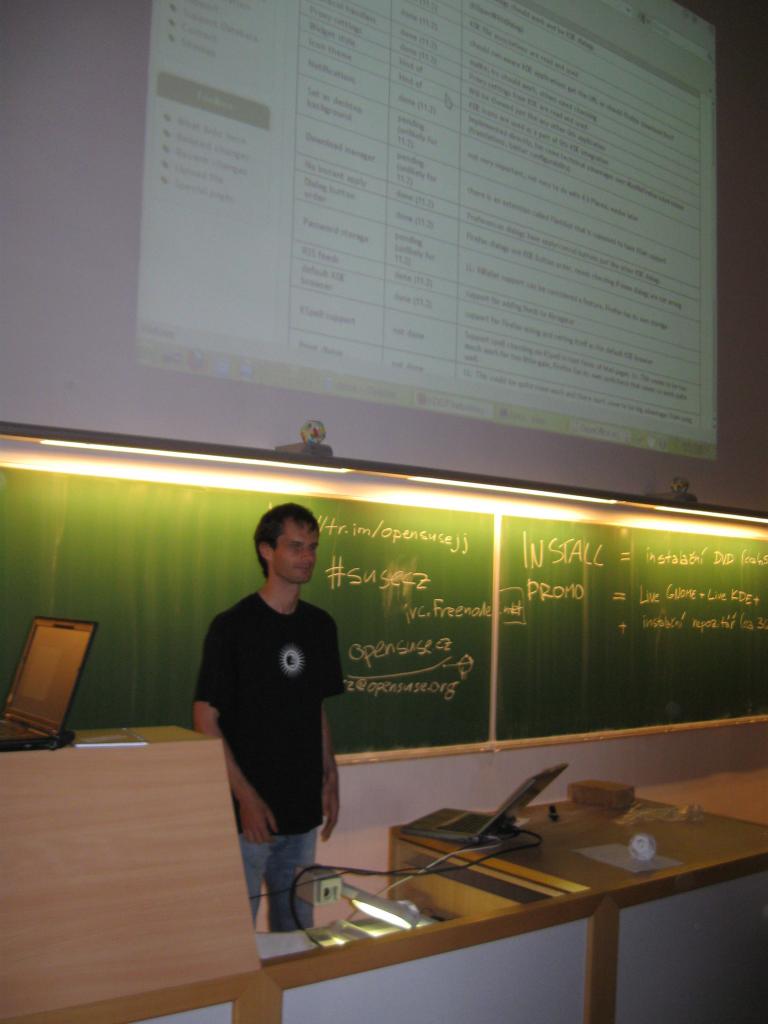
The rest of the party was rather interactive. Boosters and other participants helped with installation of 11.2, solving problems, answered questions and helped with creating bugzilla accounts and reporting bugs in case we had no clue.
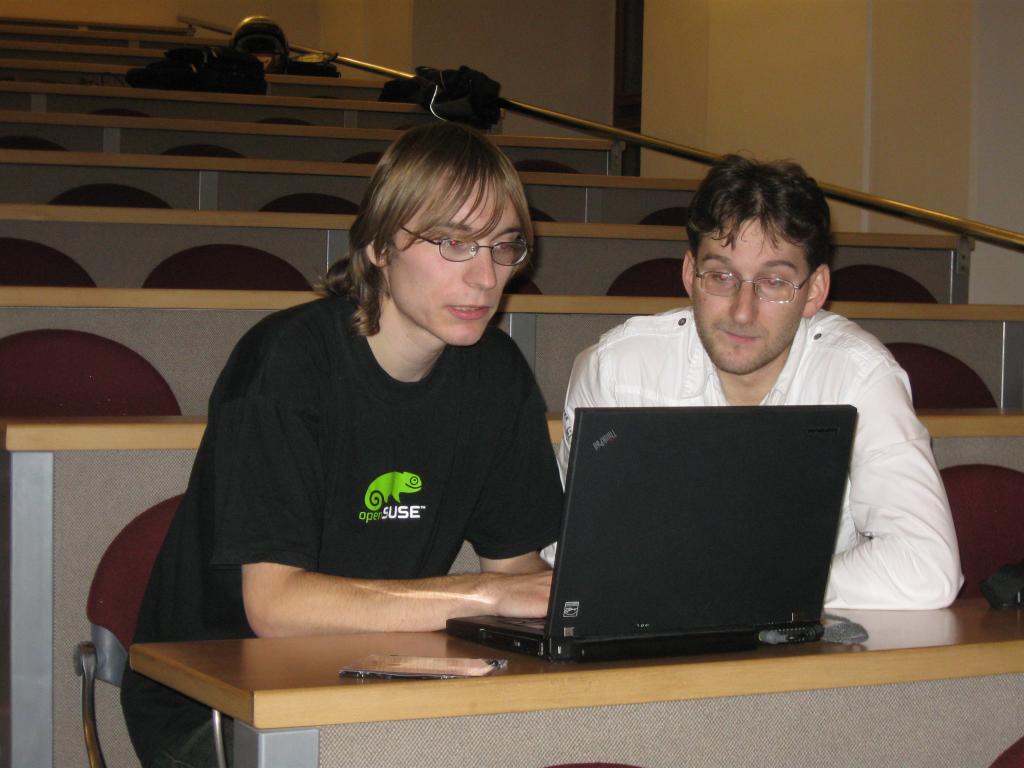
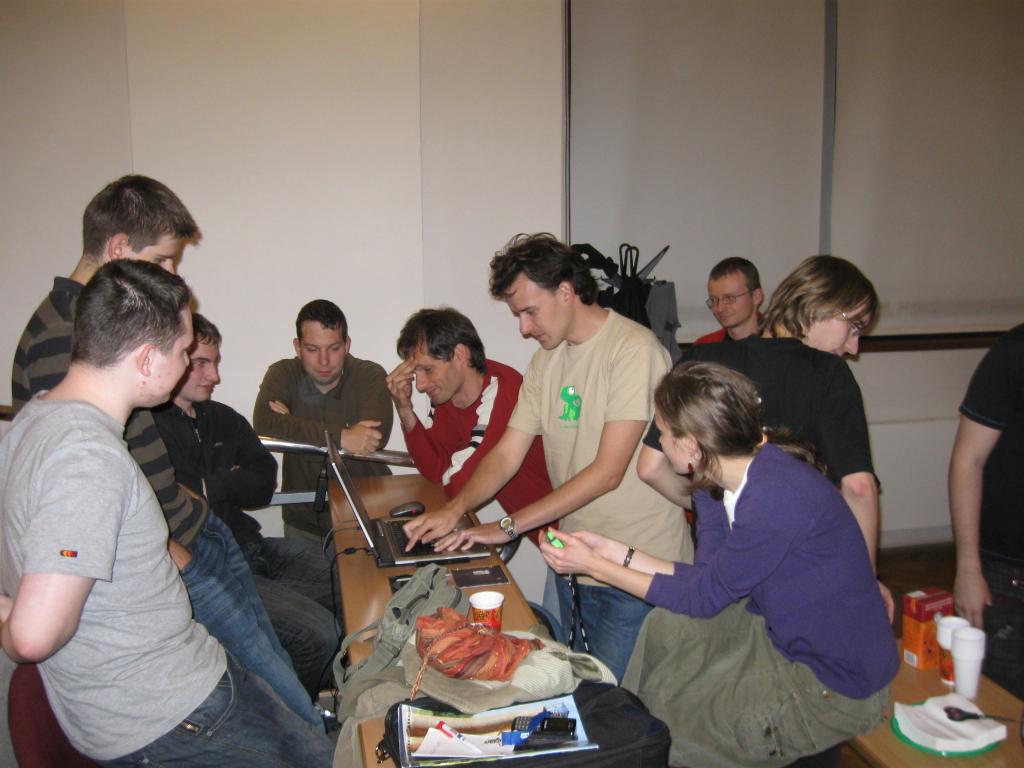
Our thanks belong to Faculty of Mathematics and Physics for allowing us to use classroom, SUSE CZ for sponsoring the promotional stuff and snacks and last but not least, to everybody who showed up at the party. Thanks!
For more photos from the party, please visit picasaweb.

New Tomboy Releases with Ubuntu One support on all platforms, and other goodies in the Tomboy world
- Official support for Ubuntu One (and any other server that implements the Tomboy Web REST API and uses OAuth 1.0a...Snowy uses OAuth 1.0). This patch comes from friend and Canonical employee Rodrigo Moya.
- Always show note icons in the recent notes menu.
- Link to correct version of our help document on Windows and Mac.
- Translation updates, etc.
With Tomboy 1.1.0, you also get these fixes and features:
- New D-Bus methods for manipulating notebooks thanks to Clemens Buss.
- New Synchronize Notes menu item for the panel applet.
- Cleaned up the sync dialog so it shouldn't cut off text anymore.
- A ton of great fixes for Windows users from Stefan Cosma, and printing should now work on Windows Vista and Windows 7.
- Translation updates, other fixes, and another new D-Bus method from Matt Jones.
For openSUSE users, packages are available in GNOME:Apps:Tomboy and GNOME:Apps:Tomboy:Unstable. Ubuntu Jaunty and Karmic users can use packages from our stable PPA or our development PPA.
But the most exciting things happening in the Tomboy world right now aren't really about Tomboy at all. :-)
You may have already seen Eitan Isaacson's new Note Statistics add-in. It's not the first add-in like this, but it seems to be the most comprehensive, and it's up on github for added coolness. I'm trying to decide if I should add this to the upstream Tomboy add-ins, or use it to kick-start a community add-in repository. Any opinions?
Back on the subject of Ubuntu One and note synchronization, I want to first say that Snowy, the AGPL web service for Tomboy notes, is still an active project, and we still plan to have Tomboy Online in beta in the next few months. Having both main developers on the same team at Novell just means we both get busy with work at the same time. :-)
 Manuel's Tomboy Online Logo Mockup
But recently, Manuel Holzleitner has posted some mockups for the following:
- A front page for Tomboy Online
- A new website for Tomboy
- A new project website for Snowy
- New logos for all
- (Somewhat hidden) A new layout for Snowy:
 Manuel's Tomboy Online Mockup
I'm not a designer or UI expert, but I'm a big fan of these mockups. For one thing, I've been wanting to revamp the Tomboy website for a long time now, and Manuel's idea of unifying the design of all of these sites seems obvious in retrospect. I also think the proposed logos are ridiculously cute and web-appropriate. There seem to be a few folks interested in helping us out with our HTML/CSS, etc, so I'm really looking forward to having a better-looking Snowy in the near future.
Once we expand our test suite a bit and work through our deployment story, I don't think there will be much standing in the way of a Tomboy Online alpha running Snowy.
 Manuel's Snowy Logo Mockup
Of course, in the mean time, people can use Ubuntu One, since those guys were awesome enough to use the same REST API for sync as Snowy uses. In fact, as I've mentioned before, Rodrigo and Stuart from Canonical both helped out with the design of this API, and even the implementation in Snowy. It's still proprietary software, but at least the guys working on it are awesome. ;-)
And if you have been wanting to get your notes from Tomboy to Ubuntu One to your Android device, there is now working code to do this in Tomdroid's web-sync branch. Thanks to Benoit Garret holding my hand, I was even able to contribute a patch. :-P With Benoit's latest code in bzr, you can now sync Tomdroid with Ubuntu One. There are still a few fixes needed to make this releasable, but for anyone who's looking to get involved in Android development, here's a fun project to hack on for you!
In a similar story, Cornelius Hald has been updating Conboy (a C port of Tomboy for Maemo devices) so that it, too, can sync with Ubuntu One. It already supported Snowy sync last I heard, so the only hurdle was (again) supporting the changes in OAuth 1.0a. Last week Cornelius got it working, so I wouldn't be surprised if he has a release soon.
In other fun news, about a month ago Mohanaraj Gopala Krishnan emailed me to discuss a presentation he was planning for the FOSS.my conference in Malaysia. The topic of the presentation was Tomboy, Snowy, web sync, Ubuntu One, etc etc. Go read his fun slides on his blog .
That's all for now! I'll talk to you again after non-Canadian Thanksgiving.
Unleash your (F-Spot) toolbox
 Rumor has it that, during latest UDS, Ubuntu planned to drop Gimp from the default distro and the LiveCD. I won't comment this decision as 1) I have no clue if that's a rumor or more, 2) it was already commented too much, 3) I'm not a whiner, 4) there's a rationale behind that decision and I think I understand it, 5) the full Gimp is only one apt-get away.
But some were concerned about the lack of basic image editing. Enters F-Spot, the loved Photo Manager and his little brother, the --view mode. The --view mode is a standalone application, which, on top of F-spot loaders and widgets, provide a simple (ala eog) image viewer, which only view the images, and let you browse the metadata. This is it. Or was it 1h30 ago. With very few code, I plugged the main F-Spot editors inside the single view mode. And that worked quite well !
Of course, F-Spot editors are nowhere close to Gimp's, and don't even aim too. But they cover 90% of your daily usage and are (probably) simpler to use than Gimp. And even more, you can write (read contribute) some additional ones in very few lines of code. e.g. the BlackAndWhite extension is 120 lines long with the UI, despite behing optimized to run on Simd !

Expect this to be available soon on git, and a bit later in a release !
No Sound in Flash?

I've upgraded my openSUSE 11.1 64bit using esound to 11.2 64bit recently and the result was no sound in flash (e.g., YouTube and other streamed video) but everywhere else it worked. I've googled around a bit but didn't find anything that would work for me. So I tried to switch to pulseaudio but the result was still the same.
It took me some time but finally I found out that flash-player was installed in 32bit version but there were no 32bit libraries for pulseaudio installed. After I installed them and did the windows-like reboot, sound in flash suddenly started working.
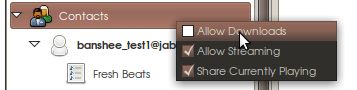
One-click install for Banshee Telepathy Sharing Extension 0.1.1

Well, it's pretty cool stuff, and now that he's started making releases, it's a great opportunity for people to try it out and give him feedback.
If you're using openSUSE 11.2, you can get version 0.1.1 of his extension through this handy one-click install link.
Note that my little repository includes upgrades to telepathy-gabble, telepathy-mission-control, and gnutls. You'll need to log out/in or kill all telepathy/empathy/mission-control processes before the changes take affect.
If you're like me and prefer to build Banshee from source and Neil's extension from source but don't want to reinstall your entire Telepathy stack from source, just install telepathy-gabble and telepathy-mission-control from my repository (this will cause a few gnutls packages to upgrade as well), and you'll be good to go.
Let me know if you have any issues, but let's consider these packages officially unsupported, could break your Empathy, impregnate your cat, etc.

Real-time MBTA bus location + Google Maps mashup
This weekend I read that the MBTA and Massachusetts Department of Transportation had released a trial real-time data feed for the positioning of vehicles on five of its bus routes. This is very important data to have, and while obviously everyone would like to see more routes added, it’s a start.
I decided to hack together a mashup of this data with Google Maps, to see how easy it would be. In the end it took me a few hours on Saturday to get the site up and running, and a couple more on Sunday adding features like the drawing of routes on the map, colorizing markers for inbound vs. outbound buses, and adding reverse geocoding of the buses themselves.
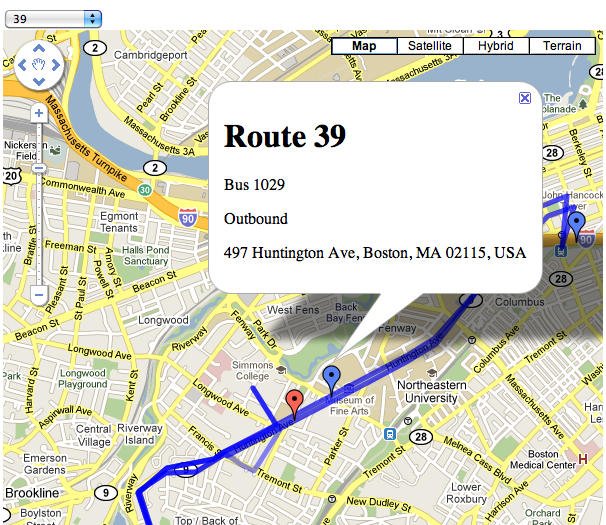
To do this I used three technologies (Google App Engine, JQuery, Google Maps) and two data sources (the real-time XML feed and the MBTA Google Transit Feed Specification files).
Google App Engine
App Engine is so perfectly suited for smaller, playtime hacks like this that it’s hard to imagine how anyone got anything done before it existed. The tedious, up-front bootstrapping that is required in so many programming projects has been enough to completely turn me off to small, spare-time hacking projects on occasion in the past. The brilliance behind a hosted software environment is obvious, but the amount of work to build a safe, hosted system with a fairly comprehensive set of APIs seems to be such a mountain of work that in many ways I find it surprising that anyone – even, perhaps especially, Google – built it at all.
I chose the Python SDK and the programming was straightforward and easy. It takes some elements from Django, with which I am familiar from work.
JQuery
A no-brainer. Hands down the best JavaScript toolkit available. Making the AJAX calls to get route and vehicle location information was a breeze, and the transparent handling of the XML data of the real-time feed prevents me from losing the will to live – a common feeling when dealing with XML.
My only complaint is with the documentation. While the API reference is good for any given piece of the API, the examples are a little light and there is absolutely zero cross-referencing to other parts, especially ones not a part of JQuery itself. It was not obvious, for example, how to deal with the XML document returned by the AJAX call. It sounds like the docs are getting some work, though, so this will hopefully improve.
Google Maps
This was my first endeavor with the Maps API, and it’s good. It’s not the best API in the world, but it’s hardly the worst either. Adding markers of different colors is annoying, but not so onerous as to make it tedious. The breadth of functionality provided is impressive, but then again it has been around for a few years at this point. Markers are easy to add, drawing the route map is absolutely trivial with a KML file, and even the reverse geocoding – which gives you a street address given a latitude/longitude pair – is straightforward.
The docs suck, though. There’s no indication that a size or anchor position is required when creating an icon for a custom marker – required for colors other than red – and due to the minified JS files tracking down that error took longer than any other task in the project. Reverse geocoding mentions that a Placemark object will be returned, but that class doesn’t appear anywhere in the reference documentation.
Real-time data feed
Lots to like. Straightforward, easy to parse. It’d be nice if I didn’t have to do the reverse geocoding to figure out what the street address is, but it’s not a dealbreaker. Main downside is that it’s XML as opposed to JSON. And of course, it’s only 5 bus routes and zero subway and commuter rail routes.
MBTA Google Transit Feed Specification files
A comprehensive set of data describing every transit route, every stop, and every route in the MBTA system. An impressive set of data encoded in a format designed for Google Transit. There is a set of example tools to view and manipulate this data, and one of those translates this data into a KML file for use with Google Maps. I should have tweaked the tools to output only the KML for the routes I cared about, but I did this by hand instead… not a big deal for only 5 bus lines. These KML files are fed into the Google Maps API to display the route as a blue line on the map when selected.
POKE 47196, 201
This is what a lot of programming is like now, for better and for worse.
On the one hand it is the perfect example of high-level component-oriented programming. Data is formatted in easily parseable interchange formats and plugged into well-defined interfaces. These interfaces plug into other interfaces. The result is a zoomable, pannable map with real-time bus location information that updates every 15 seconds. The lines-of-code count is around 100 including both Python and JavaScript. With a few hours work, I built something modestly useful out of nothing. I stand on the shoulders of giants.
On the other hand I didn’t really build anything. This is just assembly line programming. It was not a particularly creative endeavor, and it wasn’t challenging intellectually. Anybody could have done it. It’s cool, but there is little sense of accomplishment in the end product. It feels a little hollow.
Which is not to say that I didn’t enjoy it, or that it wasn’t worth the effort. I learned new technology, I played with software and data that I hadn’t had the opportunity to before. I broadened my horizons, however slightly. And it got me to write this blog post.