
Highlights of YaST Development Sprint 84
The YaST Team finished yet another development sprint last week and we want to take the opportunity to let you all glance over the engine room to see what’s going on.
Today we will confess an uncomfortable truth about how we manage the Qt user interface, will show you how we organize our work (or at least, how we try to keep the administrative part of that under control) and will give you a sneak peak on some upcoming YaST features and improvements.
Let’s go for it!
There Be Dragons: YaST Qt UI Event Handling
The YaST Qt UI is different in the way that it uses Qt. Normal Qt applications are centered around a short main program that after initializing widgets passes control to the Qt event loop. Not so YaST: it is primarily an interpreter for the scripts (today in Ruby, in former times in YCP) that are executed for the business logic. Those scripts, among other things, also create and destroy widget trees. But the control flow is in the script, not in a Qt event loop. So YaST uses different execution threads to handle both sides: graphic’s system events for Qt widgets and the control flow from the scripts.
This was always quite nonstandard, and we always needed to do weird things to make it happen. We always kind of misused Qt to hammer it into shape for that. And we always feared that it might break with the next Qt release, and that we might have a hard time to make it work again.
This time has now come with bug#1139967, but we were lucky enough
to find a Qt call to bring it back to life; a QEventLoop::wakeUp()
call fixed it. We don’t quite know (yet) why, though. Any hint, anyone?.
Should we even tell you that? Well, we think you deserve to know. After all, it worked well for about 20 years (!)… and now it’s working again.
The Refactoring of YaST Network Keeps Going
What is still not working that fine is the revamped network management. We have been working on it during the latest sprint, but it will take at least another one before it’s stable enough to be submitted to openSUSE Tumbleweed.
On which parts have we be working during the this sprint? Glad you asked! :wink: We are cleaning the current mess in wireless configuration. Soon that part will be more intuitive and consistent with other types of network. We are also making sure we propose meaningful defaults for the new cards added to the network configuration (all types of cards, not only wireless). The functionality to configure udev in order to enjoy stable names for the network interfaces has also received some love. The new version is more stable and flexible. And last but not least, we are improving the device activation in s390 systems for it to be more straightforward in the code and more clear in the user interface.
If everything goes as planned, by the end of the next sprint we will be ready to submit the improved YaST Network to Tumbleweed. That will be the right time for a dedicated blog post with screenshots and further explanations of all the changes.
Enhancing the Partitioner Experience with Encrypted Devices
And talking about ongoing work, we are currently working to broaden the set of technologies and use-cases the Partitioner supports when it comes to data encryption. As with the network area, the big headlines in that regard will have to wait for future blog posts. But if you look close enough to the user interface of the Partitioner available in Tumbleweed you can start spotting some small changes that anticipate the upcoming new features.
The first change is very subtle. When visualizing the details of an encrypted device, next to the previously existing “Encrypted: Yes” text you will now be able to see the concrete type of encryption. For all devices encrypted using YaST, that type will always be LUKS1 since that’s the only format that YaST has supported… so far. :wink:

Some other small changes are visible when editing an encrypted device. If such a device was not originally encrypted in the system, nothing changes apart from minor adjustments in the labels. The user simply sees a form with an empty field to enter the password.

When editing for a second time a device that was already marked for encryption during the current execution of the Partitioner, the form is already prefilled with the password entered before. In the past, the previous encryption layer was ditched (so it’s password and other arguments were forgotten) and the user had to define the encryption again from scratch. That will become even more relevant soon, when the form for encryption becomes more than just a password field. Stay tuned for news in that regard.

Moreover, when editing a device that is already encrypted in the system, an option is offered to just use the existing encryption layer instead of replacing it with a (likely more limited) encryption created by the Partitioner.

Apart from opening the door for more powerful and relevant changes in the area of encryption, these changes represent an important usability improvement by themselves.
Tidying up the YaST Team’s Trello Board
As you can see in this report and in all the previous ones, the YaST Team works constantly on many different areas like installation, network management, storage technologies… you name it. We use Trello to organize all that work. For each bug in Bugzilla or feature in Jira there is a corresponding Trello card. As it happens, sometimes when a bug is closed its Trello card is forgotten to be updated.
A check with ytrello revealed that, out of a total of 900-something cards, about 500 were outdated and could be closed. More than the half! Why so many?
We found that quite a number of these cards were open cards in closed
(archived) lists. So when you archive a list, don’t forget to archive
its cards before. We have just learned that Trello does not do this
automatically. That’s exactly why there’s a menu item Archive All Cards
in This List... besides Archive This List in the Trello user
interface.
Back to work!
This has been a summer of promises on our side. We told you we are working to improve our user interface library (libYUI), revamping the code to manage the network configuration, extending the support for encryption… which means we have a lot work to be finished.
So let us go back to work while you do your part – having a lot of fun!

 Member
 Futureboy
EndlessOS | Review from an openSUSE User

openSUSE OBS git mirror
There was some discussion about our OBS and how in contrast Gentoo, VoidLinux or Fedora used git to track packages.
So I made an experimental openSUSE:Factory git mirror to see how well it goes and how using it feels.
The repo currently needs around 1GB but will slowly grow over time. I did not want to spend effort to import all history.
Binary files are replaced by cryptographically secure symlinks into IPFS
and I am currently providing files up to 9MB there.
If you can not run ipfs, you can still get these files through any of the public gateways like this:
curl https://ipfs.io$(readlink packages/a/aubio/aubio-0.4.9.tar.bz2) > OUTPUT
So some benefits are already obvious.
It is now much easier to find and download our patches.
Downloading and seaching all of openSUSE is now much faster.
And it works even on Thursdays (when our maintenance window often causes OBS downtimes).
It is meant to be a read-only mirror, so there is no point in opening pull-requests on github.
I hope, you enjoy it and have a lot of fun…
Noodlings 2 | Desktops and Window Managers, BDLL and openSUSE News

Gdk-pixbuf modules - call for help
I've been doing a little refactoring of gdk-pixbuf's crufty code, to see if the gripes from my braindump can be solved. For things where it is not obvious how to proceed, I've started taking more detailed notes in a gdk-pixbuf survey.
Today I was looking at which gdk-pixbuf modules are implemented by third parties, that is, which external projects provide their own image codecs pluggable into gdk-pixbuf.
And there are not that many!
The only four that I found are libheif, libopenraw, libwmf, librsvg (this last one, of course).
Update 2019/Sep/12 - Added apng, exif-raw, psd, pvr, vtf, webp, xcf.
All of those use the gdk-pixbuf module API in a remarkably similar fashion. Did they cut&paste each other's code? Did they do the simplest thing that didn't crash in gdk-pixbuf's checks for buggy loaders, which happens to be exactly what they do? Who knows! Either way, this makes future API changes in the modules a lot easier, since they all do the same right now.
I'm trying to decide between these:
-
Keep modules as they are; find a way to sandbox them from gdk-pixbuf itself. This is hard because the API is "chatty"; modules and calling code go back and forth peeking at each other's structures.
-
Decide that third-party modules are only useful for thumbnailers; modify them to be thumbnailers instead of generic gdk-pixbuf modules. This would mean that those formats would stop working automatically in gdk-pixbuf based viewers like EOG.
-
Have "blessed" codecs inside gdk-pixbuf which are not modules so their no longer have API/ABI stability constraints. Keep third-party modules separate. Sandbox the internal ones with a non-chatty API.
-
If all third-party modules work indeed as I found, the module API can be simplified quite a lot since no third-party modules implement animations or saving. If so, simplify the module API and the gdk-pixbuf internals rather drastically.
Do you know any other image formats which provide gdk-pixbuf modules? Mail me, please!

Icecream 1.3 and Icemon 3.3 released
The changelogs are here and here. In a less changelog-y way, the changes are:
- Compiler location are no longer hardcoded anywhere. Previously the compiler automatically packaged and sent to remote nodes was always /usr/bin/gcc (g++, clang, clang++). That might not match the actual compiler used and the workaround was to manually package the proper one using icecc-create-env. But now it's possible to build even with e.g. CXX=/my/own/build/of/clang and it'll simply work. This should also mean that explicitly setting $ICECC_VERSION now should be needed only for cross-compiling.
- Slightly better job scheduling, both for remote and local builds. For example, the local machine should no longer be possibly overloaded by running way too many local preprocessor steps.
- Better compression, both for sending data and packaged compilers. Compilation data is compressed using zstd if the other node supports it, compiler environments can be compiled using zstd or xz. This improves performance by reducing both network and CPU usage. Note that while compilation compression falls back to the older method if not supported by the other side, for compiler environments this is more tricky and so it has to be set up manually. You can set e.g. ICECC_ENV_COMPRESSION=xz , but the daemon will not fall back to using any other mechanism. Which means it will use only nodes that are at least version 1.3, the scheduler should also be from 1.3 (run another one if needed, the newest one wins) and the remote node needs to support the compression (1.3 uses newly uses libarchive, which supports zstd only in its relatively recent releases). So this is mainly useful if you have full control over the Icecream cluster, but by default the compression is the old gzip, for backwards compatibility.
- Speaking of which, the maximum cache size for compiler environments now defaults to 256MiB. Use the --cache-size option of iceccd for different sizes.
- Objective C/C++ support has been fixed.
- Some special workarounds for GCC's -fdirectives-only option that is used when sending sources to remote nodes, as it breaks in some corner cases.
- The --interface option of the daemons (and scheduler) now allow binding only to a specific network interface, if needed. Note that Icecream still assumes it runs in a trusted network and if that's not so it's up to you to ensure it by using tools such as a firewall.
- Icemon now displays in the defailed host view what protocol a node supports (1.3 has protocol version 42, env_xz/env_zstd mean it supports compiler environments compiled using xz/zstd).
- And various other fixes.

Αποδελτίωση GUADEC 2019

Όλα άρχισαν από την δημοσίευση στην ιστοσελίδα του gnome.gr
https://www.gnome.gr/2018/09/28/guadec-2019-thessaloniki/
Θα κάνω μια προσπάθεια για αποδελτίωση του συνεδρίου GUADEC 2019. Με την βοήθεια του Μιχάλη Δώσσα, θα αναρτήσω τους συνδέσμους (ανακατεμένα). Αν έχω ξεχάσει κάποιο ή δεν το βρήκα, προσθέστε το στα σχόλια ή στείλτε μου προσωπικό μήνυμα και θα το προσθέσω.
0. Πανεπιστήμιο Μακεδονίας
1. Cyprusnews.eu.
2. Thestival.gr
3. iNews.gr
4. FM100.gr
5. Real.gr
6. Typosthes.gr
7. Αθηναϊκό-Μακεδονικό πρακτορείο ειδήσεων
8. Analitis.gr
9. Thesspress.gr
10. Ka-business.gr
11. Mysalonica.gr
12. Thesseconomy.gr
13. Gothess.gr
14. Thesstoday.gr
15. Thesstoday.gr
16. Foititikanea.gr
17. Halkidikifocus.gr
18. Politisnews.gr
19. Cityportal.gr
20. Koytsompolio.gr
21. Thedockrat.gr
22. Αθηναϊκό-Μακεδονικό πρακτορείο ειδήσεων
23. Analitis.gr
24. Documentonews.gr
25. Dailythess.gr
26. Vivanews.gr
27. E-Volos.gr
28. Zougla.gr
29. Thesspress.gr
30. Fpress.gr
31. Futurology.gr
Ραδιοφωνική συνέντευξη στον δημοσιογράφο Δημήτρη Λαζόπουλο, στο ραδιόφωνο ALPHA Θεσσαλονίκης 965 (http://www.alpha965.gr/)
Ας δούμε όμως και του ελεύθερου λογισμικού ιστοσελίδες (να με συγχωρέσουν όσες δεν έχω προσθέσει. Ας επικοινωνήσουν μαζί μου ή να προσθέσουν στα σχόλια και εγώ θα τους προσθέσω στην λίστα).
ΕΛΛΑΚ
1. https://opensource.ellak.gr/2018/10/01/to-sinedrio-guadec-2019-tha-diexachthi-sti-thessaloniki/
2. https://opensource.ellak.gr/2019/07/18/guadec-2019-23-eos-28-avgoustou-thessaloniki-i-engrafes-anixan/
3. https://opensource.ellak.gr/2019/07/19/nea-apo-ton-planiti-planet-ellak-gr-guadec-na-pao-i-na-min-pao/
4. https://opensource.ellak.gr/2019/08/08/guadec-2019-23-28-08-thessaloniki-kalesma-gia-ethelontes/
5. https://opensource.ellak.gr/2019/08/22/xekinai-avrio-i-guadec-2019-stin-thessaloniki/
6. https://opensource.ellak.gr/2019/09/06/nea-apo-ton-planiti-planet-ellak-gr-ta-vinteo-tou-sinedriou-guadec-2019-tou-gnome-ine-diathesima/
OSARENA.NET
1. Το GUADEC 2019 πάει Θεσσαλονίκη
2. Το GUADEC 2019 στη Θεσσαλονίκη
CEREBRUX.NET
1. Συνέδριο GUADEC 2019 στη Θεσσαλονίκη
2. Τα βίντεο του συνεδρίου GUADEC 2019 του GNOME είναι διαθέσιμα
LINUXINSIDER.GR
GUADEC 2019: Το ευρωπαϊκό συνέδριο του GNOME έρχεται στη Θεσσαλονίκη αυτόν τον Αύγουστο
IGURU.GR
GUADEC 2019 Θεσσαλονίκη 23-28 Αυγούστου Οι εγγραφές ξεκίνησαν


Upgrading to openSUSE Leap 15.1, downgrading to NVIDIA GeForce GTX 1050 Ti
In my latest article on upgrading to openSUSE Leap 15.1 I had experienced issues with my graphics card, an AMD Radeon RX 580 8GB card. The drivers were not working, which resulted in a black screen during the upgrade process. I could work around this by using nomodeset, but that essentially meant that I wasn’t using my midrange graphics card at all. I have bought this HP Pavilion Power 580-146nd especially to be able to run my Linux / Steam games at high settings and 1080p on my openSUSE system. So not having my graphics card working wasn’t an option. I could have switched to another Linux operating system. And for a short period I considered switching to Pop!_OS, but I am still very fond of the openSUSE operating system and the KDE Plasma desktop.
I needed to consider a different solution. In my past experience, NVIDIA cards have always performed very well with openSUSE, when using the proprietary drivers. Another benefit of going with NVIDIA was the lower power consumption. And a third benefit was that I could purchase a graphics card with a DVI output. I considered buying the GeForce GTX 1650 or the GeForce GTX 1050 Ti. Both cards have a recommended 300 watt Power Supply Unit. Which is exactly the PSU that is residing in my HP Pavilion Power. The 1650 is the newer card, which could mean that the drivers are not fully developed for Linux. So I decided to go for the somewhat older, but not much slower 1050 Ti.
| Card |
CUDA cores |
Boost Clock |
Passmark score |
NVIDIA GeForce GTX 1650, 4GB |
896 |
1680 MHz |
7946 |
| NVIDIA GeForce GTX 1050 Ti, 4GB |
768 |
1392 MHz |
6041 |
The second issue was which card to buy. First I looked at the ASUS ROG Strix GeForce GTX 1050 Ti 4GB, but that card was to big for my case. Therefore I bought the ASUS Phoenix GeForce GTX 1050 Ti 4GB.


This card was pretty easy to install. The card didn’t need additional power, in contrast to the Radeon RX 580 which used a 6-pin connector.


After installing the card, it was time for action! I plugged in the openSUSE Leap 15.1 USB thumbstick and waited for an installation screen. And lucky enough, my plan worked! Leap 15.1 recognized my new GPU and I proceeded with the upgrade of my operating system. I won’t cover all the details here, as I have detailed the upgrade process in my previous post.


After installation, there was still the issue of installing the proprietary NVIDIA drivers. For this, I first needed to add the NVIDIA repository. This is very easy. Just type ‘Repositories’ in the launcher menu and click on ‘Software Repositories’. Then click on ‘Add’ and put in the details of the NVIDIA repository. Furthermore, you need to trust the GnuPG key of this repository, to indicate that this is a trusted source.
https://download.nvidia.com/opensuse/leap/15.1/


After adding the repository, you can click ‘Finish’ and exit the Software Repositories tool. Now type ‘Software Management’ in the Launcher menu. This will launch the Yast Software Manager. The proprietary drivers will already be selected. Click on ‘Accept’ and then also ‘Accept’ all prompts to agree with the proprietary licenses. The installation will commence shortly afterwards.


After the installation I did encounter some strange behavior. My desktop looked like it was scaled x4. This was caused by a problem with my HDMI cable. As soon as I swapped this cable for a DVI cable, my settings were restored to normal. As shown below in KInfocenter, the proprietary drivers were installed as intended.

The last thing I wanted to try out was how my games performed. I have launched a couple of games:
- Supertuxkart – 60 FPS
- OpenArena – 90 FPS
- Xonotic – 110 FPS
- Tomb Raider – 40 FPS
- Yooka Laylee – 60 FPS
- Bioshock Infinite – 75 FPS


Conclusion
I was able to upgrade to openSUSE Leap 15.1 and I am again able to play my games in high settings on 1080p with good framerates. I am very pleased with my decision to go with the NVIDIA GeForce GTX 1050 Ti. Having a DVI output was a life saver for me. Otherwise I still had to struggle through all kind of weird HDMI issues. I did sacrifice some GPU power, but the NVIDIA GPU is a better match for the system as the HP Pavilion Power only has a 300 watt PSU. The NVIDIA GPU will most likely run cooler and will make the system more quiet overall.
This experience did remind me that going with Linux / openSUSE can still cause some difficulties, because of hardware support. In my opinion, going with NVIDIA is the safer option at this moment when running openSUSE Leap.
Published on: 10 september 2019

thoughtful blog reply by Alberto 'Mardy' Mardegan
Το GUADEC 2019 ήταν ένα επιτυχημένο συνέδριο. Το μαρτυρούν τα βίντεο και οι φωτογραφίες!!!
Όπως πιθανό να έχετε διαβάσει στο blog μου, τις ημερομηνίες 23-28 Αυγούστου 2019 έλαβε χώρα το συνέδριο GUADEC στο Πανεπιστήμιο Μακεδονίας στην πόλη μας.
Το συνέδριο για εμάς είχε ξεκινήσει ένα χρόνο πριν, όταν υποβάλαμε την αίτησή μας. Από τότε έως τον Αύγουστο, κάναμε πολλές συναντήσεις, τόσο μεταξύ μας, όσο και με τους ανθρώπους του Πανεπιστημίου. Υπήρξαν δυσκολίες, απογοητεύσεις αλλά όλοι ανυπομονούσαμε να ξεκινήσει το συνέδριο.
Οι αφίξεις ξεκίνησαν από την αρχή της εβδομάδας, 19-20 Αυγούστου. Τις πρώτες ημέρες που ακόμα προετοιμαζόμασταν, το GNOME Board και το Foundation Stuff πέρασαν δυο μέρες στις οποίες επίλυσαν πολλά θέματα.
Επίσημα, όλα άρχισαν την Πέμπτη 22 Αυγούστου, στο pre-registration party, όπου πήραμε τα lanyards με το όνομά μας. Εκεί έγινε η πρώτη γνωριμία για πολλούς που δεν γνωριζόμασταν.
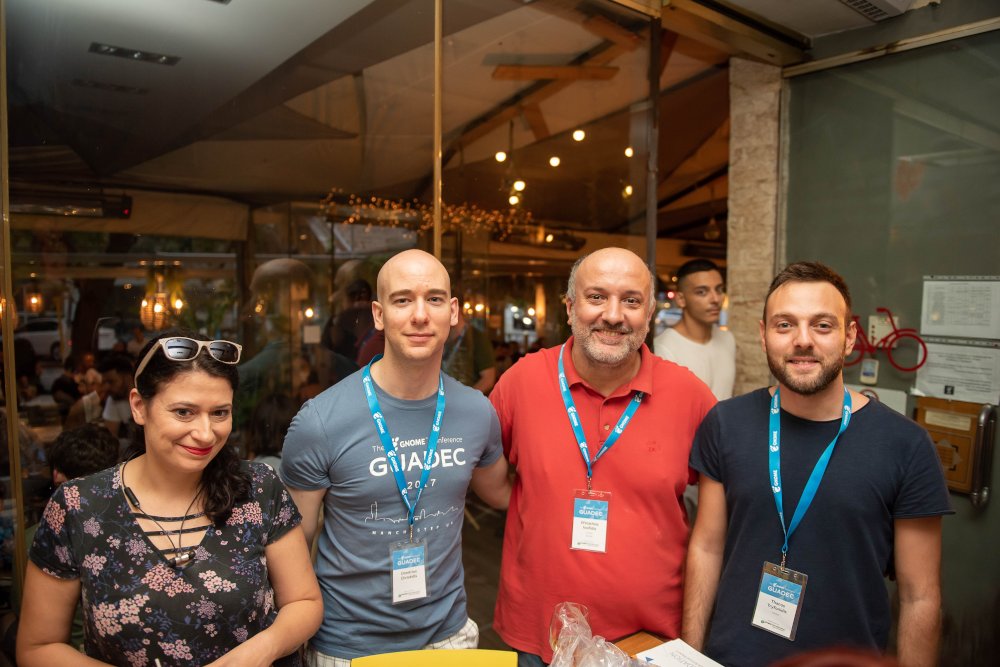
Pre-registration party: Εύα, Δημήτρης, Στάθης, Θάνος
Την επομένη το πρωί, μαζευτήκαμε οι εθελοντές νωρίτερα για να τελειώσουμε τα του στησίματος και αναμέναμε τους περισσοτέρους για να παραλάβουν τα lanyards με το όνομά τους. Επίσημη έναρξη και ξεκίνησαν ομιλίες σε δυο αίθουσες. Αν και ήμουν στο τρέξιμο, την πρώτη ημέρα με τράβηξε η ομιλία του Sriram Ramkrishna σχετικά με το Gitlab (Gitlab - A year in review and what should come next). Την οργάνωση του συνεδρίου την κάναμε μέσα στο Gitlab. Προσωπικά δεν είμαι και πολύ fan αυτού του τρόπου αλλά δούλεψε μια χαρά.
Η πρώτη ημέρα για εμένα έκλεισε με την ομιλία του keynote speaker, Luis Falcon, MD, με τίτλο GNU Health: The fight for our rights in the Public Health System. Αναλύθηκε γιατί η υγεία πρέπει να παραμείνει ΜΗ διαπραγματεύσιμο ανθρώπινο δικαίωμα. Η χρήση του Ελεύθερου Λογισμικού στην υγεία μπορεί να παρέχει ελευθερία και ισότητα στην υγειονομική περίθαλψη. Μας ανέλυσε το παράδειγμα του GNU Health που εφαρμόστηκε σε αρκετές χώρες.
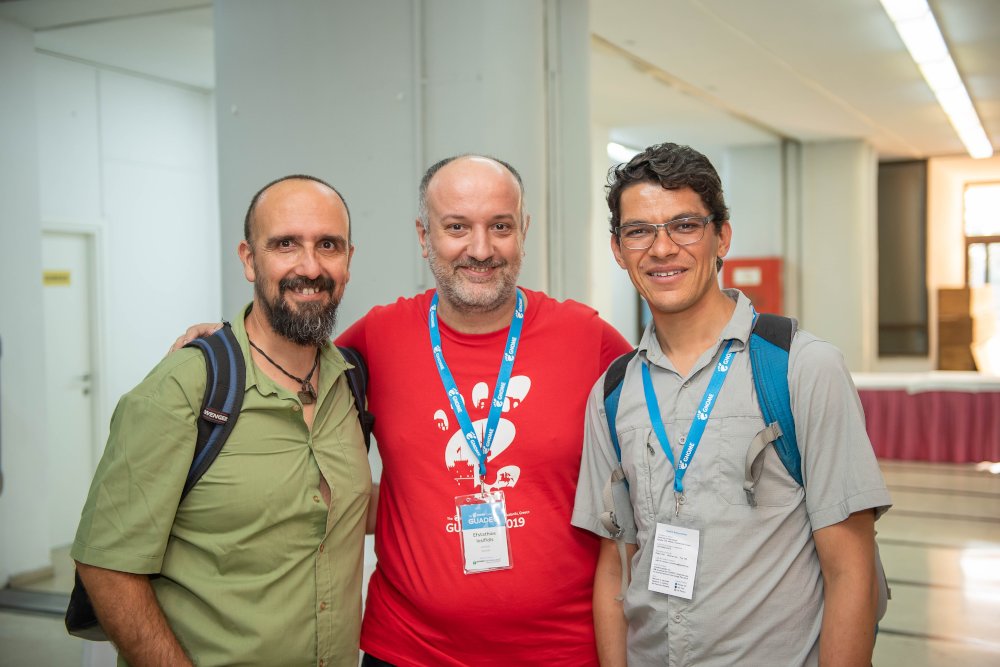
Luis Falcon MD, Στάθης, Federico Mena-Quintero
Η πρώτη μέρα έκλεισε με το καθιερωμένο party. Φροντίσαμε να στολίσουμε τον χώρο με μπαλόνια με το σήμα GNOME. Κρασί, μπύρα, φαγητό και μουσική. Νομίζω όλοι διασκέδασαν. Μερικοί συνέχισαν και αλλού. Βλέπετε Παρασκευή, ο κόσμος γενικά βγαίνει.
Την δεύτερη μέρα, το ενδιαφέρον μου τράβηξε η ομιλία του Philip Withnall με τίτλο Environmentally Friendly GNOME, όπου μίλησε τόσο για το λογισμικό όσο και για το project και την κοινότητα. Μιλώντας για κοινότητες ανοικτού λογισμικού, πέρασα να δω τι κάνανε οι φίλοι από Αφρική. Η StellaMaris Njage και ο Sigu Magwa μας ανέλυσαν για το πως οργάνωσαν μια κοινότητα GNOME στην Αφρική (συγκεκριμένα στην Κένυα). Ακόμα μια ενδιαφέρουσα ομιλία ήταν και αυτή του Georges Basile Stvracas Neto με τίτλος About Maintainers and Contributors. Η ομιλία είχε 3 μέρη. Το πρώτο περιέγραψε σύντομα το πως πέρασε από χρήστης σε άτομο που συνεισφέρει και στη συνέχεια σε άτομο που συντηρεί κάποιο project. Στη συνέχεια ανέλυσε τις διάφορες καταστάσεις που συμβαίνουν όταν γίνεται κάποιος συντηρητής πακέτων και τέλος στρατηγικές που εφαρμόζονται για να υπερπηδήσουν εμπόδια. Η ημέρα έκλεισε με την Annual General Meeting και τις παρουσιάσεις του GNOME Foundation Board of Directors για τα πεπραγμένα της προηγούμενης χρονιάς.
Καταλήξαμε με την ομαδική φωτογραφία
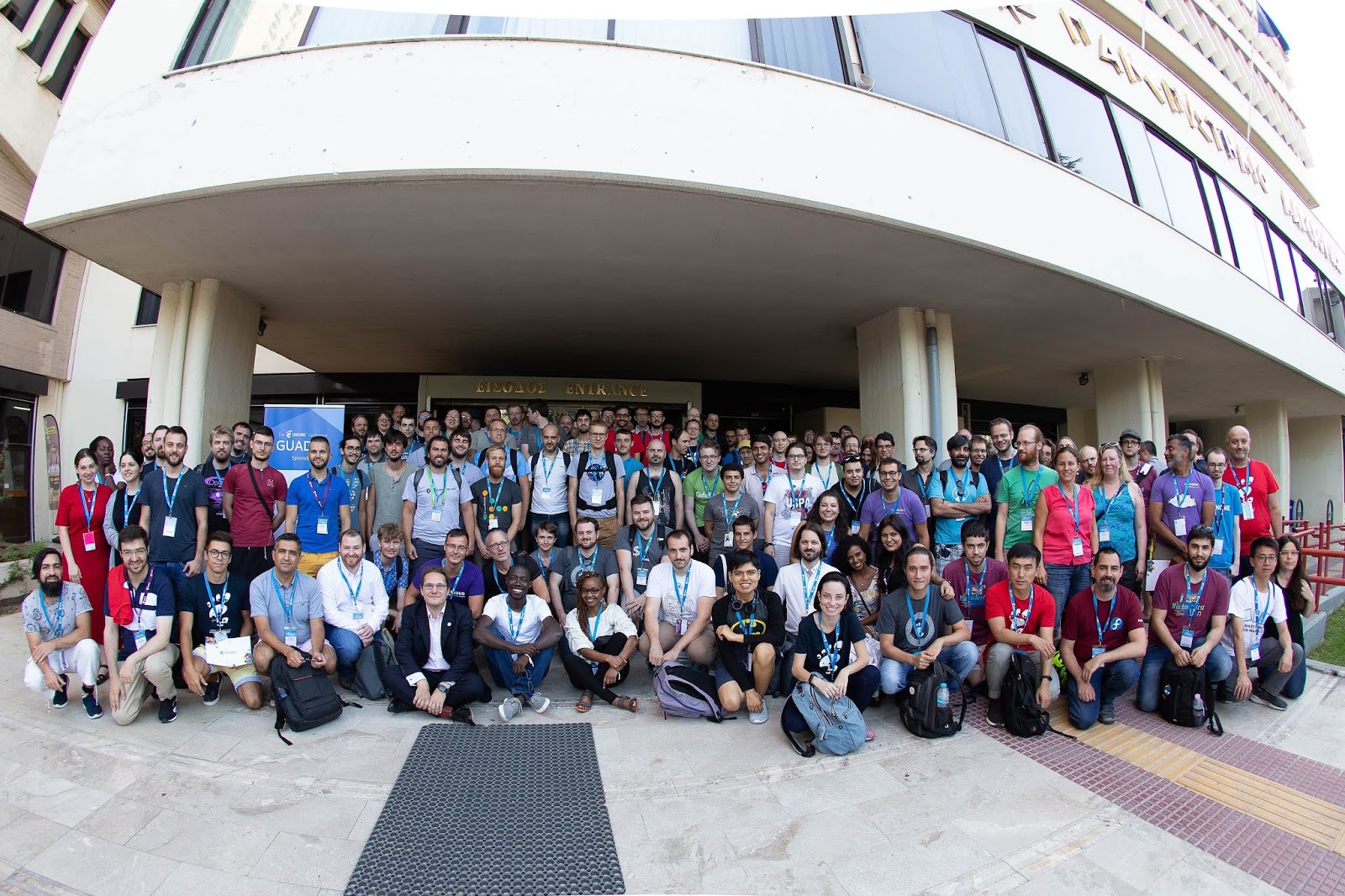
και ακολούθησε το καθιερωμένο πικνικ σε χώρο κοντά στην πόλη. Μετακινηθήκαμε με λεωφορεία. Εκεί μας περίμενε φαγητό ενώ αρκετοί είχαν φέρει ποτά από τους τόπους τους.
Την τρίτη και τελευταία μέρα των ομιλιών, είδα την ομιλία του Robert McQueen με τίτλο Is the Linux Desktop Really Dead? Κάθε χρόνο ακούμε φέτος θα είναι η χρονιά του Linux Desktop. Ήμουν νιος και γέρασα. Μήπως φταίμε και εμείς που δεν έχουμε φτιάξει ένα ελκυστικό desktop για τους αμετανόητους χρήστες; Ακόμη μια ομιλία που παρακολούθησα ήταν του φίλου Γιάννη Κωνσταντινίδη με τίτλο GDPR and ePrivacy: Compliance Nightmares for GNOME and Open-Source Projects? Αρκετά σημεία γνωστά. Όμως από αυτά που ανέλυσε ο Γιάννης, βλέπω ότι ακόμα και μετά από τον χρόνο προσαρμογής, καταστήματα αλλά ίσως και εμείς δεν τηρούμε ότι προβλέπεται. Η επόμενη ομιλία αφορούσε αποκλειστικά το GNOME και συγκεκριμένα έγινε από τον Executive Director του GNOME, Neil McGovern με τίτλο The Growth of GNOME. Αναφέρθηκε στην παρούσα κατάσταση του Foundation και του project αλλά και για το μέλλον τους και επισήμανε το πλάνο για το μέλλον.
Στις Lightning Talks με τράβηξε η ομιλία του Richard Brown σχετικά με το τι κάνουν οι οργανωτές εάν κάποιος ομιλητής πάθε καρδιακή προσβολή την ώρα που μιλάει. Είναι αληθινό γεγονός και το έζησα και εγώ σε συνέδριο του openSUSE. Ανέφερε κάποιες ενέργειες που πρέπει να έχουν γίνει από πριν (θα γράψω ένα αρθράκι σχετικό). Εμείς ευτυχώς είχαμε καλέσει εθελοντές του ερυθρού σταυρού και δεν είχαμε κάποιο μεγάλο γεγονός. Η ημέρα έκλεισε με την ομιλία της keynote speaker, Deb Nicholson, με τίτλο Free Software/Utopia.
Η ημέρα τελείωσε με τον καθιερωμένο αγώνα ποδοσφαίρου.
Τις επόμενες 2 ημέρες το πρόγραμμα είχε τα BoFs. Η αλήθεια είναι ότι ήθελα να παρακολουθήσω το GNOME Documentation and Localization αλλά επειδή ήταν χαλαρή μεν ημέρα, ξεκίνησε η εξεταστική των φοιτητών και είχε πολύ κόσμο, έφαγα την περισσότερη ώρα να κατευθύνω τους συμμετέχοντες στις αίθουσες, να φροντίσω τα τεχνικά αιτήματα (πχ Ιντερνετ κλπ). Οπότε όλη η ώρα μου καταναλώθηκε εκεί.
Την τελευταία ημέρα, μια ομάδα πήγε στην παραλία ενώ εγώ συμμετείχα στην επίσκεψη στα μουσεία.
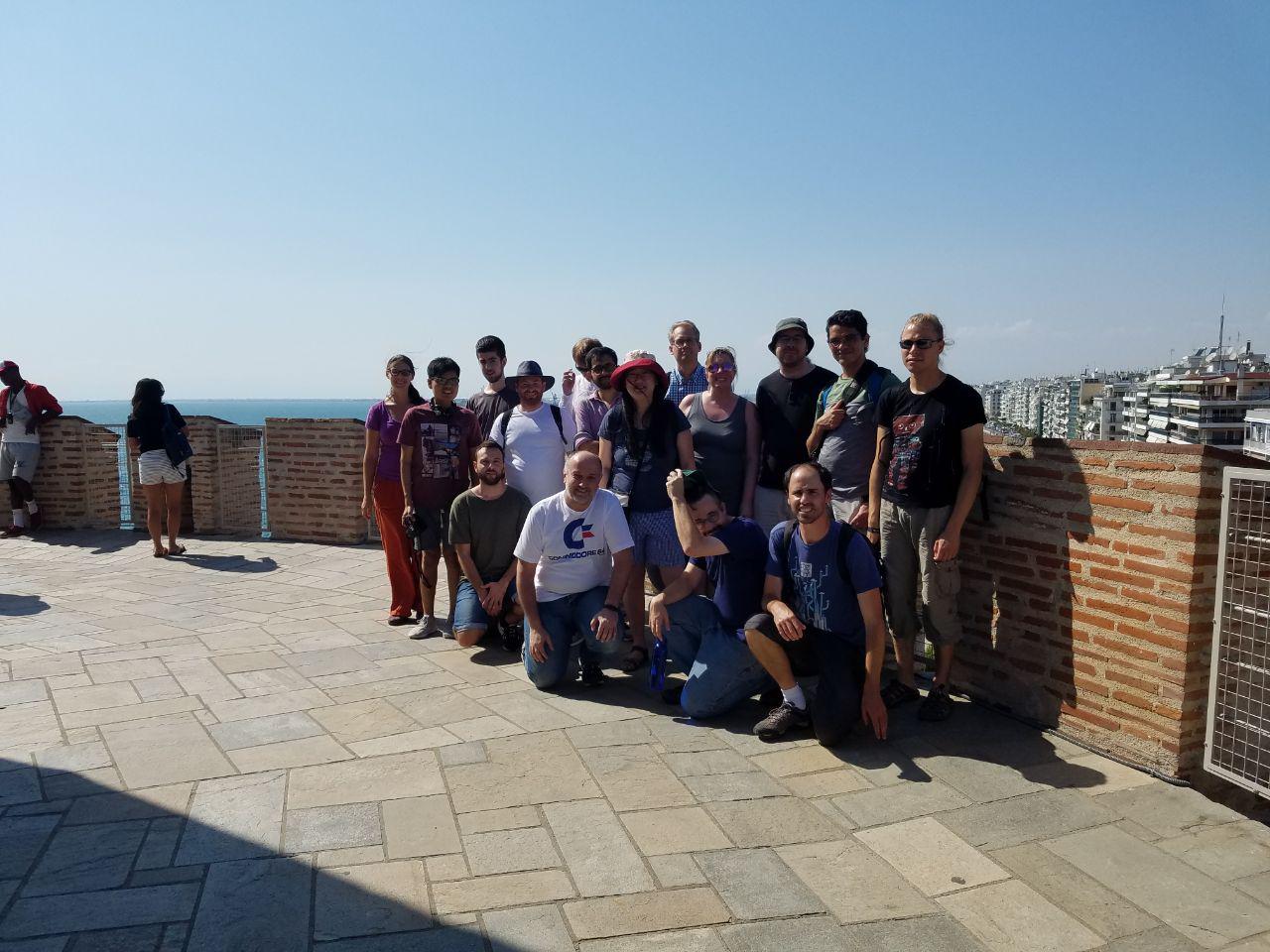
GUADEC Επίσκεψη στα μουσεία
Θέλω να ευχαριστήσω την Μαριέτ, την Πάτυ και την Τάνια και τον Μιχάλη από το Πανεπιστήμιο Μακεδονίας που μας βοήθησαν τόσο πριν όσο και κατά την διάρκεια του συνεδρίου. Υπάρχουν βέβαια και άλλοι του Πανεπιστημίου που κάνανε αθόρυβη δουλειά και δεν γνωρίζω ονόματα, οπότε θέλω να ευχαριστήσω και αυτούς. Επίσης θέλω να ευχαριστήσω όλους τους εθελοντές που χωρίς την βοήθειά τους δεν θα είχαμε ένα τόσο πετυχημένο συνέδριο. Τέλος θέλω να ευχαριστήσω και τους συμμετέχοντες διότι δεν αντιμετωπίσαμε κάποιο ιδιαίτερο πρόβλημα. Θα σας συναντήσω και στο μέλλον.
Όσοι δεν μπορέσατε να παρευρεθείτε, μπορείτε να δείτε τα βίντεο:
1. Ubicast (θα ζήσουν για ένα χρόνο)
2. Youtube
Επίσης, υπάρχουν πολλά σετ από φωτογραφίες.
1. https://2019.guadec.org/pages/photos.html
2. Google Photos
3. Flickr
4. Engagement εκεί που λέει GUADEC 2019
5. https://fidencio.fedorapeople.org/guadec2019/
6. Richard Brown photos
7. Olivier's photos