
 Member
 Futureboy
A 100 Mhz 6502 CPU | Blathering

MicroOS Expands Security With Keylime
Recently MicroOS gained some new options in relation with security. The distribution has now integrated Keylime, an open source project for doing remote attestation with TPMs.
If you follow the news about Windows 11, you are aware of what is a TPM. The Trusted Platform Module (TPM) is a cryptoprocessor, described by the Trusted Computing Group (TCG) in a specification that has been standardized in a ISO/IEC document. You can find the TPM already soldered in the mainboard of your computer, but they can also be found as a service in the firmware, or inside your CPU.
This co-processor can be used for many tasks related with security. For example, we can use it to generate symmetric and asymmetric keys, encrypt some memory blocks (not too big, as they are a bit slow), or to as storage for keys that can be used only for us (or applications that have permissions).
Because the TPM from the factory has a unique key (known and Endorsement Key or EK), it can also be useful to generate other keys that can later be used to check if some information comes from this specific machine or not. That is something very handy when we want to validate the source of some communication (like for example, when login into a VPN)
Another main use of TPM is for health attestation: we want to know if the system is in a good state, i.e, there is no change in the software that it is running since we turn it on.
That means that we need to measure all the software that has been running in the system since the very initial stages in the firmware, until the load of the Linux kernel and the initrd. Later we compare those measurements with the values that we known that are the good ones, and if they match we will know that no change has been made in our system.
We can do that using the TPM. Each stage in the boot chain will need to load the next stage before delegating the execution to it. Before doing so we need to calculate a hash function (like SHA256, for example) of it, and report it back to the TPM to track the measurements.
After the boot has concluded, we can ask the TPM about those hashes, and compare them to the expected values. If they match our expectations, it is safe to assume that no change has been made in the software used since the initial boot stages, and the system is in good
shape.
For security reasons, we want to do the comparison between the expected measures and the current one in a remote machine. This machine can ask about the current measurements, and request that this report has to be signed by the TPM. We can later validate the signature and do the comparison of the hashes with the expected values.
Keylime is the tool that can do this for us in a more rich and secure way. We can install an agent service in all the machines of our network, which will collect all the measurements and signatures and report it to the verifier service that will do the attestation.
MicroOS now has two new system roles that will install Keylime agents our systems, and we can select one node to install the verifier role.
If you like the idea, you can find more information in the MicroOS blog and in the MicroOS portal. In there you will find technical details about how the TPM is really working and how to use Keylime with measured boot and IMA, all of which are using the TPM as a root of trust.
How and When to Update openSUSE Tumbleweed | Blathering

Mobile Photography
I love photography. I started taking photos four decades ago using a camera called Lubitel, a cheap Russian knock off of Rolleiflex. I switched from film to digital photography back in 2000, which was quite a bit earlier than most. I always treated mobile photography with strong skepticism (small sensor, too much processing, etc.) and have a dedicated camera with me everywhere.
Well, the problem is with the words “always” and “everywhere”. There can be many reasons why I do not have my camera with me:
- doing grocery shopping
- doing some sports
- extreme weather
- visiting a neighborhood where I’m afraid to take a camera and lenses worth thousands of dollars
However, I do not leave my eyes at home together with my camera. I never know when I’ll see some beautiful scenes while walking to the shop. Earlier I just took a deep breath that it’s a helpless situation and I went on, as I did not have a dedicated camera with me. Nowadays my view changed. Even if I do not have a real camera with me, I always have my mobile with me. As usual, there are exceptions here too: when I accidentally leave it in the charger :-)
Some of my favorite photos during the past few weeks were taken by my mobile phone. Yes, these photos are far from perfect from the technical point of view. But still, they captured the mood of the moment perfectly. And without my mobile I would have missed some nice moments of Autumn. So, using my mobile phone to take photos is still better than nothing.

Mobile Photography: Autumn mood 1.

Mobile Photography: Autumn mood 2.
You can find some of my photos on Gurushots

Thank you, SUSE QE
Some here might not know it, but some teams from the 'SUSE Quality Engineering Linux Systems Group' use the Redmine installation here at https://progress.opensuse.org/ to track the results of the test automation for openSUSE products. Especially openQA feature requests are tracked and coordinated here.
As the plain Redmine installation does not provide all wanted features, we included the "Redmine Agile plugin" from RedmineUP since a while now. Luckily the free version of the plugin already provided nearly 90% of the requested additional features. So everybody was happy and we could run this service without problems. But today, we got some money to buy the PRO version of the plugin - which we happily did :-)
There is another plugin, named Checklist, for which we also got the GO to order the PRO version. Both plugins are now up and running on our instance here - and all projects can make use of the additional features.
We like to thank SUSE QE for their sponsoring. And we also like to thank RedmineUP for providing these (and more) plugins to the community as free and PRO versions. We are happy to be able to donate something back for your work on these plugins. Keep up with the good work!

SCM/CI Workflow Runs and More
Pixel Sites
I've created a couple of minisites for key OS components, built using no frameworks, but plain CSS. Just having CSS grid and variables made it viable for me to avoid using frameworks recently. Having includes/imports one wouldn't even need Jekyll.
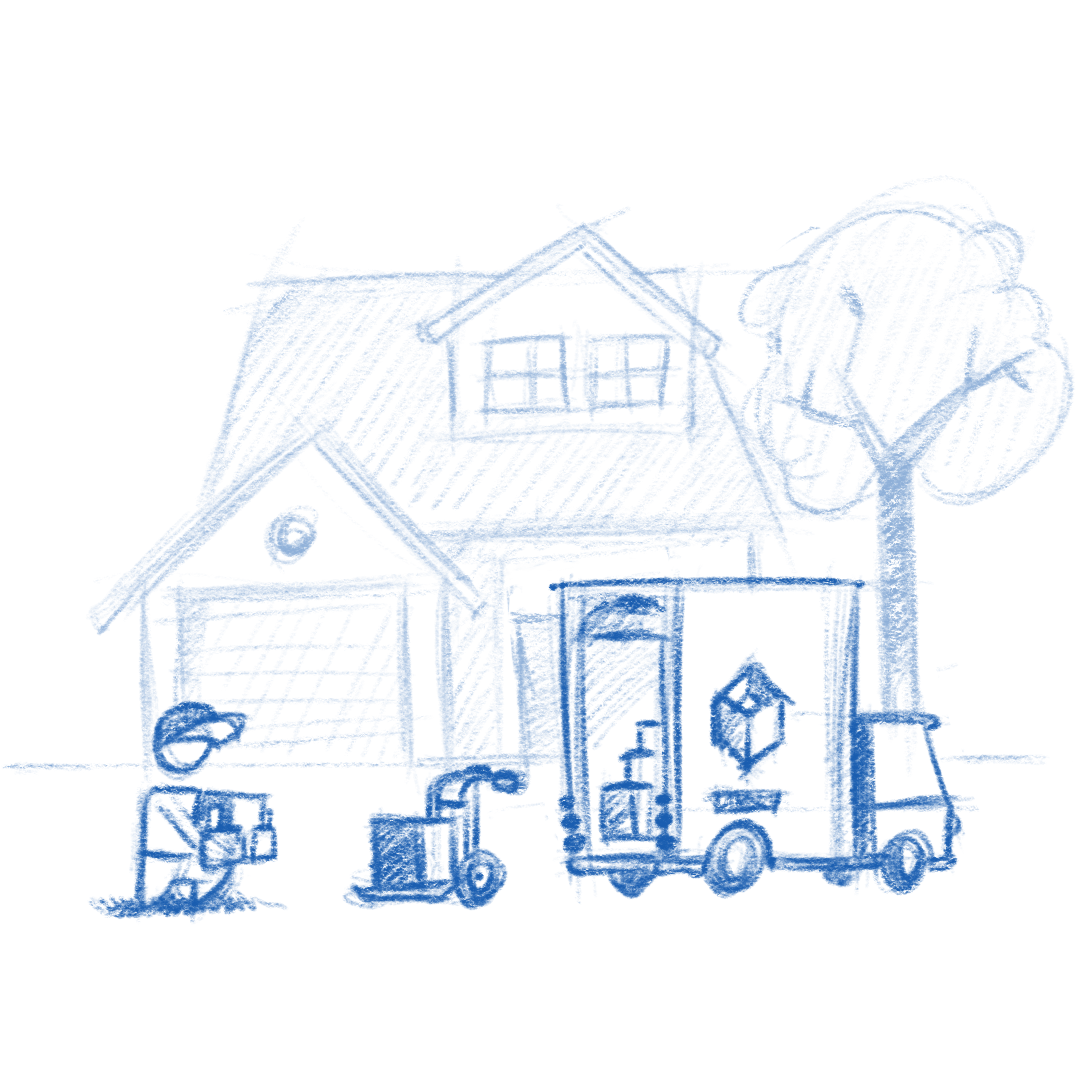


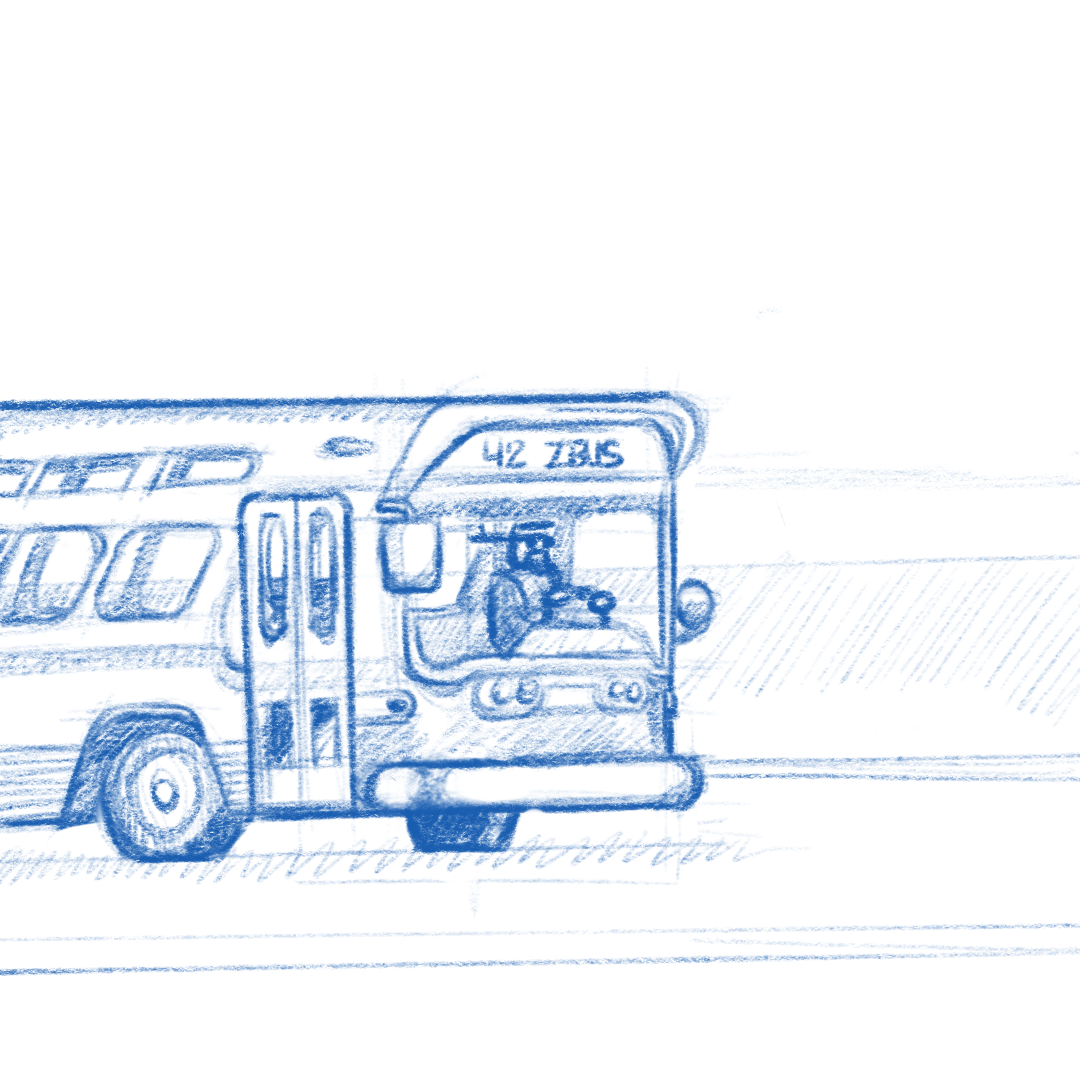
The founding stone on all of these is the pixel art, which is now becoming my favorite art form.


If you maintain an upstream OS component and are looking to replace a wiki or a markdown readme with a simple site, I've created a template to get you started quickly.
Pixel Sites
I’ve created a couple of minisites for key OS components, built using no frameworks, but plain CSS. Just having CSS grid and variables made it viable for me to avoid using frameworks recently. Having includes/imports one wouldn’t even need Jekyll.


The founding stone on all of these is the pixel art, which is now becoming my favorite art form.


If you maintain an upstream OS component and are looking to replace a wiki or a markdown readme with a simple site, I’ve created a template to get you started quickly.
openSUSE Tumbleweed – Review of the week 2021/46
Dear Tumbleweed users and hackers,
This week, we had a little bit of a fight with our snapshots in openQA: not because of openQA, but actually because some issues could not have been in staging but became visible in the full product tests (e.g. ncurses memory leak, which manifested while installing a full Tumbleweed fro the net installer). So, out of the 7 snapshots produced and tested, we only managed to publish 3 (1111, 1116, and 1117).
the main changes included in those snapshots were:
- Coreutils 9.0
- X.Org 21.1.1: NVidia users please read https://lists.opensuse.org/archives/list/factory@lists.opensuse.org/thread/R7D252KCMUQBZSW46K7URSVP7F57GBXF/
- KDE Frameworks 5.88.0
- KDE Plasma 5.23.3
- Libreoffice 7.2.3.1
- SELinux 3.3
- PostgreSQL 14.1
- Samba 4.15.2
- Xen 4.16.0
The currently being tested snapshot and staging projects promise these changes in the future:
- Linux kernel 5.15.2: kernel modules compressed using zstd
- ICU 70.1
- Mesa 21.3.0
- cmake 3.22.0
- pipewire 0.3.40, with a move to from pipewire-media-session to wireplumber; currently failing openQA
- Rust 1.56
- Bash: moving away from update-alternatives to handle /bin/sh; To allow busybox to step in as ‘sh’ provider. We are switching to a package replacement model (e.g. bash-sh, busybox-sh). Those packages will install the relevant /bin/sh symlinks
- tbb 2021.4
- openSSL 3.0: No visible progress in the staging. Main blockers so far seems to be python 3.6 and python-cryptography

Container Layer Analyzer
Today I’d like to point out an amazing new tool: The Container Layer Analyzer, written by Dan Čermák. Dan also wrote a comprehensive blog post about it, which explains it much better than what I do here.