
 scarabeus
Installing openSUSE Factory on laptop
First let me explain why openSUSE Factory and not in fact Gentoo.
Factory points:
- + Much faster install/update
- + Better out of the box experience – no need to fiddle with everything to get it running
- + I can throw stuff to OBS and get it back fast as a binary when I am on battery
- – It has more issues than Gentoo stable in some areas
- – Unable to remove things like pulseaudio easily
Gentoo points:
- + More stable on stable – this will change a lot in near future if everything goes right for openSUSE
- + Faster system (matter of few percents)
- + Possibility to remove stuff you really don’t want
- – Compilation of everything – I update/install on battery often
- – Smaller chance to fix anything while I am traveling as I have to compile it on the box
So how should I install it? (Break your machine in 3 easy steps)
We will need ISO that is easy to grab from our build service.
Sometimes when we do fancy TM stuff on Yast side the ISO might not work, YAY, but fear less you can still grab latest released version and start from there.
Installation
You really don’t expect me to give you guide on how to install it right? Just get it to state where it reboots for the first login.
Actual migration
Check the repositories and verify that they are pointing on the Factory target, depends on media we went from but it is not hard to change.
Just remove the repositories installer provided us during the installation and put the following ones in (or edit them if you want) the yast:
mosquito:~ # zypper lr -u
# | Alias              | Name                     | Enabled | Refresh | URI
--+--------------------+--------------------------+---------+---------+--------------------------------------------------------
1 | repo-debug         | openSUSE-Factory-Debug   | No      | Yes     | http://download.opensuse.org/factory/repo/debug/
2 | repo-non-oss       | openSUSE-Factory-Non-Oss | Yes     | Yes     | http://download.opensuse.org/factory/repo/non-oss/
3 | repo-oss           | openSUSE-Factory-Oss     | Yes     | Yes     | http://download.opensuse.org/factory/repo/oss/
4 | repo-source        | openSUSE-Factory-Source  | No      | Yes     | http://download.opensuse.org/factory/repo/src-oss/
Q: How should I add them in the zypper from cli?
A: zypper ar -f -n openSUSE-Factory-Oss http://download.opensuse.org/factory/repo/oss/
After this change we just migrate to the Factory by updating the whole distribution (even if nothing changed as the ISOs sometimes won’t build for a bit).
I recommend running this from CLI and not having anything running at the time, even if it won’t hurt much it is just safer :-)
zypper dup
As a note keep in mind that you should always run zypper dup on factory as we actually sometimes even downgrade and so on, so forget the zypper up there.
I did it. Now what?
Well mate, now you have rolling based binary distribution that is quite usable and working even despite all the openSUSE contributors trying to break it every day ;-)
If you find any problems during the usage just drop by on respective development IRC channel (#opensuse-kde/…) for the package that might be causing the trouble for you and ask the members if they already have fix and if yes if it is on its way to Factory. Then sit back for a while and in ~1 day enjoy your updated/fixed package.
If there is no fix, or nobody else willing to fix your issue (as that might happen as we all see our priorities differently), just try to file a bug or do even better. Hack on it and fix it yourself and get some cool stuff like irc cloak and email alias for being contributor (that does not come with the first fix obviously :P).
What are your current issues with the Factory?
Actually it is running quite well and if I find some issue I can annoy somebody/fix it pretty fast but let me list some things I am currently indiferent or are not annoying enough to fix:
- Czech translation of SUSE internals is sometimes funny
- Disk decrypt password dialog shows the disk name the way it overflow the screen, not a biggie
- Artwork for obvious reasons is moving target so sometimes it says 12.3 sometimes it changes every day and so on, that is not bug that is expected
- Akonadi is PITA, not a problem of Factory at all but it is biggest issue I have on all my machines
- Kernel updated too often – that was my bad as I approved the 3.11 too early and then I had to put in the fixes so you guys do not suffer :-)
As endnote I have to mention I udpated bit our wiki to explain who we are and what we do. It is more of work in progress but it should give at least some explanation how we achieve the Factory and what are the issues we face. We are always looking for contributors that want to work on fixing the current factory state or improving our tools. If you are bored help us out so 13.1 is awesome release for everyone…
Mandatory screenshot
Excuse the Nexus 4 camera, too lazy to reach out for normal one :-)

YastTeam@Freenode

Find us at irc://irc.freenode.net channel #yast
Come and see the real life of Yast developers! Share your thoughts with us! Test and try the Yast's sharpest edge! See you there! :)
Intel & Mir: The point-of-view of a graphics driver developing bystander.
Before I go any further, this seems to not be Chris Wilsons decision or his preferred solution. Chris wrote the patch which he was told, by unnamed party or parties in Intel, to back out. Also, I personally do not condone the actions taken by Canonical, but, as a graphics driver developer, I find Intels actions far worse. I rather doubt that Intel thought this one through properly.
What's the problem?
As a graphics driver developer, I fail to see the big problem with Mir.So what if Canonical has decided to reinvent Wayland? Apart from the weird contribution agreement (which will only limit contributions), Mir is fully free software isn't it? Who are they hurting apart from their own resources and their own users? It's not that I am applauding Canonical for their decision, but I really don't see the massive problem here.
Why is Canonical not allowed to do this?
Reinvention galore
I personally really hate things being reinvented all the time. It is the disease that plagues open source software, and that what makes sure that we don't have a growing linux market.How often have we heard that something is outdated and broken and doesn't fit modern demands anymore? We are then invariably being told that something new is being built afresh, from the lessons learned of what was done "wrong" before, and that in a few months time, everything is going to be fantastic. Sadly, such timeframes never pan out, and while the known "errors" are fixed, everything else gets broken, which then has to be reinvented or ported as well (or which simply remains broken). And then several years down the line, things are still not perfect, and then someone else (or sometimes even the same person) goes off and implements the next great thing from scratch, again.
We never have something that just works, we just go from broken state to broken state. And nobody learns from this, nobody apparently ever states "Hang on, isn't that pretty much the same story we heard 3 years ago?"
To me, as a stupid shortsighted driver developer, Wayland seems like X reinvented. A server/client display architecture with the new lessons learned implemented, but with everything else broken. We've been waiting for getting all those little niggles worked out ever since 2009, and at one point, networking was added to Wayland making it even more of an X replacement.
So then Mir was announced... And suddenly the world was ablaze. Huge flamewars broke out everywhere and effigies of Mark Shuttleworth were getting burned in the forums. I found the Mir move quite ironic, at first, and thought that the outrage was quite out of proportion, but then I read this article. It is a who's who of reinventers, complaining about Canonical reinventing Wayland. I was appalled.
What exactly gives these people the sole monopoly on reinvention?
What is Intel afraid of?
How could Mir possibly threaten Wayland?Intel is a pretty big company, and it probably has the largest contingent of open source developers devoted to graphics. It employs some of the brightest and most influential people in the business. On top of that, Wayland was there first, has had more time to mature, has had more applications and toolkits ported, and has a much larger mindshare. Most people would think that Waylands future is pretty secure.
So what could possibly be so much better about Mir that makes Mir such a big threat to Wayland that Intels graphics driver developers have to be told not to support XMir at all? Honestly, in the above constellation, how vastly more superior technically does Mir have to be to justify such an action? If Intel really feels that it has to react like this, well, then it might as well just throw in the towel and go Mir immediately, as Wayland clearly must be completely useless.
What a way to oust your own insecurity.
Software Fascism
Intel finds it necessary to play games with their X.org graphics driver, instead of having Wayland battle it out directly with Mir.This kind of powerplay is quite insidious, and far more damaging than most people would expect. It completely skews the ability of software to compete on a fair and equal grounds, and hurts us all as it is mostly applied by those who are not able to compete properly, or those who feel as if they shouldn't need to bother to compete properly. It tends to favour the least technically advanced and the least morally acceptable.
The best example which I have come across so far is the RadeonHD versus Radeon battle. RadeonHD beat ATI by actually providing a solid open source driver in September 2007, and we at SuSE had a stated goal of being able to ship a solid open source driver on enterprise desktop rollouts. 3 months later, Radeon came around with support for the same hardware. It was technically inferior, and "borrowed" much of the hard work of radeonHD plus some noise added on top. What was worse was how the so-called X.org community used software fascism to artificially boost the Radeon driver. This started out with the refusal of a mailing list at the usual place, hit a low point with RadeonHD being dropped from the build script for the xserver, and sank to whole new levels when, 2 years after the obvious death of the RadeonHD driver, the RadeonHD repository got vandalized (and the whistleblower got tarred and feathered while the perpetrators were commended for their "quick" confession).
So who won?
Well, it definitely was not RadeonHD, as that died early 2009 with Novell laying off a large portion of SuSE developers in Nuremberg. As luck had it, at the same time, AMD experienced serious financial difficulties and did not continue the RadeonHD project with SuSE. But although Radeon did survive, it did not win either. ATI won, AMD (which wanted a proper open source driver, whereas ATI seriously didn't) lost, and we all lost with it. Fglrx still rules supreme today, but now it does not get as much flack as it did before, as the figleaf driver provides some sort of an alternative for those who are unhappy with fglrx. But it goes beyond that, the radeon driver consistently applies or applied the solutions ATI fglrx developers recommended, instead of the empirical solutions we at RadeonHD usually chose, and the radeon driver is not as good as it could be.
Software fascism goes further than just badly skewing competition, and it always is a negative influence on software. Who knows what other bad decisions will make their way into the Intel driver now?
The responsibility of a graphics driver
The main responsibility of a graphics driver is to support the users of your graphics hardware. If you are actually employed by the vendor, your users are those who bought your hardware and who will buy your hardware again if they are satisfied. This is the business case for providing optimal support for your hardware for a given operating system or infrastructure. On top of that, in open source software, the users are more than just the customers, they are also the testers.Canonicals plan and marketing seem to have worked out quite well over the years, to the extent that half the planet thinks that linux equals ubuntu, and ubuntu probably has the larger part of the linux desktop market. This means that ubuntu users are a sizable portion of Intels userbase, and as a hardware vendor (and only secondarily a maker of display servers), Intel simply cannot afford to refuse to support or even alienate these users. Canonical has decided that Mir will be the primary display server on future Ubuntu releases, and this in turn means that Intel has an obligation to support Mir.
The Xmir patch to the Intel graphics driver seems rather minimal and not very invasive. There also seems or seemed, as the case may be now, direct communication between Intels graphics driver developers and Ubuntus developers. As Mir will ship on the next Ubuntu versions, there will be a large amount of users which will test the Xmir code in the Intel graphics driver. There is no chance that the Xmir code will bitrot for the foreseeable future, and Intels own investment in this code will be minimal.
The real art of writing good drivers is to provide for quick and painless debugging. Graphics hardware is complex, the drivers for this hardware are also complex, and neither is ever perfect, so one has to work hard to maximize the chance for bug resolution. This means easy communication with users, and giving the user an easy route to test changes so that proper feedback can be provided quickly. If you fail to make it easy enough for users, you will simply not get your bugs fixed, and the higher the resolution threshold becomes, the worse your driver will become.
By not carrying this patch, Intel forces Ubuntu users to only report bugs to Ubuntu, which then means that only few bug reports will filter through to the actual driver developers. At the same time, Ubuntu users cannot simply test upstream code which contains extra debugging or potential fixes. Even worse, if this madness continues, you can imagine Intel stating to its customers that they refuse to fix bugs which only appear under Mir, even though there is a very very high chance of these bugs being real driver bugs which are just exposed by Mir.
The reality of the matter is, Intel is hurting its own graphics driver more than it could potentially hurt Mir or Canonical.
The andriodization of linux
The biggest installed base of Linux is android, and it is bigger by many orders of magnitude. Sadly the linux which we call android is little more than the linux kernel and some new-ish (mostly) open source infrastructure on top. While this, to some extent, is quite the boon for open source software, it also holds a major threat. If we are not careful, we get fully locked hardware. We are only sporadically able to enforce the GPL on the kernel, and we have no chance at all to get open source userspace drivers. This limits the usefulness of the now ubiquitous linux hardware out there, and with the way the desktop and mobile are evolving, this will soon limit the availability of hardware for which more-or-less complete open source is available. On top of that, all those electronics companies that are churning out hardware at an amazing rate, they are either unable to see the advantages of actively contributing to open source, or they are having a very hard time in learning how to do so.This is exactly why I created the lima driver, and why some other brave souls created their respective GPU reverse engineering projects. We recognized this danger, and are sacrificing a large portion of our lives trying to prevent catastrophe. And even though things are not going as fast or as smooth as we expected, we have come a very long way.
Things took a wrong turn a while back though. In an effort to create a stopgap solution, Jolla developer Munk created libhybris, a wrapper library which allows the usage of android drivers on top of glibc, and thus on a normal linux installation. I find this hack pretty dangerous, as it makes all vendors complacent, and it cements the android way of working and the it makes binary drivers the default. Our biggest open source hopes for mobile; Sailfish, Firefox-OS and Ubuntu-Phone Mir readily embraced this way of working.
I have, so far, not seen anything from either Jolla, The Mozilla Foundation or Canonical, along the lines of active support of the route we have chosen with open ARM GPU drivers, and we've been at it for quite some time now. Those companies are more dependent on open source software than your average android vendor, and know how to do things the open source way, but they have fully embraced the binary drivers built for android only, with no signs of them wanting to change this.
The only reason why I favour Wayland over Mir is that Canonical immediately chose the libhybris route with Mir. Wayland currently has patches for libhybris, so soon Wayland sadly will have sunk to Mirs level as well, from a graphics driver point of view.
Intel employs a small army for their open source software, and specifically for their open source graphics driver. But Intel also has other teams working on graphics drivers, and while I am not certain, I do think that Intel ships binary only drivers on their android devices.
Canonical is happy with using libhybris, but currently would prefer to use a proper graphics driver for their future products. This preference now got significantly reduced. Intel now potentially has driven one of the last big users of open source graphics drivers to exclusively using android binaries as well, seriously reducing the relevance of its own OSTC driver developer team in the process.
The low road
Up until now, intel had the moral high ground in the Wayland versus Mir situation. With the simple decision to revert the Xmir patch, this situation now got reversed.Well done.
Really basic intro to encrypted filesystems in openSUSE
Read more »
MySQL: users, passwords, CLI basics
Read more »
The lima mesa driver runs es2gears.
es2gears!
Progress is slow but steady on the lima mesa driver, mostly because I am not giving lima as much time as I should. I now have working attributes, uniforms, vertex buffers and even some state is being set correctly. Enough to run es2gears. Here is the video on youtube, there is an older capture with a rotating smoothed cube as well.This lima mesa driver uses the old-school (but contrary to popular belief, definitely not deprecated) mesa infrastructure, which, with surprisingly little work, allows me to run the mali binary drivers compiler, and allows me to build the lima driver externally. Using the binary compiler would not be possible from gallium, and with some improvements to the (intel developed, and thus intel focused) mesa glsl compiler, it seems that we might have a potent compiler for the mali ISAs as well. This way, the task of bringing up mesa on mali is nicely split, and we will be able to debug the command stream work separately from the shader compiler. I believe that we did lose the ability to run gles1 programs until Connors open-gpu-tools is hooked up to the mesa glsl compiler. This is just a small price to pay, in comparison to the size of the hurdle to take when doing everything in one go.
We are running es2gears at 130fps on the A10, and 310fps on the Exynos for a 300x300 render. Resizing is currently broken, or rather not implemented. I will need to split up the PLBU command stream to be able to do that properly under DRI2 (where resizes happen behind the mesa drivers back). The way DRI2, mesa and the sunxifb X driver now work together also means that i have to wait for jobs to finish (and then usleep for good measure), so there is a lot of potential for speed-up as well. I am not sure yet how things will have to be hacked to keep X from copying the region before rendering is absolutely done, i guess that we will have to hack something into UMP and the sunxifb driver. But a solution will be found, and we should see around a 50% increase in framerate from that, and even much much more if we manage to use overlays. Since we are in control of all the code now, we should theoretically be able to squeeze every last bit of performance out of the GPU, a luxury not offered to the users of the binary X11 driver.
I will now continue implementing textures, so that i can run all the limare egl tests. After that i will clean up the code and push it out. This will include patches to common mesa versions (and mesa packages) to allow building lima against them. Resizing and job interleaving will have to wait until after that, so keep your eyes peeled on this space :)
10 years in.
A few weeks ago, it was the 10th anniversary of my first contribution to X (a small display fix to the via driver). I cannot state that this anniversary was a happy event.Looking back, I cannot believe that i once thought that in open source software, code, design and doing The Right Thing, both technically and morally, were paramount. Open source software is about power, politics, corporate affiliation, and loads and loads of noise. Noise and misinformation always wins over code, no matter how good this code is or how hard you work at it. I have had to learn this several times over.
This is especially true in the case of forks. Not the git clone variation, but the loud, aggressive and very detrimental community kind. While often technical reasons are claimed to be the cause, this is never ever the case. It always is about politics and power. And code always suffers as a result, and this suffering is never a short term thing, especially on big forks. See, a fork always means a big stink, a lot of noise, and a power vacuum, and this attracts a certain kind of individual. These personalities form the basis of the new community together with those who instigated or accelerated the fork. Good code simply has no chance in such an environment. Bad code and bad design tends to hang around for a long long time, and tends to influence (read, limit) the thinking of any new blood that turns up. On top of that, the bad mentality also tends to linger for many many years. Politics and noise continues to take precedence over code and design, for the foreseeable future.
The only thing to do in case of a fork, is to go play somewhere else, somewhere where a major fork hasn't taken place. If you don't, or if you do not go far enough, you will see your work impacted, especially if you are not willing to let yourself be limited by the existing mentality and powerbalance.
Now if only i wasn't such a stubborn bastard ;)

 Member
Booting a Self Signed Linux Kernel
Now that The Linux Foundation is a member of the UEFI.org group, I’ve been working on the procedures for how to boot a self-signed Linux kernel on a platform so that you do not have to rely on any external signing authority.
After digging through the documentation out there, it turns out to be relatively simple in the end, so here’s a recipe for how I did this, and how you can duplicate it yourself on your own machine.

My IBM Worklight Studio Software Appliance via SUSE Studio
PS: For those who are new to SUSE Studio, you do not need to sit around and wait for the download to complete before you can see the appliance in action. Use the Testdrive option to have it provisioned in the Cloud for an hour and you can interact with it remotely from your web browser.
PS: Happy Father's Day to Australians who celebrate it on this day.

GUADEC 2013 notes
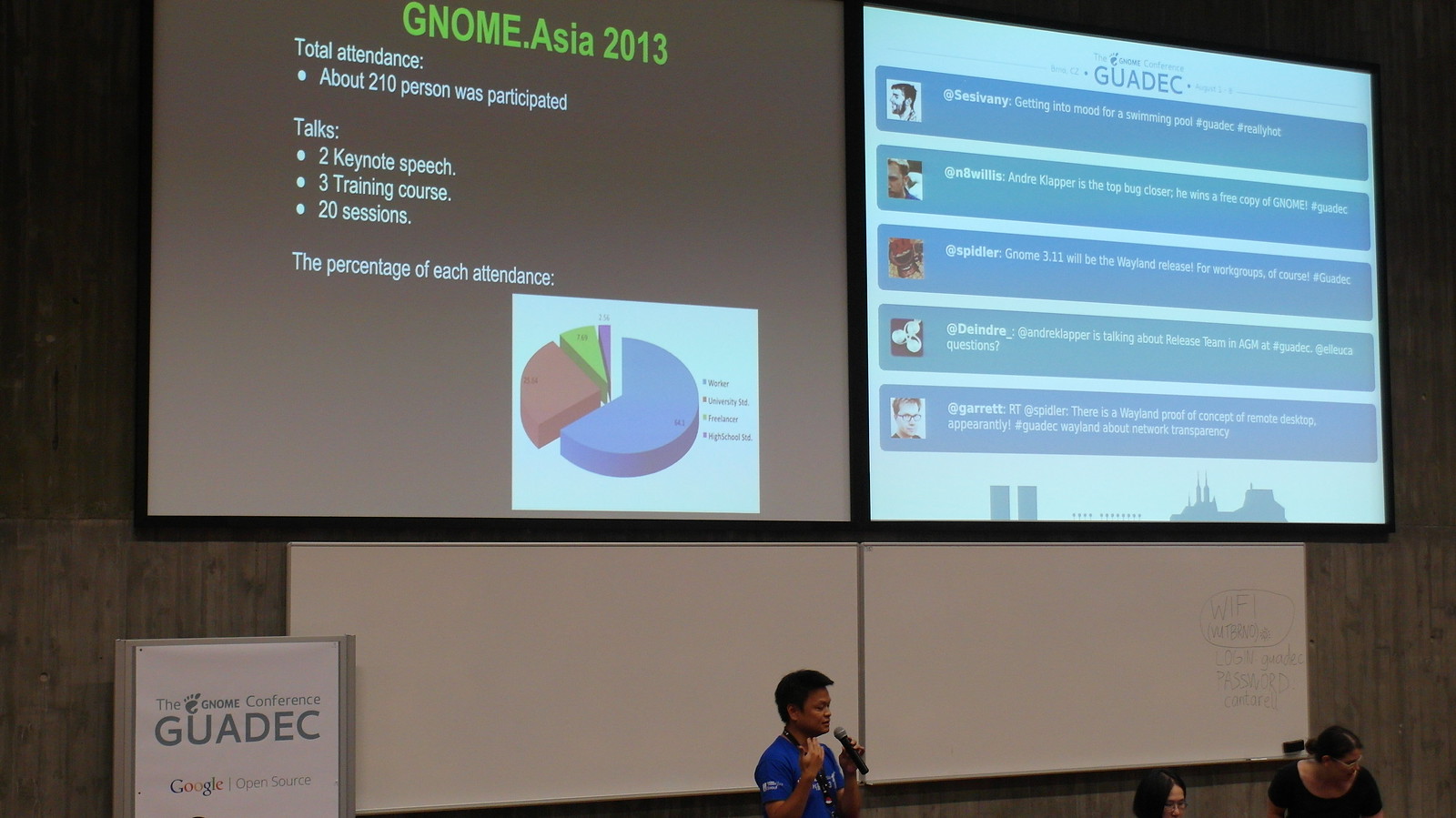
This is my first time to GUADEC. It's so excited I can go to GUADEC.
It's my pleasure to report GNOME.Asia in GNOME Foundation Annual General Meeting.
Yes, we are still learning, we want to take something back to GNOME.Asia. ^__^

For conference:
- There are always another monitor with twitter live broadcasting next to the main one.
- It's a great idea for newcomers with "NewcomersTutorial". In GNOME.Asia summit, we design workshop for students and attendee.
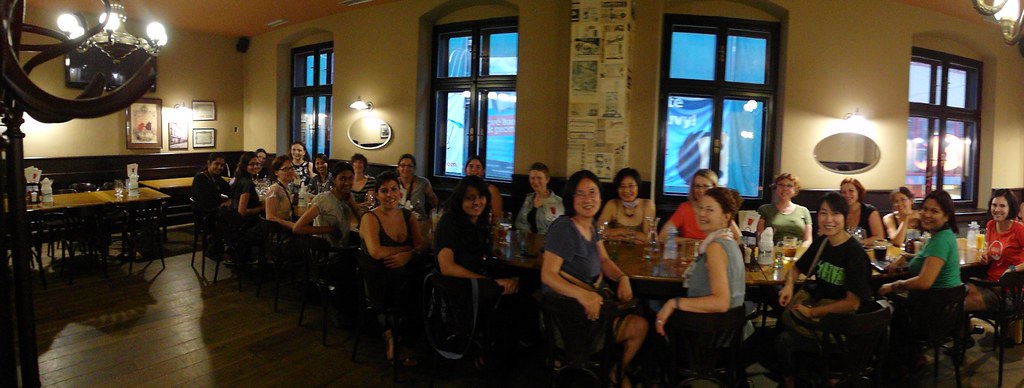
- There are party / women's dinner during the GUADEC. It's good to meet new friends and old friends in GNOME.( We usually have celebrate party with staff and speakers after summit )

- Intern lighting talk with Google Summer of Code and Outreach Program for Women. ( I think we should have more GSOC / OPW and invite some speaker in the future )
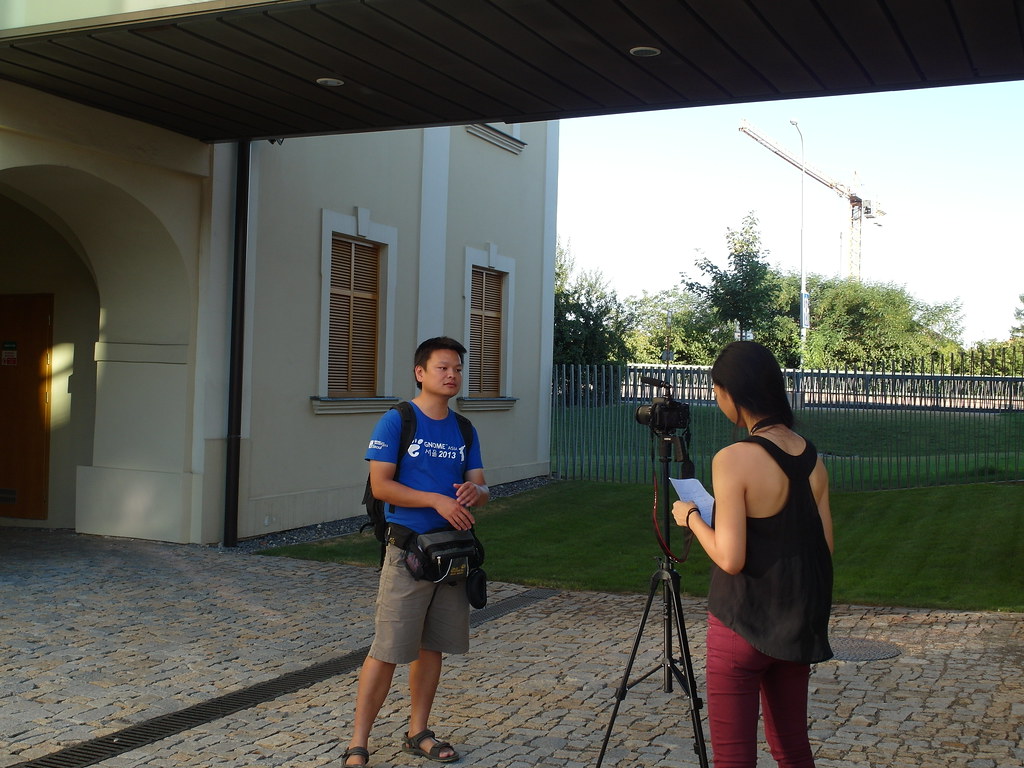
- Tiffany Yau interview the attendee during the GUADEC. (In Asia, we did the same and have GNOME Users video)
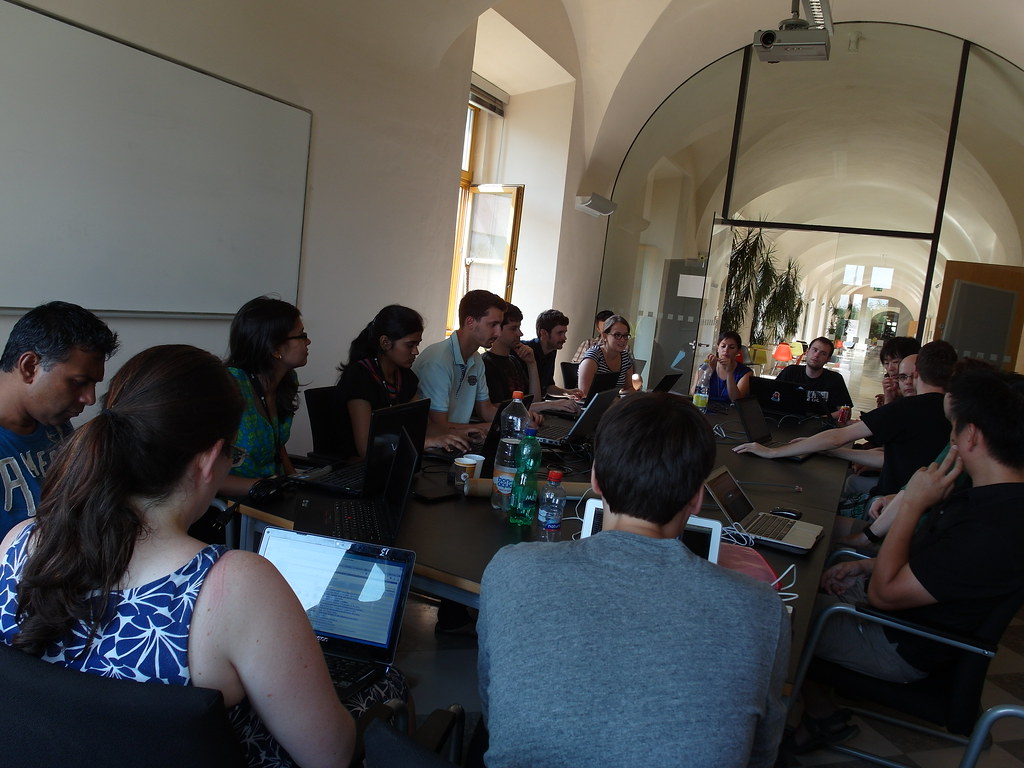
- There are lots of BOFs and hackfests after the core day. I join Documentation hackfest and Web Development BOF this year. I am very happy to give some suggestion with GNOME Event management System, Saumya Pathak works on that -- Andreas Nilsson and Fabiana Simões are her mentors.
- It's very nice to have many session with FOSS and education. It's great to me to know openhatch and other ideas with education. During GUADEC we discuss many ideas with different speakers and introduce "ezgo linux" and PhET to other speakers.
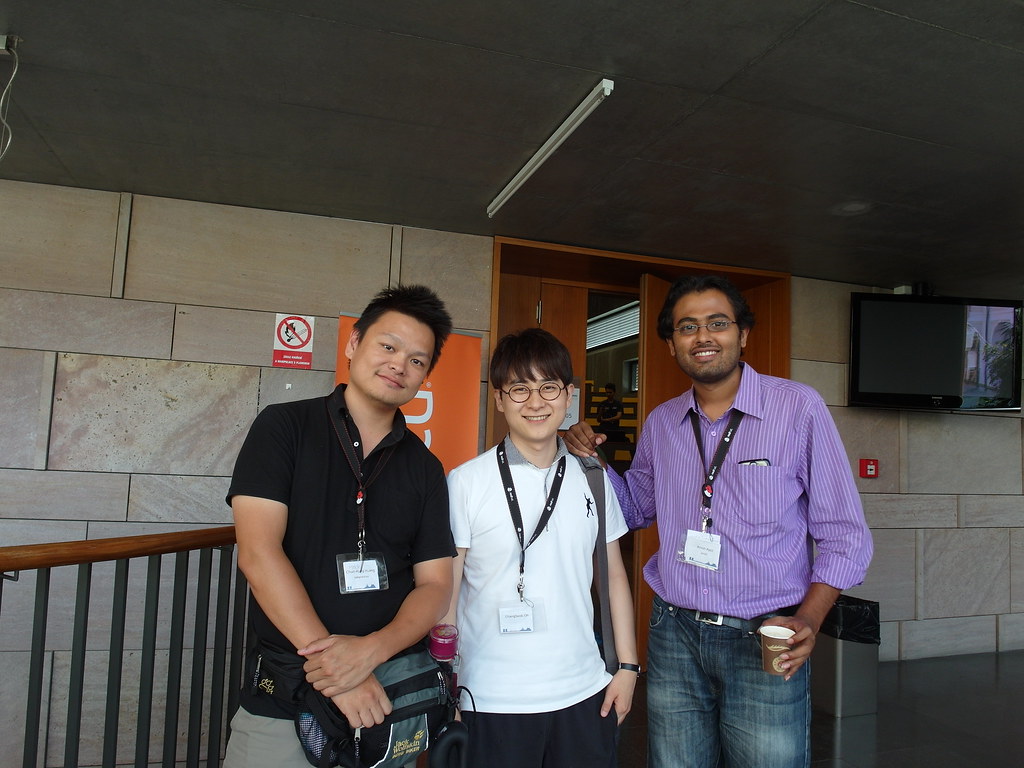
I am so happy in GUADEC 2013 picture. ( Where am I ? )
Meet many old friends and new friends in GUADEC, wish could see you next GNOME.Asia :-)
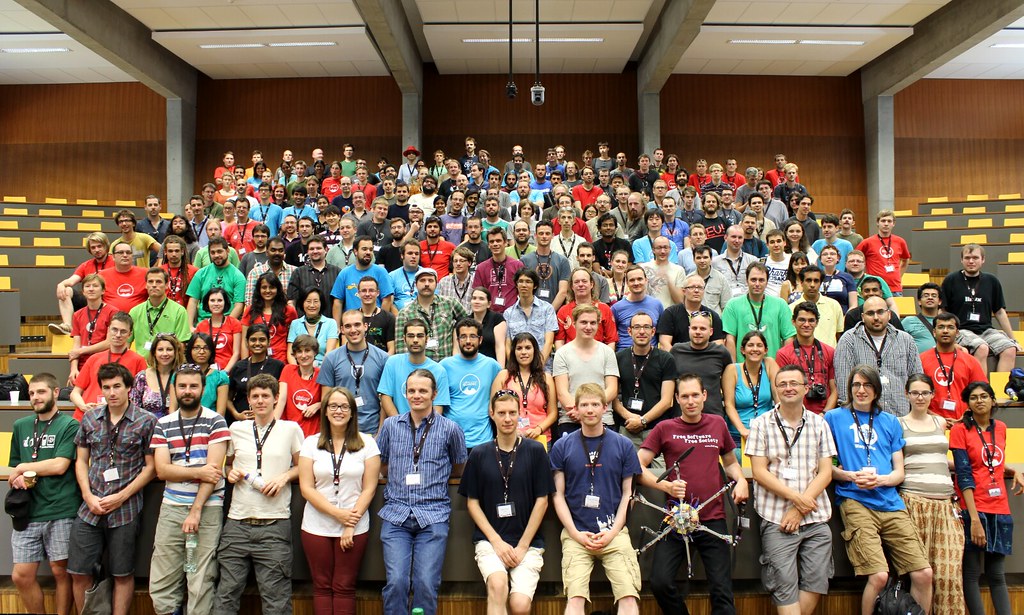
Finally, I am really thank GNOME Foundation for sponsoring me to attend GUADEC this year.
<(_ _)>

openSUSE Issues and their Resolution by Kernel of the Day
I have been using openSUSE 12.3 since the past three months on my new Toshiba rig. Despite some issues, I found it to be the most stable Operating System around. The KDE Release is specially slick, and didnt give me many issues. After updating the system, and installing a truckload of softwares, some issues crept up, that I initially found it hard to deal with. As my wireless driver was a very recent Realtek one, the driver was not part of the kernel that openSUSE initially came with. I was using a patched version of the compat-wireless package, but it was slightly buggy, and I was facing frequent disconnections, when the signal strength was comparitively weak.
Another minor issue was that of codecs. Kaffiene stopped playing video files for some reason, even though I had proper codecs installed. This was more of a graphics driver issue than a codec issue though. My most sever problem was that of the i915 Graphics driver not being loaded. This was not immediately clear to me, as I didnt have much experience debugging kernel issues. Going through the ACPI log, and using hwinfo and modprobe nailed down the problem. It was a module compilation error.
I never expected the problems to be simple. I just updated the kernel to 3.10, using the Kernel of the Day for openSUSE. Now, I am running the 3.10 kernel. All my issues went away in a jiffy, and I back to using the distro I love and admire.
Kernel of the Day – http://en.opensuse.org/openSUSE:Kernel_of_the_day