
 Member
 Futureboy
Parrot Security OS | Review from an openSUSE User
openSUSE Tumbleweed Community Challenge

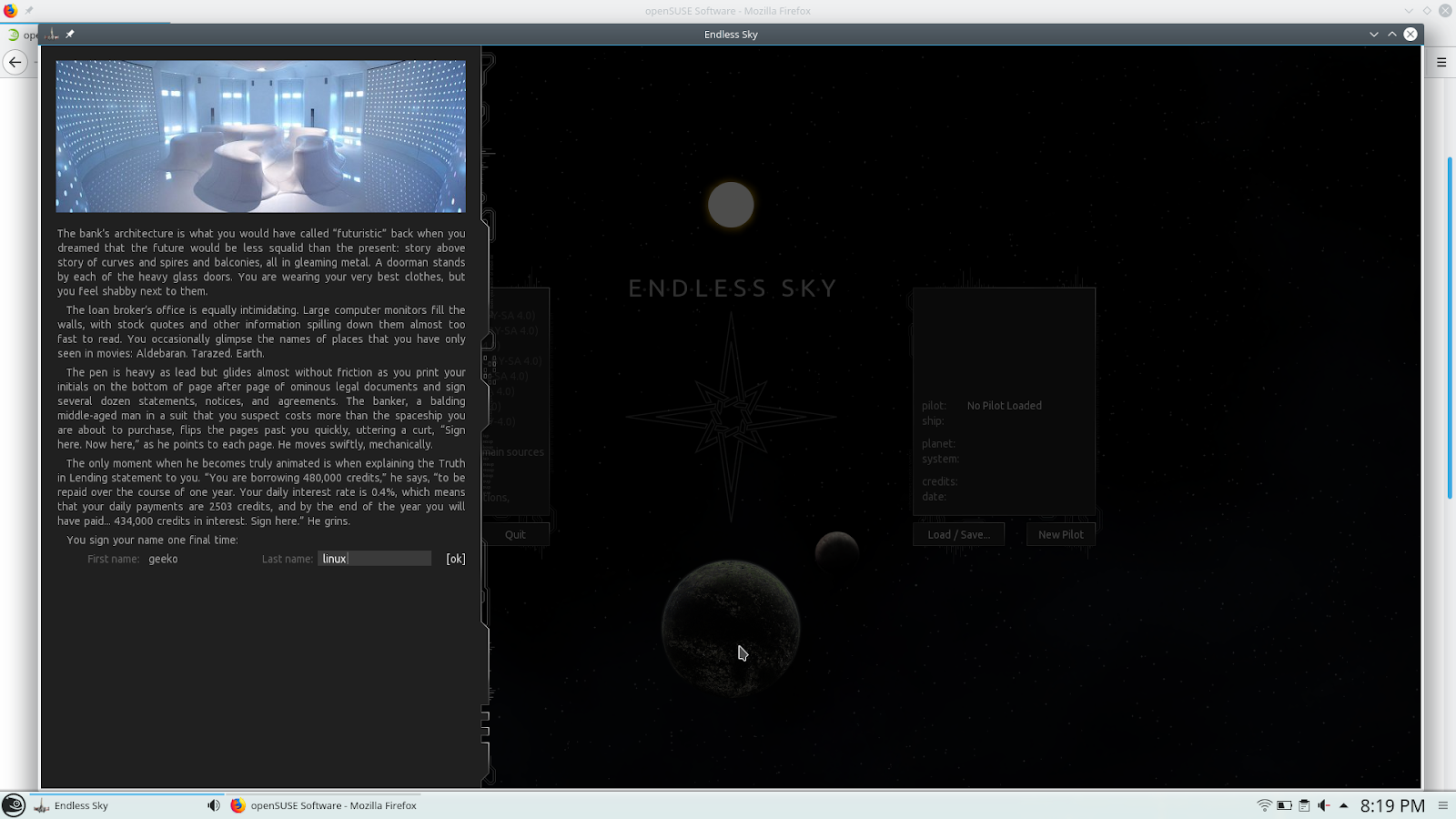
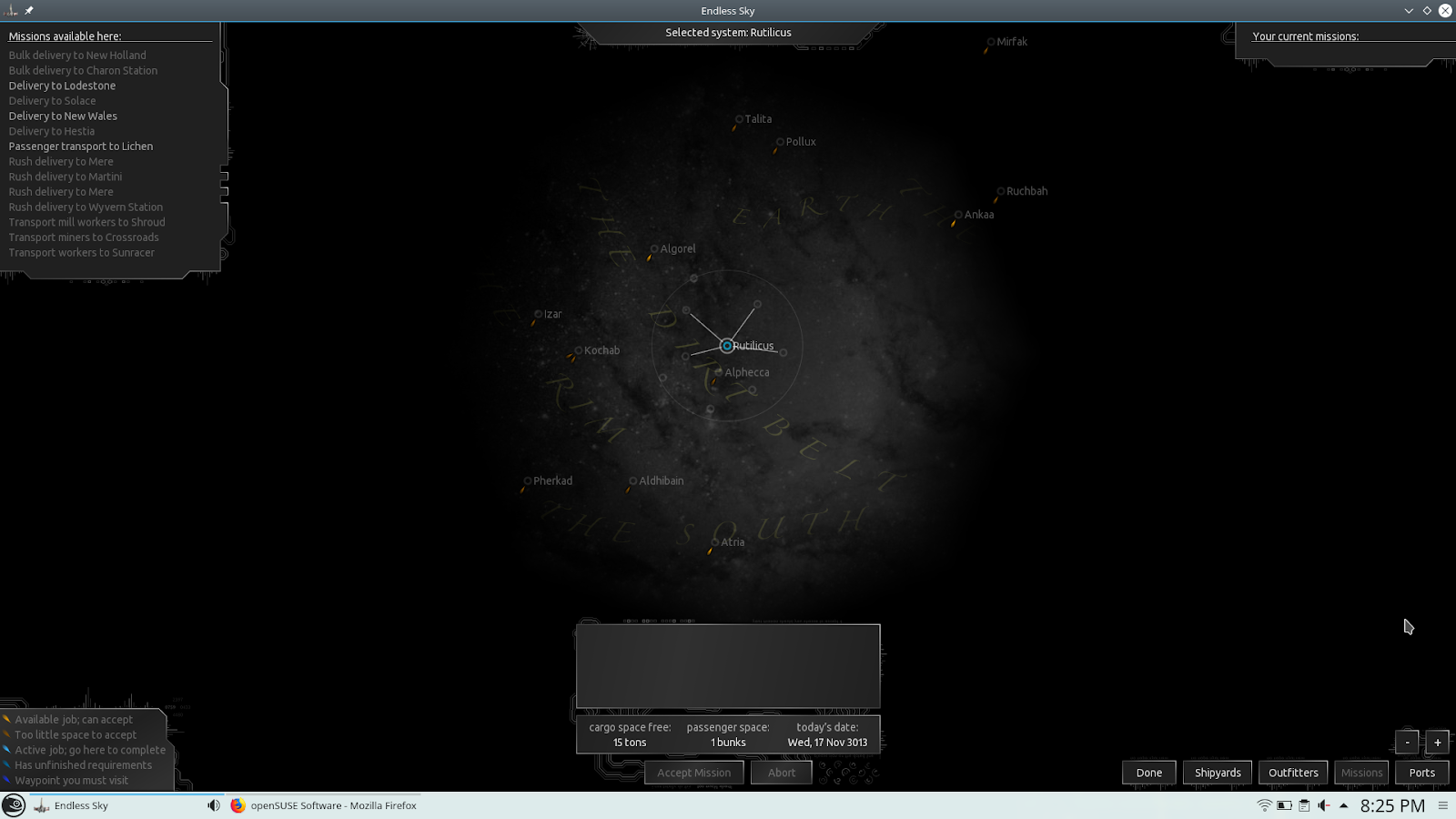
Endless Sky: Juego de exploración espacial, trading y combate.

Toma partido en una guerra civil. También puedes dejar atrás el espacio humano y esperar encontrar algunos extraterrestres amigables cuya cultura sea más civilizada que la tuya ...


wlc 1.0
wlc 1.0, a command line utility for Weblate, has been just released. The most important change is marking this stable and releasing actual 1.0. It has been around long enough to indicate it's stability.
Full list of changes:
- Marked as stable release.
- Added support for more parameters on file upload.
wlc is built on top of Weblate API, you can use it on Weblate 2.10 or newer, though some features might require more recent version. Of course you use it on our hosting offering. Usage examples can be found in the wlc documentation.
Governance on demand
Why that?
Nadia suggests a theory in the last footnote of her post, "that projects only need to define governance at the first sign of conflict". Intuitively, this makes immediate sense. We have all seen the projects which seem to work very fine without any thoughts about governance, and we also have seen those projects where attempts to set up formal governance have brought things to a halt instead of serving the project. So doing it at the last responsible point in time, when you actually need it, sounds like a very attractive model.
Being able to add governance on demand needs a high level of awareness and reflection. It also needs a culture which is open to the idea of governance, has the means to facilitate discussions about it, and is able to come to a conclusion. It is the point where you have to "decide to decide".
This is not easy, especially in the context of a conflict. It can be paralysing. Making decisions without having defined structures, without having precedence, takes responsibility and courage. Maybe not everybody will go along with it. You don't know because you haven't done it before.
One model which seems to be a quite natural outcome of such a "we need governance, now" situation, is the "benevolent dictator". When conflict arises, the founder or another exposed person steps in and takes a decision. This sets a trajectory for the project, which might be right or not. It depends on the project, on the people, on the environment.
Another model which comes naturally is to follow the "those who do the work decide" principle. This adds local, high context governance. It has to be underpinned by common values and a common sense of direction, though. Otherwise it will fail to solve the kind of conflicts where active people seem to stand against each other.
If you have a strong culture, it might appear you don't need governance. If you have shared values, if you have a common mission, if people learn by imitating healthy behavior from others, then it's easy to take decisions and to preempt conflicts. This could also be called a state of implicit governance, because it is there, but it's not formulated.
If you have a strong culture, then you are also prepared to add governance on demand. This can become necessary because of growth, a changing environment, or other factors which can't be addressed by existing intuition.
From this point of view: Build culture first and governance will follow.
These are my thoughts. I would be more than happy to hear about your thoughts as well.
Foot note: In some way "governance on demand" is not a governance model in itself, but more a meta model. It doesn't tell how the governance regarding the project then has to look like but only answers a part of the question how to get there. It is in the nature of governance models to also cover this meta level, though. Maybe "governance on demand" is more a governance element than a model in itself. It governs the evolution of governance models.

Node Script to Display Cookies
With some advice from StackOverflow, I wrote a short node script that I placed in the file $HOME/bin/get-cookies.js with the executive bit set via chmod +x $HOME/bin/get-cookies. It relies on the library puppeteer to control a browser instance of headless Chromium, which must be installed first via npm i puppeteer.
Then, you can call get-cookies.js https://google.com to get all installed cookies upon request of the page given as a parameter (here: https://google.com). Note that Puppeteer creates its own Chromium user profile which it cleans up on every run.
Source Code of ‘get-cookies.js’
#!/usr/bin/env node

const puppeteer = require('puppeteer');

const url = process.argv[2];

(async () => {
  const browser = await puppeteer.launch({ headless: true, args: ['--disable-dev-shm-usage'] });
  try {
    const page = await browser.newPage();
    await page.goto(url, { waitUntil: 'networkidle2' });

    var cookies = await page._client.send('Network.getAllCookies');
    cookies = cookies.cookies.map( cookie => {
      cookie.expiresUTC = new Date(cookie.expires * 1000);

      return cookie;
    });

    var persistantCookies = cookies.filter(c => {
      return !c.session;
    });

    console.log({
      persistantCookies: persistantCookies,
      persistantCookiesCount: persistantCookies.length,
    });
  } catch(error) {
    console.error(error);
  } finally {
    await browser.close();
  }
})();

Kubic now available on ARM

We are proud to announce that Kubic officially supports AArch64, the 64-bit ARMv8! What does it mean? What are the differences with x86_64? How would you install and use it? Please read this blog post to answer those questions!
Kubic supports AArch64 - What does it mean?
It simply means that Kubic on AArch64 uses same sources and follows the same workflow used for Kubic on x86_64. It is built in OBS along openSUSE Tumbleweed, tested in openQA and released to official openSUSE download server, if tests are good enough.
Thanks to new AArch64 machines used in OBS and also a new powerful machine in openQA, but especially thanks to the hard work of a bunch of people from Kubic and openSUSE communities, openSUSE Tumbleweed for AArch64 is now officially supported and is no more a best effort port. Kubic, which is an openSUSE Tumbleweed flavor, is also granted of this new status.
What are the differences between AArch64 and x86_64 flavors for Kubic?
The differences are the same as Tumbleweed for x86_64 and Tumbleweed for AArch64, as Kubic is fully based on Tumbleweed packages and is released at the same time as Tumbleweed. It means:
- x86 and ARM snapshots may differ due to bugs found in openQA or due to the time when ARM take the Factory snapshot
- Some packages are architecture specific or may not build for aarch64: e.g. kubernetes-dashboard
- Some ARM systems do not support UEFI and are not able to boot from Kubic ISO, such as: Pine64 and Raspberry Pi 3 boards.
How to install Kubic on AArch64?
UEFI capable systems
If your AArch64 system supports UEFI, as most server class systems do, including Overdrive 1000, D05 or ThunderX2 for the most known, you just need to use the ISO installer as you would do on x86_64 and follow the Kubic documentation on Portal:Kubic for any Kubic specific information.
Additionnaly, you can use AutoYaST profile for an automated installation, and also PXE/tftpboot.
On AArch64, Kubic usage, and thus documentation, only differs from x86_64 for download links and RPM repositories. So, if your familiar with Kubic on x86_64, it will be a very smooth transistion to AArch64.
non-UEFI systems: WIP images for Raspberry Pi 3 and Pine64 boards
If your AArch64 system does not support UEFI, you cannot use ISO to install Kubic and you will need a special image to boot from. Kubic offers MicroOS and kubeadm images for some non-UEFI boards. Currently only Pine64 and Raspberry Pi 3 images are built. Those images are available on devel:kubic:images ARM repo but are still work in progress. Find details on Kubic:MicroOS#Images_for_non-UEFI_ARM_boards wiki page. Please note that those images are not tested in openQA and published as soon as built. So, the quality may vary from one build to another. Please also note that current Pine64 Kubic image needs u-boot to be updated manually to get it booting properly. This will be fixed later on.
Here is a quick how-to to start the cri-o MicroOS image on the Raspberry Pi 3 board:
- Download the targeted image from devel:kubic:images ARM repo
- Uncompress the image:
unxz -k openSUSE-Tumbleweed-Kubic.aarch64-*-MicroOS-cri-o-RaspberryPi-Build*.raw.xz - Copy it to a µSD card with
ddtool:dd if=openSUSE-Tumbleweed-Kubic.aarch64-*-MicroOS-cri-o-RaspberryPi-Build*.raw of=/dev/sdcard_device bs=2M; sync(double check the sdcard device to not overwrite your HDD!) - Create a USB stick (partition label must be
cidata) withmeta-dataanduser-datafiles on it. This allows you to, at least, setup your network and define root/user details. More details on Kubic:MicroOS/cloud-init - Plug the µSD card on your Raspberry Pi 3, as well as the USB stick for cloud-init configuration, optionnaly a screen and a USB keyboard and/or a serial cable, and power it up. You can follow the boot on the screen and/or on the serial. 1st boot is a bit longer, because of the µSD auto-repartition.
- You will end-up with the following screen and will be able to login to the system:
Welcome to openSUSE Tumbleweed Kubic (aarch64) - Kernel 4.20.0-1-default (ttyS0).

SSH host key: SHA256:N9/yefOKr4MDWfBCieWCtsksJaqEsBQ2DvR1lC4ZBJo (DSA)
SSH host key: SHA256:AFWw989O4kNZBxzo8RSiYG9c7dQwGzIJgwkxQQvKXFg (ECDSA)
SSH host key: SHA256:7z+GpfK8MA+sGqjppiJzC4o2lAlprieYknjAUnJB+fg (ED25519)
SSH host key: SHA256:qMSdqn8z4p7MSQfhh11oXscFrX6rqqCWCVM8etoYacU (RSA)
eth0: 192.168.0.44 2a01:e0a:d7:1620:b070:e21e:e75:6b4


localhost login:
- You can also use ssh to login to your system remotly:
ssh root@RPi3_IP - Now, MicroOS is installed on your Pi 3 and you can start working with your Kubic MicroOS!
What’s now?
Once your system is installed, either as regular UEFI system, or using a dedicated ready-to-boot image, as a kubeadm node or as a MicroOS system, you can start working with it.

Do not forget Kubic uses transactional updates. So, please use transactional-update command instead of zypper, for example: transactional-update dup instead of zypper dup, and reboot after each changes! More information available on Kubic:MicroOS/Design#Transactional_Updates wiki page.
kubeadm test
- Initialize kubeadm (adjust network as needed):
kubeadm init --cri-socket=/var/run/crio/crio.sock --pod-network-cidr=10.244.0.0/16 - Configure kubectl:
mkdir -p ~/.kube cp -i /etc/kubernetes/admin.conf ~/.kube/config - Configure flannel (podman network):
kubectl apply -f https://raw.githubusercontent.com/coreos/flannel/bc79dd1505b0c8681ece4de4c0d86c5cd2643275/Documentation/kube-flannel.yml - Wait a bit (about 1 min) and get cluster info:
kubectl config view --flatten=true kubectl get pods --all-namespaces - Confirm node is ready:
kubectl get nodes
MicroOS test
Podman
If you already know docker, moving to podman will be very smooth, as you would just need to replace docker with podman for most commands.
Run the podman hello world container:
- Search openSUSE images on default registry:
podman search --no-trunc hello
INDEX       NAME                                                 DESCRIPTION                                                                                         STARS   OFFICIAL   AUTOMATED
docker.io   docker.io/library/hello-world                        Hello World! (an example of minimal Dockerization)                                                  807     [OK]
docker.io   docker.io/library/hello-seattle                      Hello from DockerCon 2016 (Seattle)!                                                                2       [OK]
docker.io   docker.io/tutum/hello-world                          Image to test docker deployments. Has Apache with a 'Hello World' page listening in port 80.        59                 [OK]
docker.io   docker.io/dockercloud/hello-world                    Hello World!                                                                                        14                 [OK]
docker.io   docker.io/ansibleplaybookbundle/hello-world-apb      An APB which deploys a sample Hello World! app                                                      0                  [OK]
docker.io   docker.io/ansibleplaybookbundle/hello-world-db-apb   An APB which deploys a sample Hello World! app backed with a persistent database.                   0                  [OK]
docker.io   docker.io/wouterm/helloworld                          A simple Docker image with an Nginx server showing a custom message, based on tutum/hello-world.   0                  [OK]
docker.io   docker.io/karthequian/helloworld                     A simple helloworld nginx container to get you started with docker.                                 12                 [OK]
docker.io   docker.io/hivesolutions/hello_appier                 Simple hello world application for Appier.                                                          0                  [OK]
docker.io   docker.io/microsoft/mcr-hello-world                  Hello World! (an example of minimal Dockerization).                                                 1
docker.io   docker.io/openshift/hello-openshift                  Simple Example for Running a Container on OpenShift                                                 31
docker.io   docker.io/crccheck/hello-world                       Hello World web server in under 2.5 MB                                                              6                  [OK]
docker.io   docker.io/seabreeze/sbz-helloworld                   A HelloWorld example to run on SeaBreeze.                                                           1                  [OK]
docker.io   docker.io/nginxdemos/hello                           NGINX webserver that serves a simple page containing its hostname, IP address and port ...          9                  [OK]
docker.io   docker.io/infrastructureascode/hello-world           A tiny "Hello World" web server with a health check endpoint.                                       0                  [OK]
docker.io   docker.io/gramercylabs/docker-helloworld             hello world                                                                                         0                  [OK]
docker.io   docker.io/seabreeze/sbz-helloworld-sidecar           Sidecar hello world example for SeaBreeze.                                                          0                  [OK]
docker.io   docker.io/seabreeze/azure-mesh-helloworld            Azure Service Fabric Mesh HelloWorld!                                                               1                  [OK]
docker.io   docker.io/google/nodejs-hello                                                                                                                            24                 [OK]
docker.io   docker.io/dongxuny/hellotencent                      Auto build                                                                                          0                  [OK]
docker.io   docker.io/ppc64le/hello-world                        Hello World! (an example of minimal Dockerization)                                                  2
docker.io   docker.io/silasbw/hello                                                                                                                                  0
docker.io   docker.io/milsonian/hellohttp                        Basic hello world http app in golang                                                                0                  [OK]
docker.io   docker.io/yaros1av/hello-core                        Hello from ASP.NET Core!                                                                            1
docker.io   docker.io/widdix/hello                               Hello World!                                                                                        0
- Pull
hello-worldcontainer withpodman pull hello-world:
Trying to pull docker.io/hello-world:latest...Getting image source signatures
Copying blob 3b4173355427: 1.05 KiB / 1.05 KiB [============================] 1s
Copying config de6f0c40d4e5: 1.47 KiB / 1.47 KiB [==========================] 0s
Writing manifest to image destination
Storing signatures
de6f0c40d4e5d0eb8e13fa62ccbbdabad63be2753c9b61f495e7f1f486be1443
- Run it with
podman run hello-world
Hello from Docker!
This message shows that your installation appears to be working correctly.
You can also run the opensuse/tumbleweed container:
- Pull
opensuse/tumbleweedcontainer withpodman pull opensuse/tumbleweed:
Trying to pull docker.io/opensuse/tumbleweed:latest...Getting image source signatures
Copying blob 4a91c0fbbc27 41.67 MB / 41.67 MB [=============================] 8s
Copying config 5140b500a548 658 B / 658 B [=================================] 0s
Writing manifest to image destination
Storing signatures
5140b500a5485224cd7c10a6d991b9aa2cfa577ccfc5e325fb0033dd0211a73f
- Start a
bashinside withpodman run -it opensuse/tumbleweed bash(typeexitto exit from this container, once you are done)
:/ #
Docker
As docker is no more the default for Kubic, but still available, you need to start the docker service manually with systemctl start docker
See CRI-O is now our default container runtime interface blog post for more information.
Run the docker hello world container:
- Search
helloin containers list withdocker search --no-trunc hello:
NAME                                       DESCRIPTION                                                                                         STARS               OFFICIAL            AUTOMATED
hello-world                                Hello World! (an example of minimal Dockerization)                                                  807                 [OK]
tutum/hello-world                          Image to test docker deployments. Has Apache with a 'Hello World' page listening in port 80.        59                                      [OK]
openshift/hello-openshift                  Simple Example for Running a Container on OpenShift                                                 31
google/nodejs-hello                                                                                                                            24                                      [OK]
dockercloud/hello-world                    Hello World!                                                                                        14                                      [OK]
karthequian/helloworld                     A simple helloworld nginx container to get you started with docker.                                 12                                      [OK]
nginxdemos/hello                           NGINX webserver that serves a simple page containing its hostname, IP address and port ...          9                                       [OK]
crccheck/hello-world                       Hello World web server in under 2.5 MB                                                              6                                       [OK]
hello-seattle                              Hello from DockerCon 2016 (Seattle)!                                                                2                   [OK]
ppc64le/hello-world                        Hello World! (an example of minimal Dockerization)                                                  2
seabreeze/azure-mesh-helloworld            Azure Service Fabric Mesh HelloWorld!                                                               1                                       [OK]
microsoft/mcr-hello-world                  Hello World! (an example of minimal Dockerization).                                                 1
yaros1av/hello-core                        Hello from ASP.NET Core!                                                                            1
seabreeze/sbz-helloworld                   A HelloWorld example to run on SeaBreeze.                                                           1                                       [OK]
infrastructureascode/hello-world           A tiny "Hello World" web server with a health check endpoint.                                       0                                       [OK]
gramercylabs/docker-helloworld             hello world                                                                                         0                                       [OK]
seabreeze/sbz-helloworld-sidecar           Sidecar hello world example for SeaBreeze.                                                          0                                       [OK]
hivesolutions/hello_appier                 Simple hello world application for Appier.                                                          0                                       [OK]
wouterm/helloworld                          A simple Docker image with an Nginx server showing a custom message, based on tutum/hello-world.   0                                       [OK]
dongxuny/hellotencent                      Auto build                                                                                          0                                       [OK]
ansibleplaybookbundle/hello-world-db-apb   An APB which deploys a sample Hello World! app backed with a persistent database.                   0                                       [OK]
silasbw/hello                                                                                                                                  0
milsonian/hellohttp                        Basic hello world http app in golang                                                                0                                       [OK]
ansibleplaybookbundle/hello-world-apb      An APB which deploys a sample Hello World! app                                                      0                                       [OK]
widdix/hello                               Hello World!                                                                                        0
- Pull
hello-worldcontainer withdocker pull hello-world:
Using default tag: latest
latest: Pulling from library/hello-world
3b4173355427: Pull complete
Digest: sha256:2557e3c07ed1e38f26e389462d03ed943586f744621577a99efb77324b0fe535
Status: Downloaded newer image for hello-world:latest
- Run it with
docker run hello-world
Hello from Docker!
This message shows that your installation appears to be working correctly.
You can also run the opensuse/tumbleweed container:
- Pull
opensuse/tumbleweedcontainer withdocker pull opensuse/tumbleweed:
Using default tag: latest
latest: Pulling from opensuse/tumbleweed
Digest: sha256:c8a83a8333890dc692289441da212270f74525afeb2a37da7a98ab8261060a1b
Status: Downloaded newer image for opensuse/tumbleweed:latest
- Start a
bashinside withdocker run -it opensuse/tumbleweed bash(typeexitto exit from this container, once you are done)
:/ #
What’s next?
Please keep in mind that small ARM boards, such as Raspberry Pi 3, have not much RAM (1 GB is the bare minimum recommended for MicroOS) and if system starts to swap, you will have very low performances. Depending on your needs, you may want to opt for a system with more RAM, and more powerful CPU. A list of known working system is available on Portal:ARM wiki page.
Thanks for using Kubic on AArch64 and please join in, send us your feedback, code, and other contributions, and remember, have a lot of fun!
Garmin Vivofit 2 Battery Replacement
Network Diagramming with LibreOffice Draw on openSUSE