
 Member
 CzP
CzPCES 2022: my favorite announcement comes from AMD, and why it's interesting for syslog-ng
For the past few days, the IT news has been abuzz with announcements from CES. As usual, I’m following them on Engadget. I must admit, that there were just a very few announcements which really caught my attention. And my favorite announcement is the most boring of them all :-)
-
Foldable tablet by ASUS: I still use my Google Pixel C tablet almost every day. It’s almost six years old and waiting for replacement. The ASUS tablet is larger and has more accurate colors, two features for the photography maniac in me. Being folded gives it a more book-like feeling when using it for reading. It also has an optional keyboard accesory, just like the Pixel C, so it’s not just a content consumption device.
-
Color changing car is a promising concept by BMW. You can express your mood by the color, but it has more practical useses as well: turning it light in bright sunshine and dark in cold can also help in regulating temperature.
-
Autonomous tractor by John Deere is more about my university research: precision agriculture. I worked on some of the foundations, like soil sampling and correlating the results with aerial photographs. Those and much more are already in practice today. This tractor brings precision farming concepts even further.
To me the best of show is something completely boring: AMD Ryzen 7 5800X3D. It is a CPU. Why is it interesting? It has 100MB of cache. I do regular peak performance testing of syslog-ng. It seems to me, that performance is correlated both to single core performance and cache size. I did not have a chance to test syslog-ng on the latest EPIC or Power10 CPUs, but my AMD Ryzen 7 5800X desktop CPU I use for photo editing beats any ARM, Intel or Power CPUs I tested previously with syslog-ng. And the 5800X3D has almost 3x as large cache, as my current CPU. I must say that I am amazed about the advancement of semiconductor technology and how it helps to deliver more capabilities with less power.

syslog-ng logo

openSUSE Tumbleweed on Raspberry Pi 4/400 plus Base Applications
The Debian changelog and OBS
So the OBS supports packaging Debian packages for a while now. Is it perfect? No. But it works well enough. Though one problem I recently ran into …
How to get past lintian?
The obvious answer is of course: Fix the errors it spits out. And I agree. I have done that. For all but one …
bad-distribution-in-changes-file
For many of the debian packages, I helped to start, we used:
pkgname (1.2.3-1.1) unstable; urgency=medium

Attila Pinter and Maurizio Galli join the openSUSE Board
We had two candidates for two available seats. As per the board election rules, in such a case, each candidate should receive at least 50% of the total number of votes to be considered as elected.
Both Attila Pinter and Maurizio Galli received good support from the community members. We had 542 eligible voters, out of which 147 voted in the election.
Attila Pinter received 122 votes in his favour which represents 83%, 22 votes against and 3 abstentions.
Maurizio Galli received 120 votes in his favour representing 82%, 21 votes against and 6 abstentions.
Congratulations to both of them! 👏 🎉
27 Years with the Perfect OS
If you are a longtime FreeBSD user, you probably know everything I have to say, and, what’s more, you can probably add a few more points. But hopefully, there will be some Linux or even Windows users among readers who might learn something new!
FreeBSD is not just a kernel but a complete operating system. It has everything to boot and use the system: networking utilities, text editors, development tools and more. Why is that a big deal? Well, because all these components are developed together, they work perfectly together! And a well-polished system is also easier to document. One of my favorite pieces of documentation is the FreeBSD Handbook which covers most of the operating system and is (most of the time) up to date.
Of course, not everything can be integrated into the base operating system, and this is where FreeBSD ports and packages can be useful. The ports system allows a clean separation of the base system and third-party software which allows you to install third-party software on top of a FreeBSD base system. There are tens of thousands ready-to-use software packages to choose from. For example, all the graphical desktop applications are in ports, just as various web servers or more up-to-date development tools.

FreeBSD: the power to serve
You can read the rest of my article in the FreeBSD Journal at https://issue.freebsdfoundation.org/publication/?m=33057&i=733207&p=14&ver=html5
Best Linux Distros for Servers
Noodlings 35 | Light for Christmas
openSUSE Tumbleweed – Review of the week 2021/52
Dear Tumbleweed users and hackers,
The last week of the year, and the last day of the year, are coming to an end. Tumbleweed had a small dip, as the last two snapshots that moved to openQA had to be stopped from being published. Nevertheless, we still managed to publish 6 snapshots before heading out to the new-year celebrations (1223…1228).
The snapshots contained those relevant changes:
- Qemu 6.2.0
- Boost 1.78.0
- gimp 2.10.30
- gpg 2.3.4
- Pango 1.50.3
- sssd 2.6.3
- Default ruby interpreter switched from 2.7 to 3.0
The staging projects are mostly, but not completely, empty. The few ones in use are testing these items:
- Wayland 1.20 (Seems to cause some bugs, see https://bugzilla.opensuse.org/show_bug.cgi?id=1194190
- Linux kernel 5.15.12
- Ruby 3.1. A direct attempt to switch to Ruby 3.1, and removing Ruby 2.7 and Ruby 3.0 in one go. Most likely it will be phased a little bit (e.g. Vagrant is not Ruby 3.1 compatible yet)
- zstd 1.5.1: breaks build of zchunk and libzypp
- Enabling the build of python310-* modules; the move of the default python3 provider to python310 could follow soon after

PDF Quirk Version Update

The good thing about this quiet holidays is that there is time to work on projects. I had a few nice changes of PDF Quirk laying around, and now finalized them to a new version. Please welcome PDF Quirk version 0.95!
What is PDF Quirk?
PDF Quirk is a little desktop utility to create PDF files from images, targeted to non nerdy desktop users.
Sending PDFs is (still) often a requirement in offices where people are asked to transfer PDF files via email, or better by pushing them through their private ownCloud.
The source images can either be loaded from file, or directly scanned with an hardware scanner. For that, PDF Quirk utilizes the tool scanimage from the SANE Projekt, to avoid reinventing the wheel. Configured once, that works like a charm.
Having scanned or picked the source images, they can be deskewed, turned and rearranged, and finally converted to a good quality PDF file with reasonable file size.
New Version 0.95
The new version brings a few features and some fixes:
- Images can deskewed now
- Basic PDF options like margin, paper size and orientation can be set
- The UI got a little cleanup
- Translations were added, first new language is German
- Dependencies were reduced, new Qt based PDF generator was implemented
- Builds with Qt5 and Qt6
Interested?
Check out PDF Quirks Website for more information.
PDF Quirk is free software. Please contribute through the Github repository.

Orient: Life at Sea in the 21st Century
The Titanic could accommodate about 2500 passengers who booked either first, second or third class. Wikipedia tells that
those travelling in first class, most of them the wealthiest passengers on board, included prominent members of the upper class, businessmen, politicians, high-ranking military personnel, industrialists, bankers, entertainers, socialites, and professional athletes. Second-class passengers were predominantly middle-class travellers and included professors, authors, clergymen, and tourists. Third-class or steerage passengers were primarily immigrants moving to the United States and Canada.
Much has changed since then.
Life at Sea in the 21st Century
Purpose and passengers of such mega ships (rather kilo ships :wink:) have changed dramatically since then. The ship is no longer a mean of transport. Passengers from Central Europe fly 5000 km to the Orient for a cruise of 500 km to a nearby harbour and back to the point of departure. Many passengers are rather age group 50+ and have cruised around quite a lot already1. Then, there are few younger families and couples as well. Other single travellers fall rather into the category of widows2.
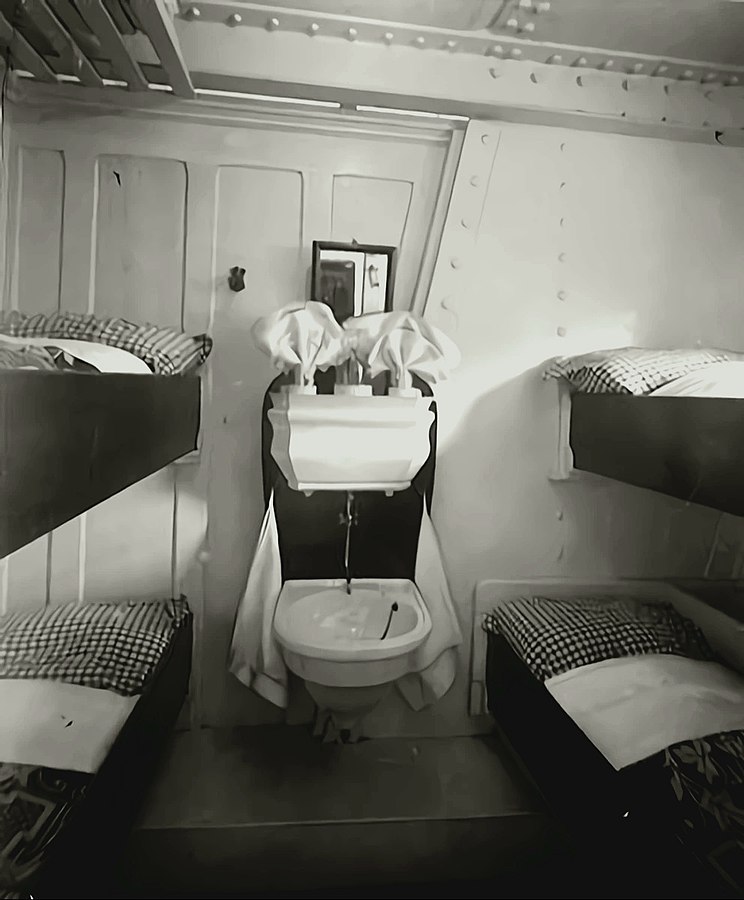
My ship features 1267 twin cabins for 2534 passengers, but if need be, can host up to 2700 passengers–the 1030 crew members excluded. The other ship in the habour, Costas Firenze, has 2116 cabins for up to 5078 passengers (two times the Titanic) and provides for a crew of about 1300 members.
Due to Covid-19, the ships are far from fully booked. In my case the occupation rate was about 40%, a bit more than 1000 people.
Life at sea on this German-operated ship is best compared to Club holidays in Germany3:
- room service takes care of cabins twice per day
- all inclusive all you can eat and drink
- about 5 restaurants and several bars
- Döner Kebab at the poolside :sweat_smile:
- SPA area
- fitness club with courses, volleyball court and running area
- entertainment program in the lounge, the two theatres or on the open-air stage with shows that involve the dancers and acrobats belonging to the crew and guest artists (stand-up, magician)
- casino (open when in international waters)
- a few shops for shopping (VAT-free!)
- kids club
- organised day trips (bus, bike and boat tours, etc.)
- mostly German-speaking crew
- 99% German-speaking guests/passengers (I spotted two Dutch)
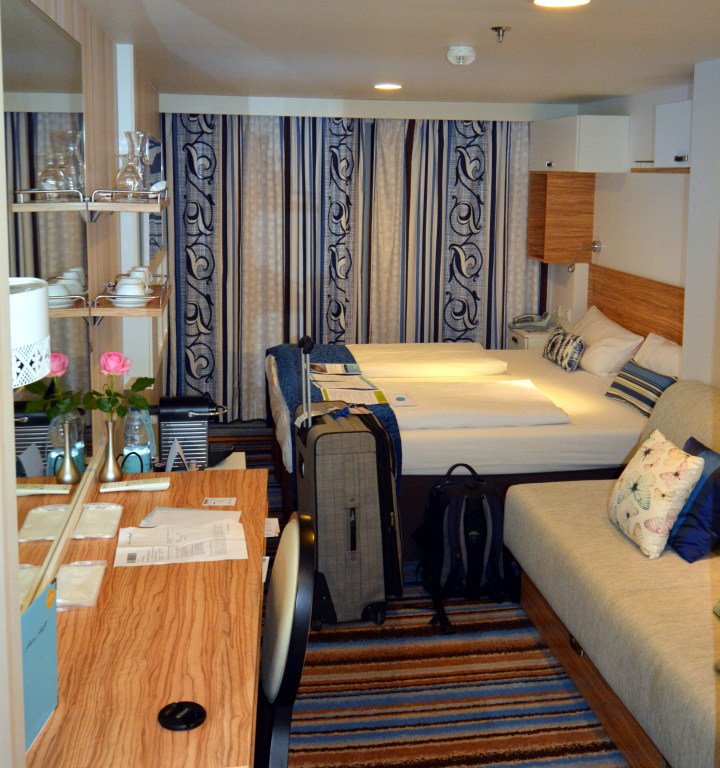
Consequently, a cruise on this ship is the perfect fit for all those who would like to hang out with Germans, have German bread and bread rolls for every meal, enjoy Sauerkraut, Klöße, Currywurst and Döner Kebab, but at the same time rather prefer a more Mediterranean climate than what Germany can typically offer! Kind of German holidays outside of Germany.
Gallery
With 1000 German passengers on board, it is easy to make pictures of the scenic locations without people: At 8 PM, everyone is at dinner! Let me take you on a tour.
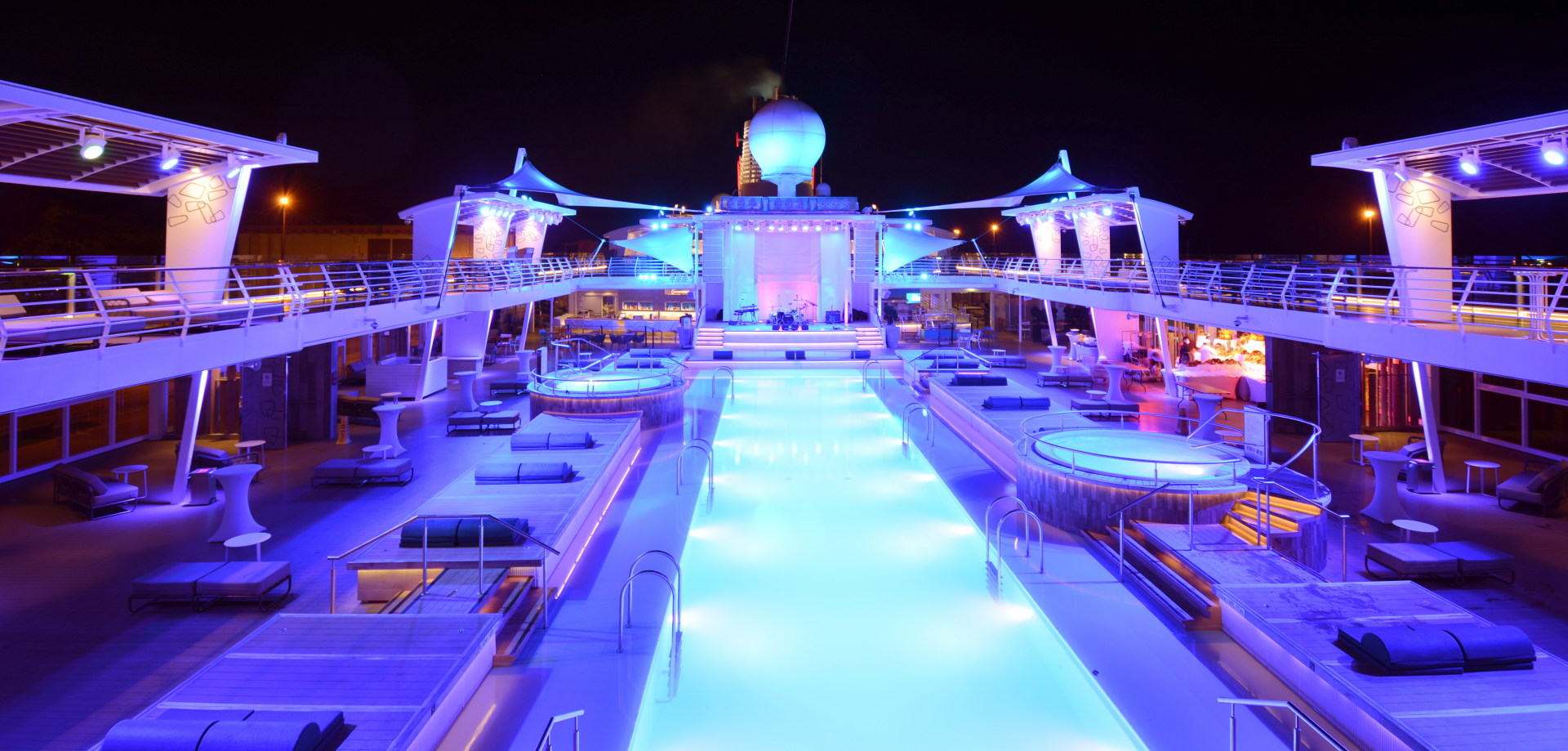
Pool area.
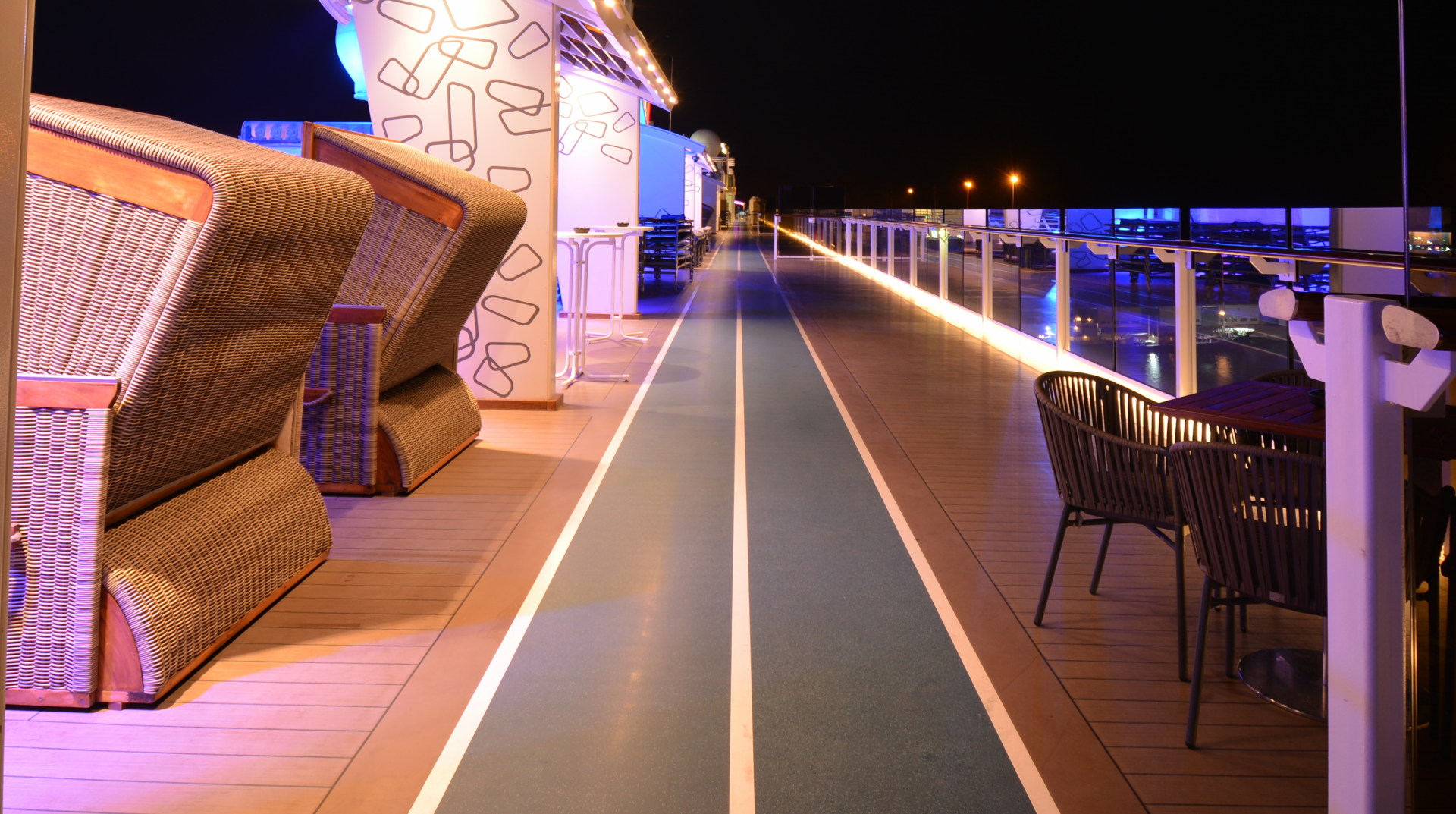
Running path (opening hours: 6 to 8 AM).
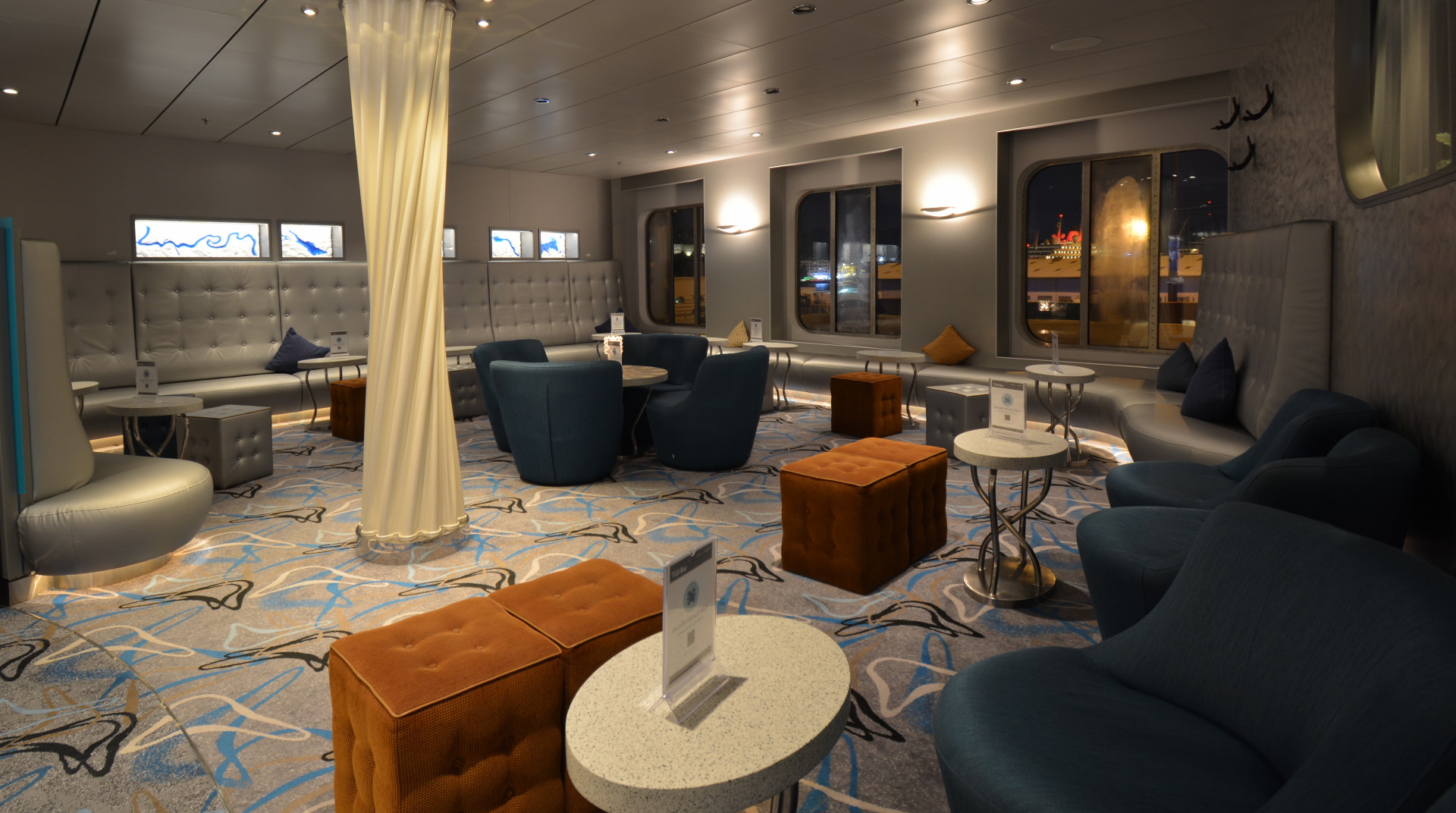
Salon area.
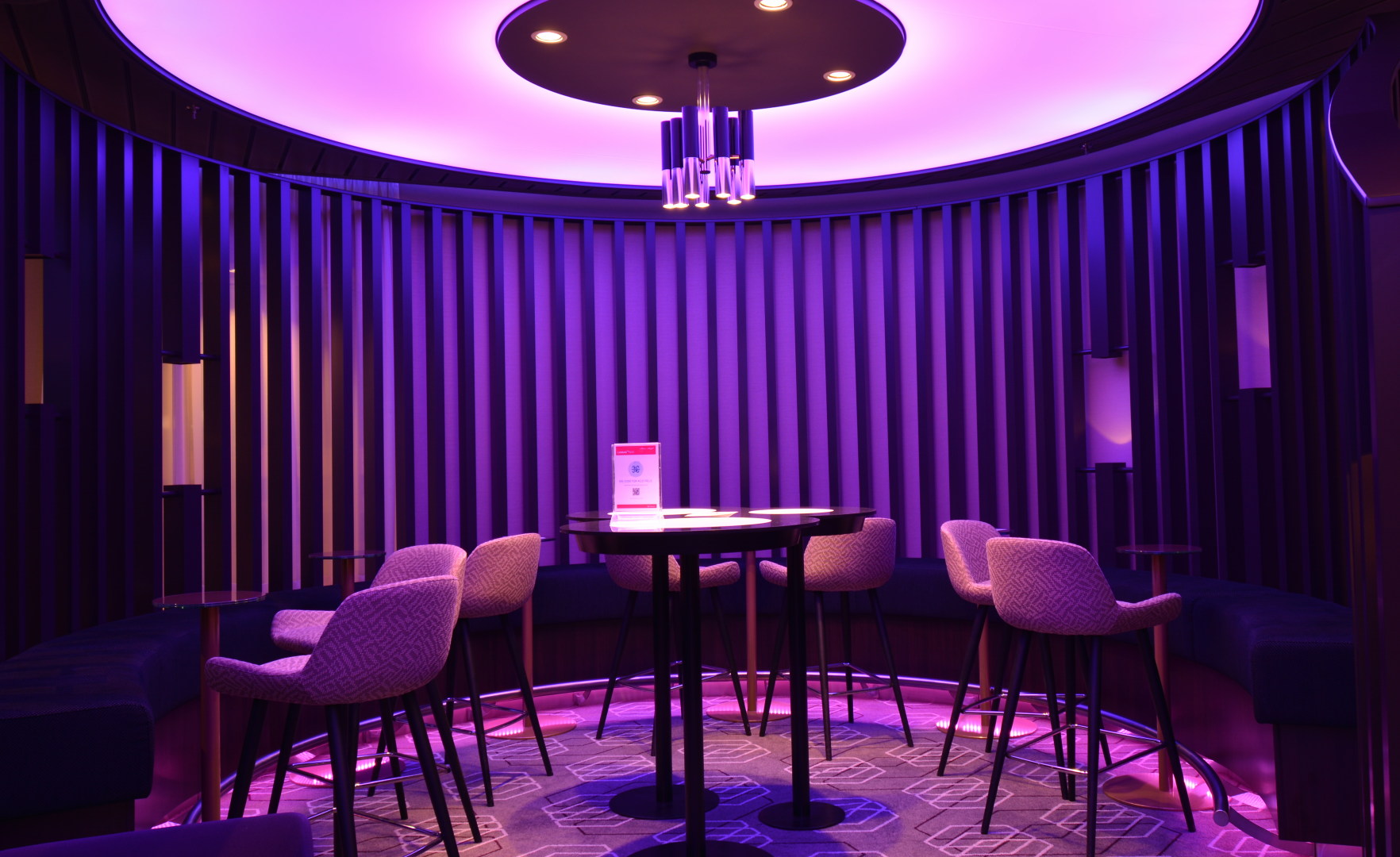
Salon area II.
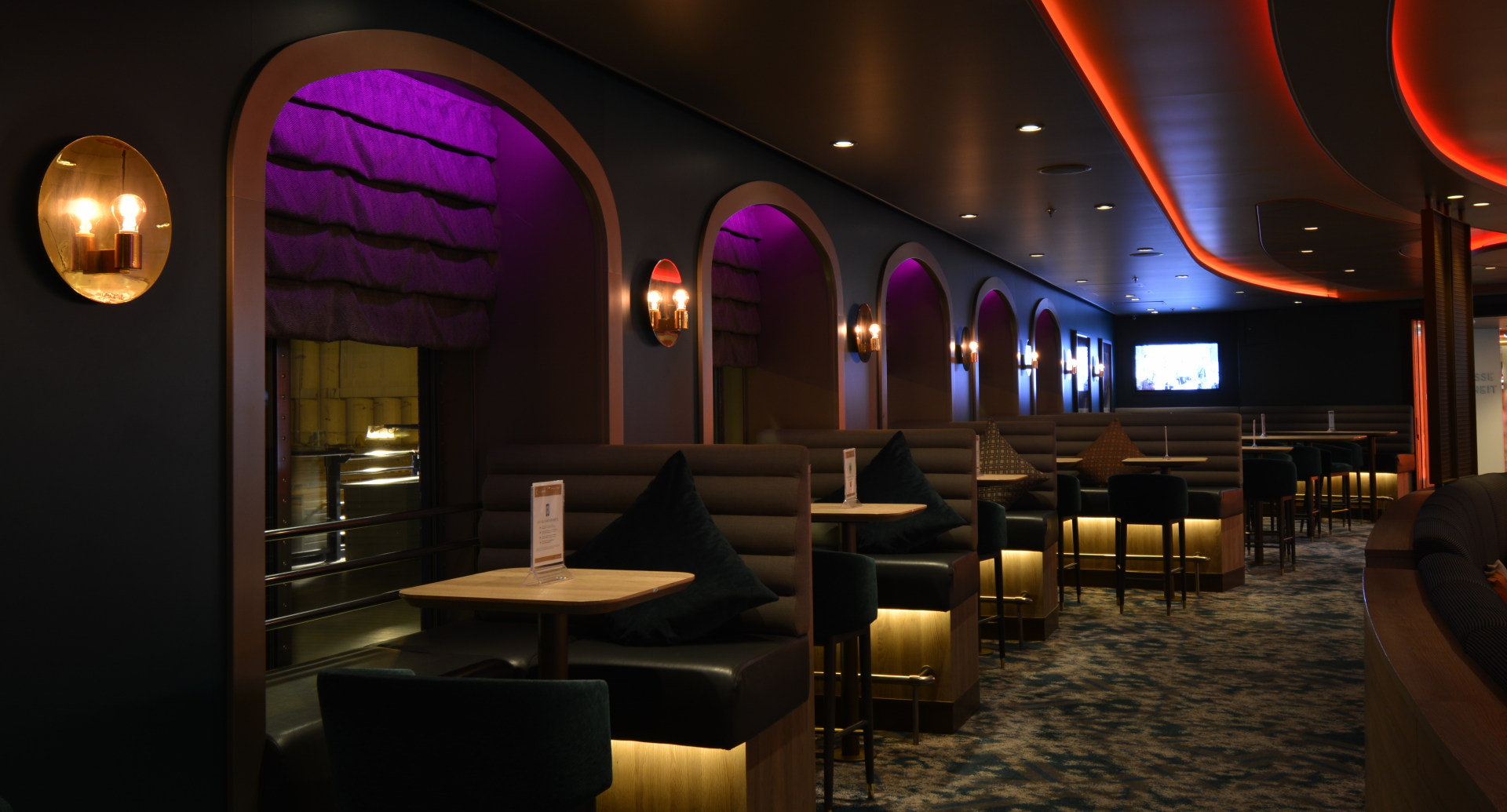
Salon area III.
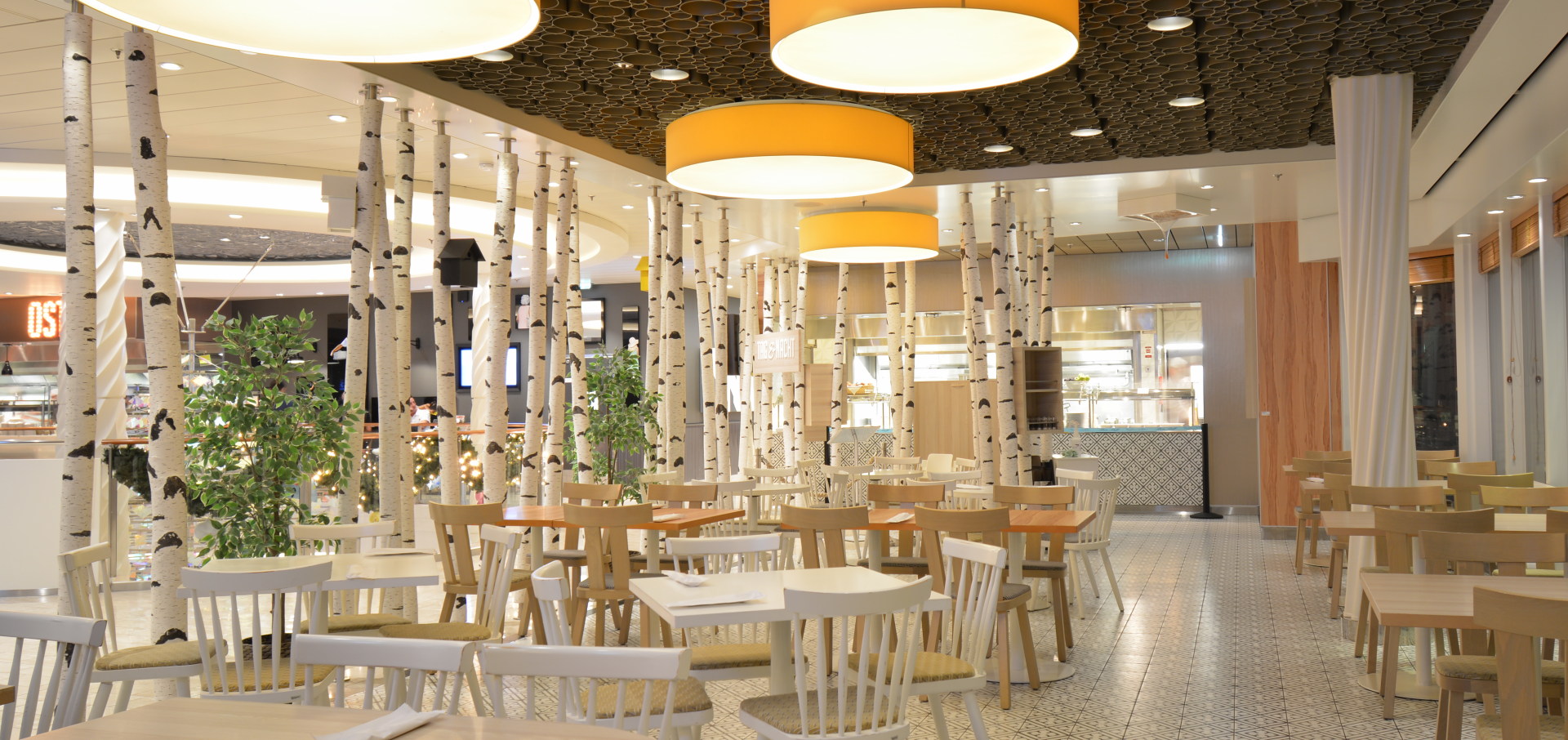
Midnight snackbar: burgers, Belgium fries, cakes, etc.
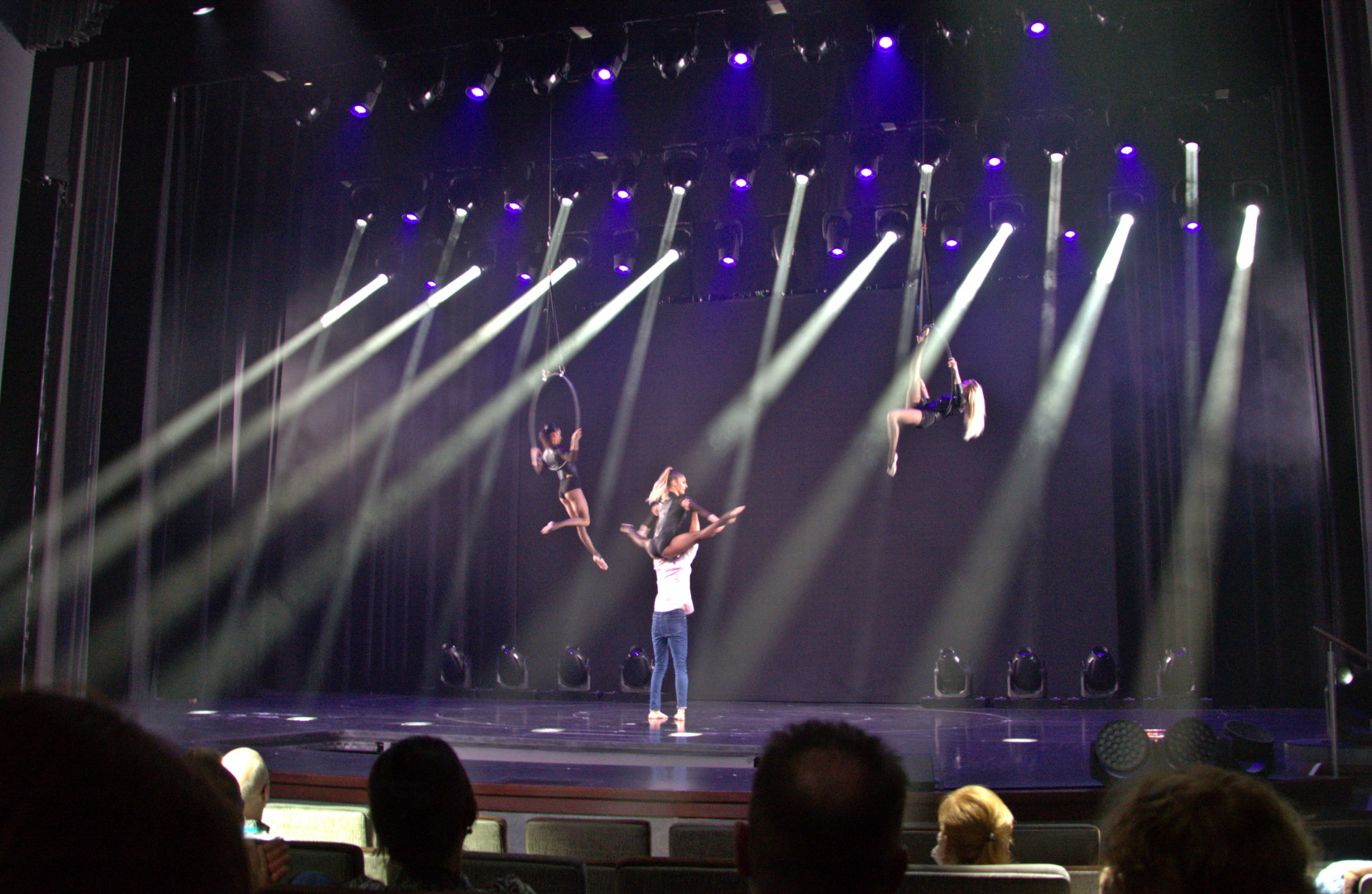
Theatre of the ship.
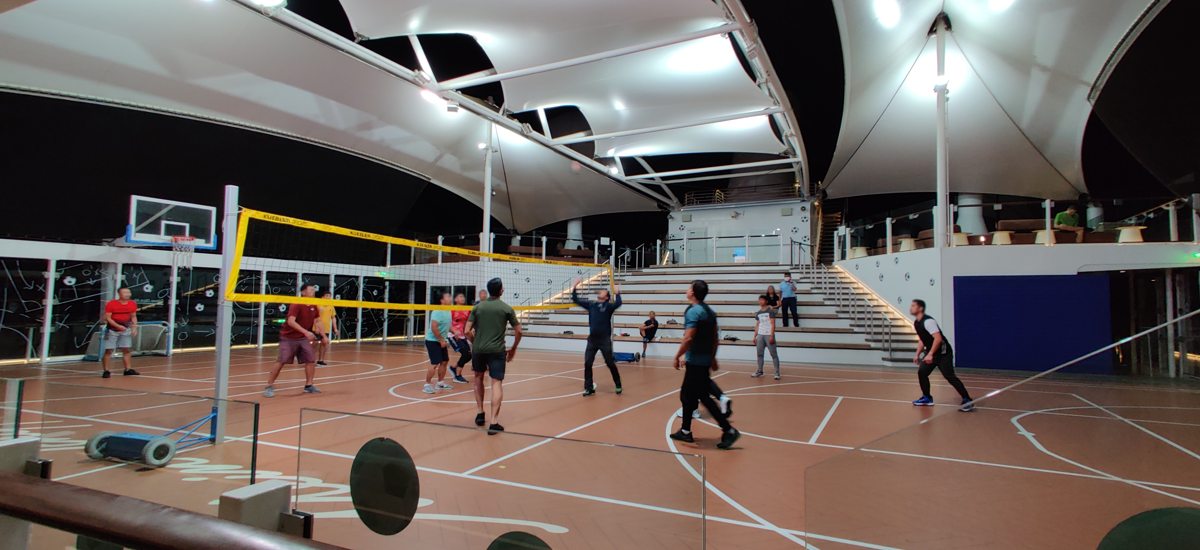
Sport court.
I have a few more impressions taken at daytime.
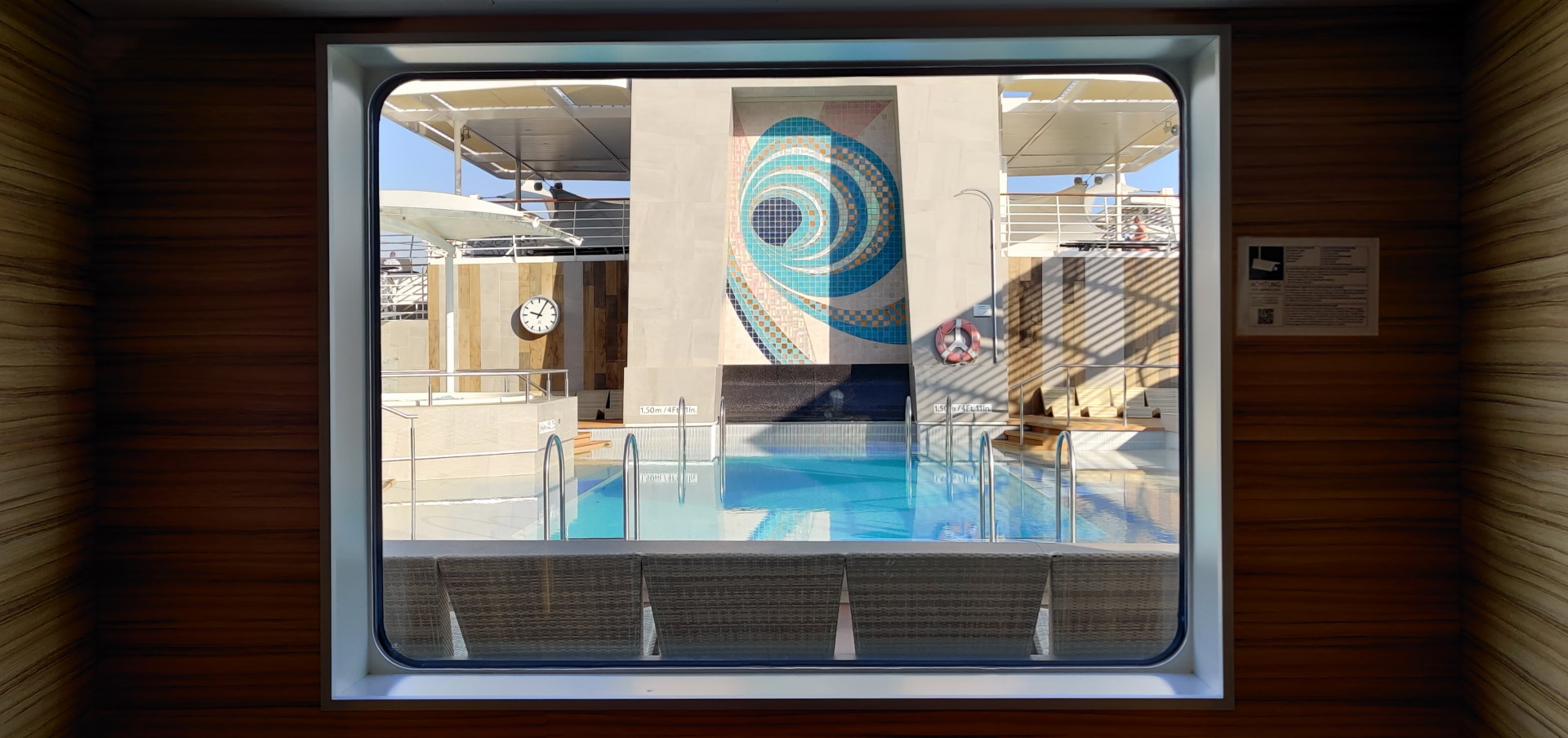
View from Deck 12 to the family pool area.
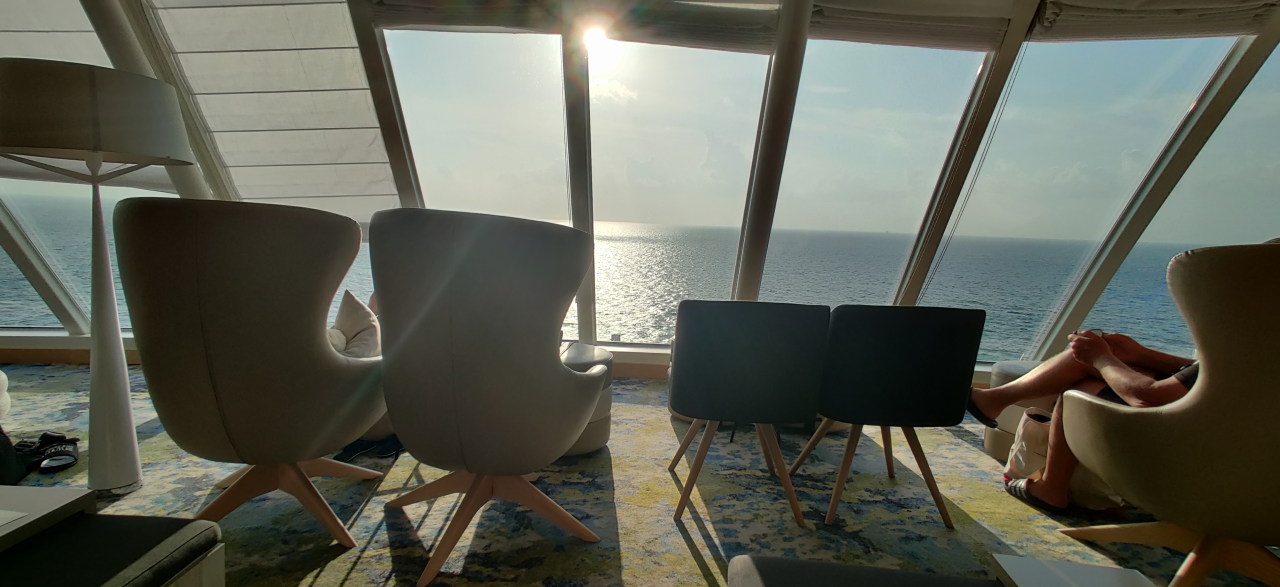
Spa area.
-
I know because during some show on the deck, the moderator has asked the question who has been on a cruise before and many hands were raised. ↩︎
-
There was a meetup of single travellers on the ship. However, I didn’t use the occasion to ask them whether they were really widowed. :see_no_evil: ↩︎
-
Not that I have ever done club holidays in Germany–but that’s how I imagine it! ↩︎