
 Member
 einar77
Changes in KDE Frameworks 5 and Plasma 5 packaging in openSUSE
Since a couple of weeks the packages offered by openSUSE in the KDE:Unstable:Frameworks repository have undergone a series of changes. In particular, the packages now install to /usr. For the libraries (KDE Frameworks 5) this will mean a transparent change for the userbase as they are expected to be co-installable, but the workspace components (Plasma 5) will confict with the existing Plasma 4.11.x installation.
What does this mean in practice? If you want to use Plasma 5 you will not be able to use a 4.11.x Plasma Workspace. The move was made to ease maintenance and packaging, as it meant dropping a number of hacks, and also to make KF5 + Plasma 5 packages suitable for inclusion in openSUSE Factory. At the same time, the 4.11.x workspace packages were adjusted to reduce the number of components conflicting, so that applications depending on workspace libs (such as KDevelop) would remain on the system also with P5 installed.
We’ve also said this many times but it’s worth repeating: Plasma 5 will not be the default in openSUSE 13.2; the stable, LTS release 4.11.x will (as a note: 4.11.x because the workspace did not increase its version number since becoming LTS, while the Development Platform and the Applications are at 4.13 at the moment).
That said, if you are feeling brave, feel free to try out Plasma 5… and don’t forget to report bugs!
P.S.: Most thanks go to Hrvoje “shumski” Senjan, who did most (if not all) of the packaging work.
P.P.S.: If you like what KDE is doing, please consider supporting the Randa Meetings 2014.
Scilab packages for openSUSE
We are happy to announce coming of Scilab to openSUSE Factory. This means that Scilab will be included into standard repository of next openSUSE release – 13.2.
If you want to use Scilab right now, you need to add science repository or use Scilab 1-click install.
Many thanks to Atri Bhattacharya and Ibrahim Erturk for great work!
Scilab is a scientific software package for numerical computations providing a powerful open computing environment for engineering and scientific applications which includes hundreds of mathematical functions with the possibility to add interactively programs from various languages (C, C++, Fortran…). It has sophisticated data structures (including lists, polynomials, rational functions, linear systems…), an interpreter and a high level programming language. Matlab and Maple files can be converted.
osc: speedup update of a project working copy
Hi,
recently, I pushed a commit that speeds up the update of an osc project
working copy, if most of the packages in the working copy are already up to
date (that is no update has to be performed).
The following table shows the improvements of the new code (in terms of
wall-clock time). Both project working copies were already up to date
and the packages in the home:Marcus_H project were unexpanded.
project       # number of packages  #    old code # new code
home:Marcus_H                   66        51.135s    10.653s
d:l:r:e                       1245     7:07.07min    17.804s
(the numbers for the devel:languages:ruby:extensions (d:l:r:e) project
were kindly provided by darix – thanks!).
Technically, we just reduced the number of http requests for packages
that are already up to date by using the backend’s getprojectsourceinfo
call (/source/project?view=info&package=pkg_1…&package=pkg_n).
Note: currently, such a reduction is not possible for packages that have
a _service file, because a small change in the backend is needed (see [1]).
Consequently, there are no time improvements for such packages.
If you want to test the new code, use the osc package from the
devel:tools:scm repo (http://download.opensuse.org/repositories/devel:/tools:/scm/).
Feedback is always welcome! 
Next, my plan is to improve the speed of an update of a single package
working copy (again by reducing the number of http requests).
[1] http://lists.opensuse.org/opensuse-buildservice/2014-06/msg00067.html
Recovering my OwnCloud admin user password
What I'm actually using of it is the WebDAV frontend to up/download stuff from Android (the native ownCloud App seems to have problems with really big files, such as several hundred MB) and the "instant upload" feature for the android camera, to automatically upload photos for easy reusing on the PC.
Today I wanted to configure some stuff and found out that I had totally forgotten the admin password, simply because I never needed it after the initial setup.
Modern applications no longer just store the passwords in the database, so it's not as simple as it could be. Additional problems arise from the fact that I have basically zero database knowledge.
Fortunately, I still knew that I'm using a mariadb on the server...
So that's what I did to restore admin access:
- cat config/config.php, note values of "dbuser" and "dbpassword"
- mysql -u <dbuser> -p;
- paste <dbpassword>
- show databases;
- note that there is a database called "owncloud", which is probably the one I need...
- use owncloud;
- select * from oc_users;
- Oh! My admin user is called "root", not "admin" as I would have guessed... Important information. So I try to use the password reset from the web form for user "root", however, it does not work...
- select * from oc_preferences;
- Oh! "root" has no email address configured, no wonder the password reset does not work.
- After some searching, I found the way to the solution in the ownCloud forum:
- INSERT INTO `oc_preferences` ( `userid` , `appid` , `configkey` , `configvalue` ) VALUES ( 'root','settings','email','root@localhost' );
GSoC and the past fortnight
Its been almost a fortnight I guess without a blog post, so continuing with the series, I have a couple of updates.
From tomorrow, Google Summer of Code Student Evaluations will start tomorrow on wards, so all the best to all the students who have worked hard over the summer and helped open source organizations grow. An extra applause for the mentors who have really worked hard over the summers and have contributed their personal time to get these students involved. Specifically, from an openSUSE point of view, I hope everyone passes these evaluations.
Apart from these things, I have also hit a couple of realizations over the past fortnight,
- I have gone worse in programming, something that I intend to improve upon in the next six months
- I waste a lot of time, I really need to optimize time so that I can work much more efficiently.
And then as news, humblefool one of India’s top programmers died of a car crash. There is an excellent eulogy written by Animesh on quora, I urge you to read it and take inspiration from it.
The dreaded 'system error' with Kerberos and sssd
In the log (
/var/log/messages) I was seeing messages like these:login: FAILED LOGIN SESSION FROM tty3 FOR smithfarm, System error pam_sss(login:auth): received for user smithfarm: 4 (System error) pam_sss(xdm:auth): received for user smithfarm: 4 (System error) sshd[6004]: error: PAM: System error for smithfarm from ws.farm.cz
This was mysterious. Since I knew it was Kerberos-related, I raised the debug level in the Kerberos section of the sssd configuration file
/etc/sssd/sssd.conf:[domain/default] debug_level = 0x07F0 enumerate = false id_provider = ldap ...
After restarting sssd and trying to login again, the sssd log file (
/var/log/sssd/sssd_default.log on my system) had something interesting to say:(Tue Jun 17 10:56:22 2014) [sssd[be[default]]] [cc_residual_is_used] (0x0200): Cache file [/tmp/krb5cc_17006_M5 1GxZ] does not exist, it will be recreated (Tue Jun 17 10:56:22 2014) [sssd[be[default]]] [check_old_ccache] (0x0400): Saved ccache FILE:/tmp/krb5cc_17006 _M51GxZ doesn't exist. (Tue Jun 17 10:56:22 2014) [sssd[be[default]]] [krb5_auth_send] (0x0200): Ignoring ccache attribute [FILE:/tmp/ krb5cc_17006_M51GxZ], because it doesn't exist.
17006 is the uid I always get when I login via LDAP/Kerberos. So I tried the following command:
# rm -rf /tmp/krb5cc_17006*
Then after restarting sssd I was able to log in.
KiCad product daily packages for openSUSE
KiCad is an EDA software suite for the creation of professional schematics and printed circuit boards.
There are two branches: stable version and product. Stable version can be used for everyday work, but currently it’s frozen for changes, only critical bug fixes. Product version is a development branch. It has many interesting and useful innovations, but can be not very stable sometimes.
Stable version of KiCad is available from main OSS repository. KiCad product daily packages, named kicad-unstable, are available from electronics repository. See openSUSE wiki for information how to add new repository. Or just use 1-click install!
Happy engineering!

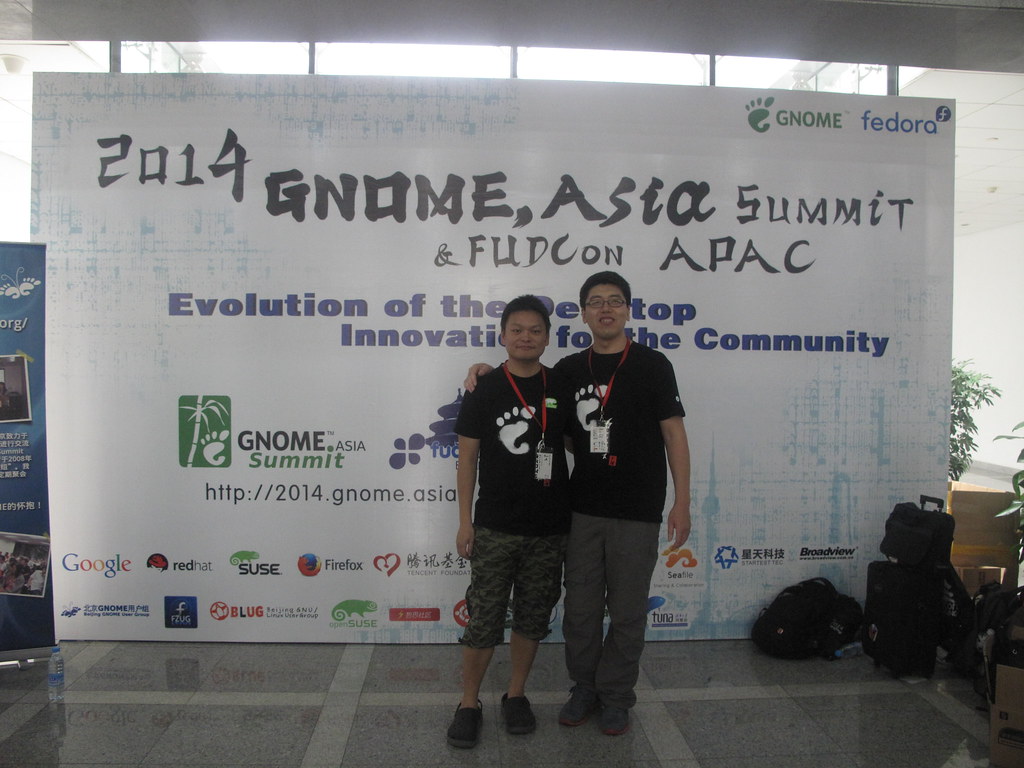
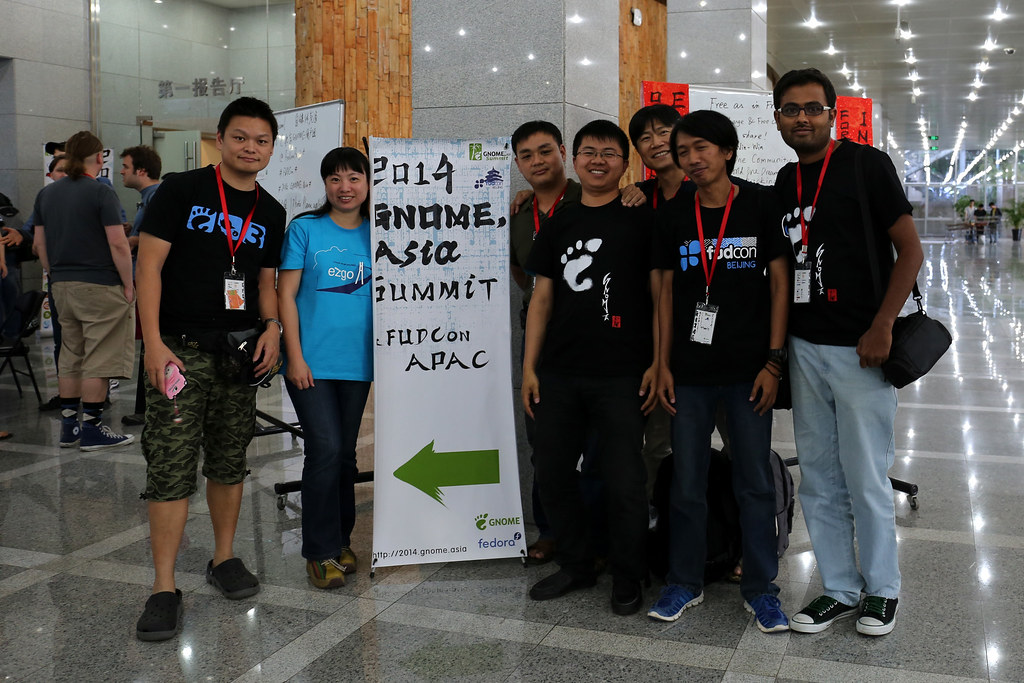
GNOME.Asia Summit 2014
GNOME.Asia Summit 2014
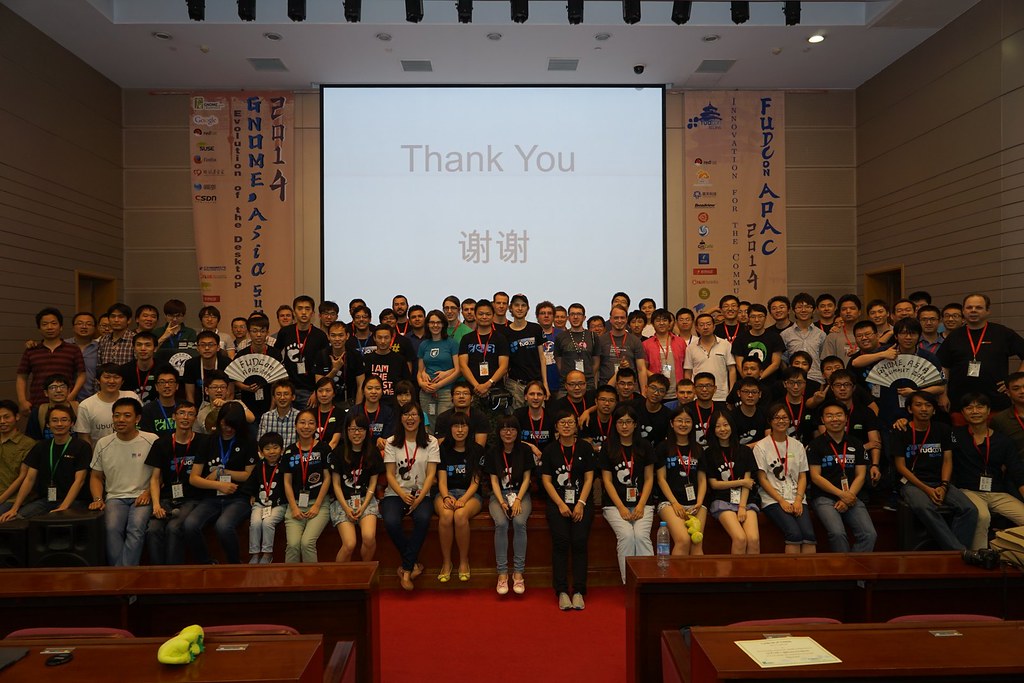
The seventh GNOME.Asia Summit host come back to Beijing. after Seoul, Hong Kong, Bangalore, Taipei, Ho-Chi-Minh City and Beijing.
I want thank all people coming GNOME.Asia Summit 2014.
We have awesome video team this year.
You could take a short view for 2 days activities. They will have new video for whole summit, I guess. :p
We play event video every end of the day. ^__^
Day 1
Day 2
Thanks again to all STAFF.

Thanks again to all Speakers.

There are too many words I want to say and thanks.
<(_ _)>
Thanks Documentation Team awesome training session in GNOME.Asia Summit
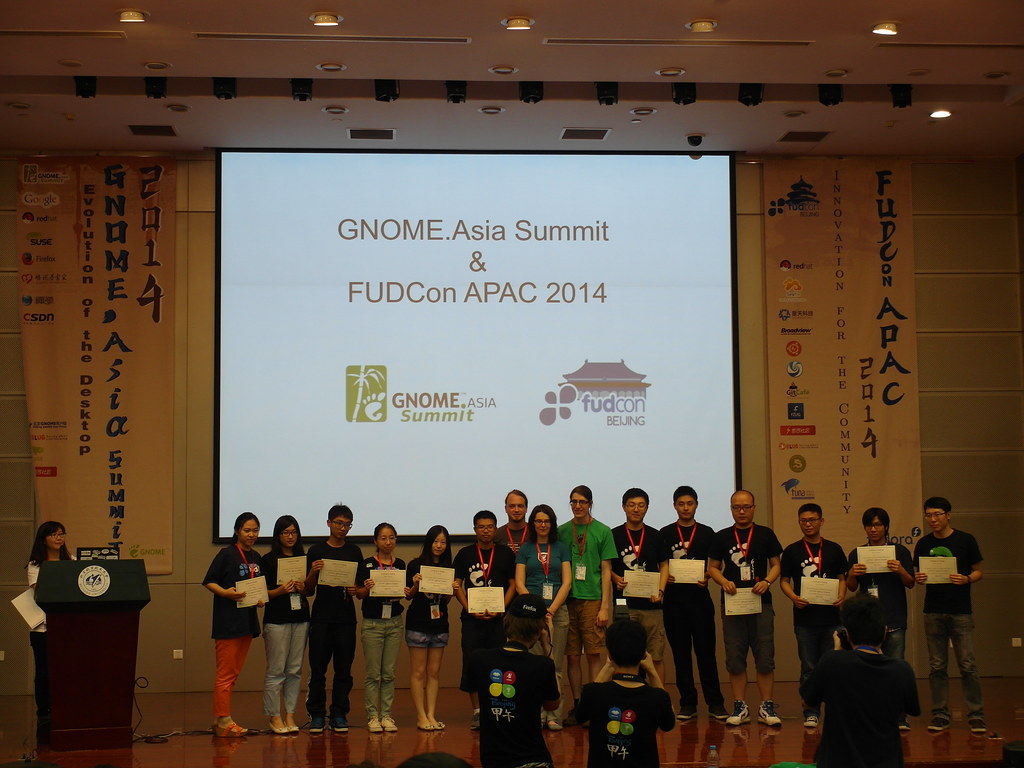
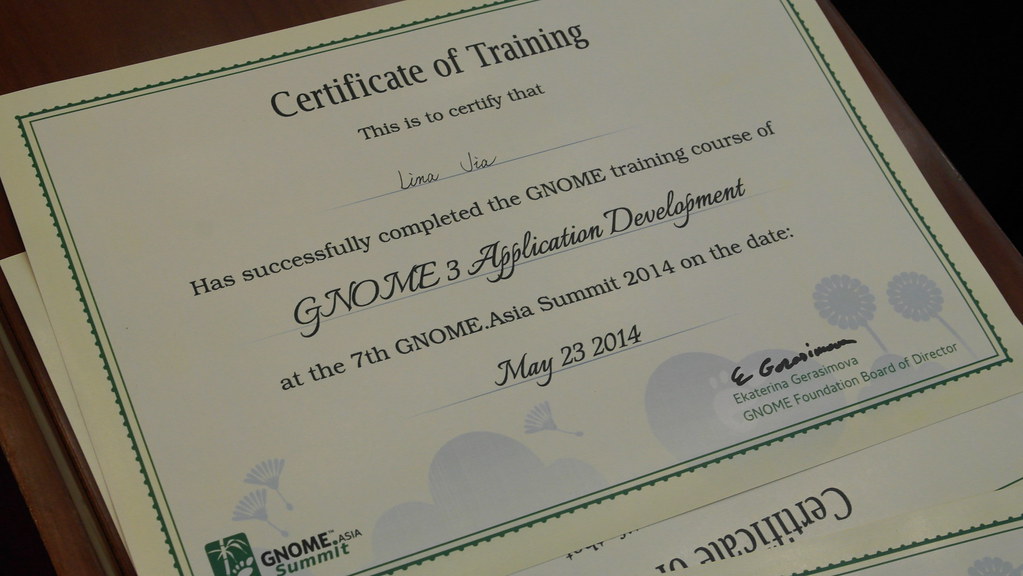
You could read the blog for some detail about training session.

David King:

Thanks FUDCon APAC held together with GNOME.Asia Summit, thanks Emily Chen and Alick Zhao lead both of GNOME and Fedora team.
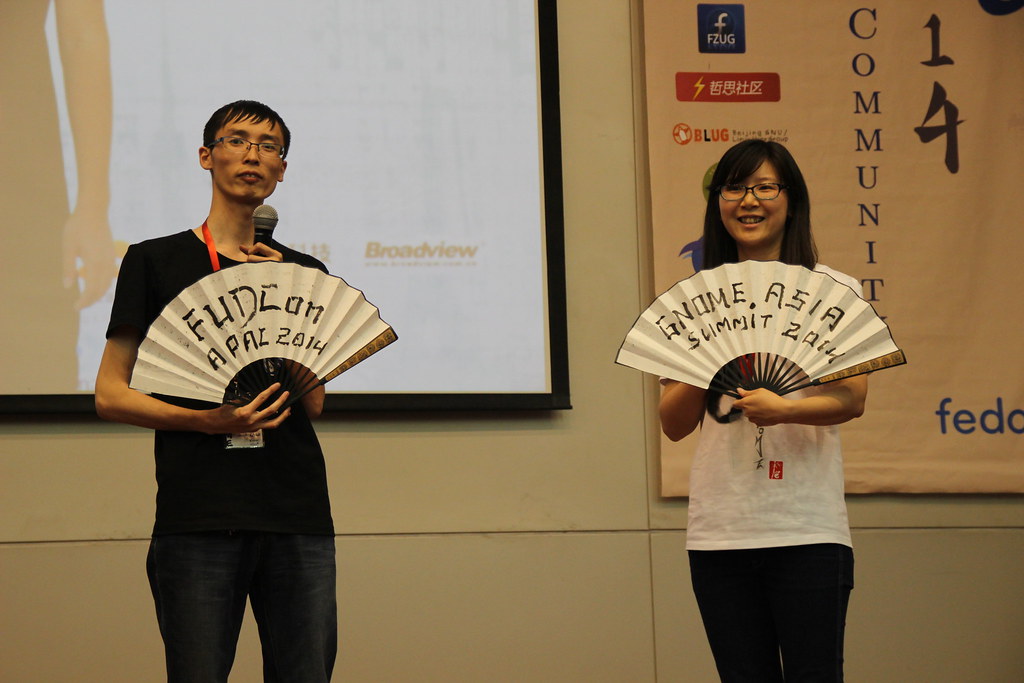
Thanks our Busy Bees ZSUN and TongHui did awesome job for us. <(_ _)>

It's my pleasure to host conference with Gerard

Thanks our keynote speakers
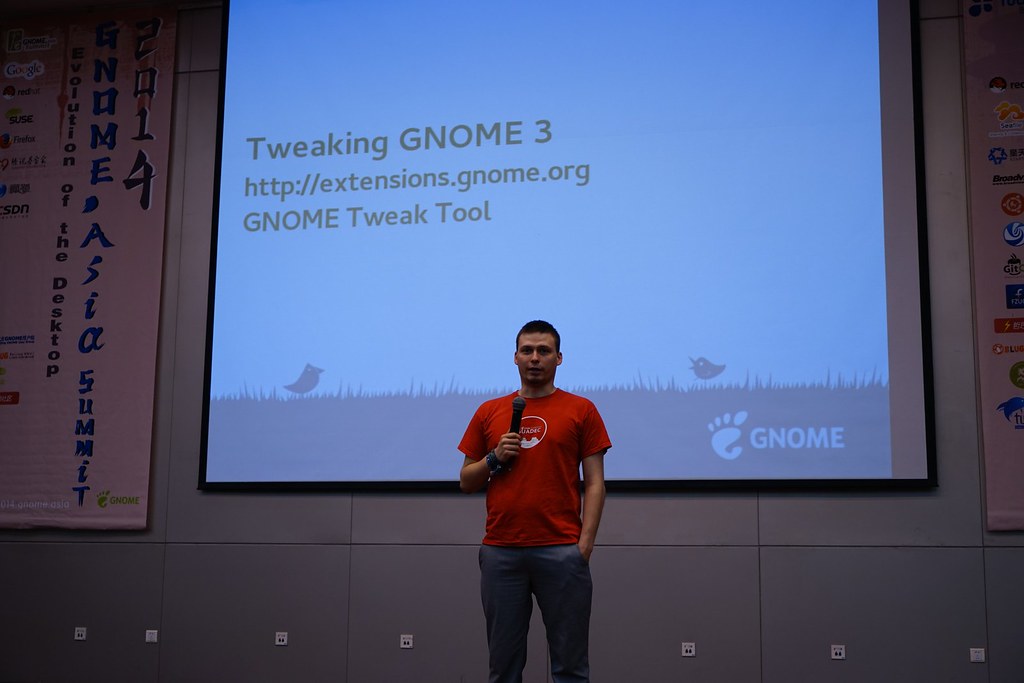
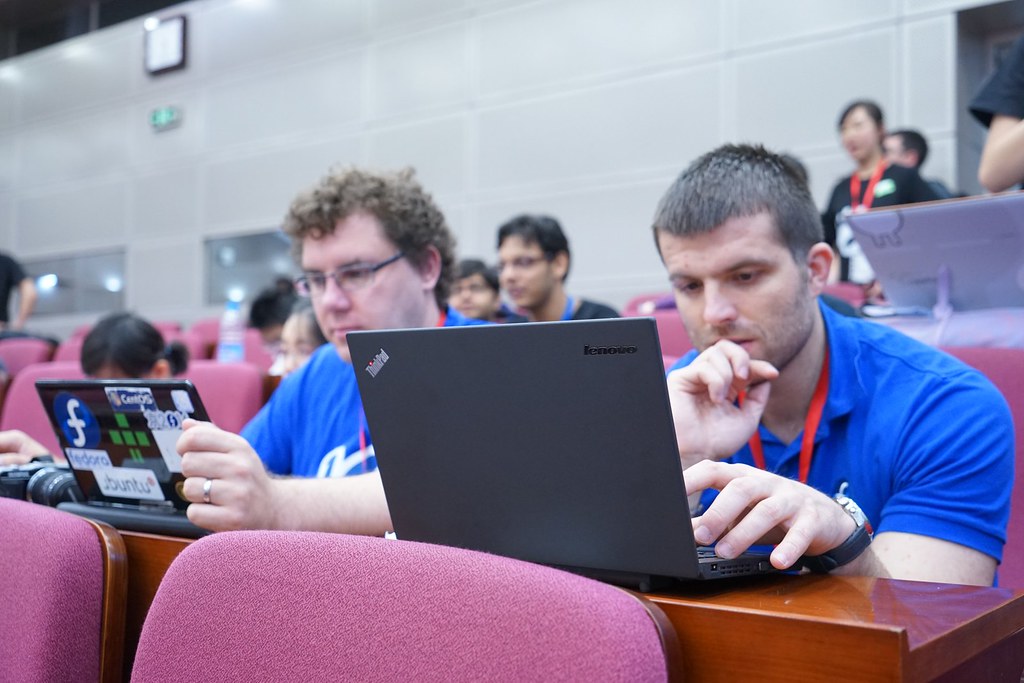
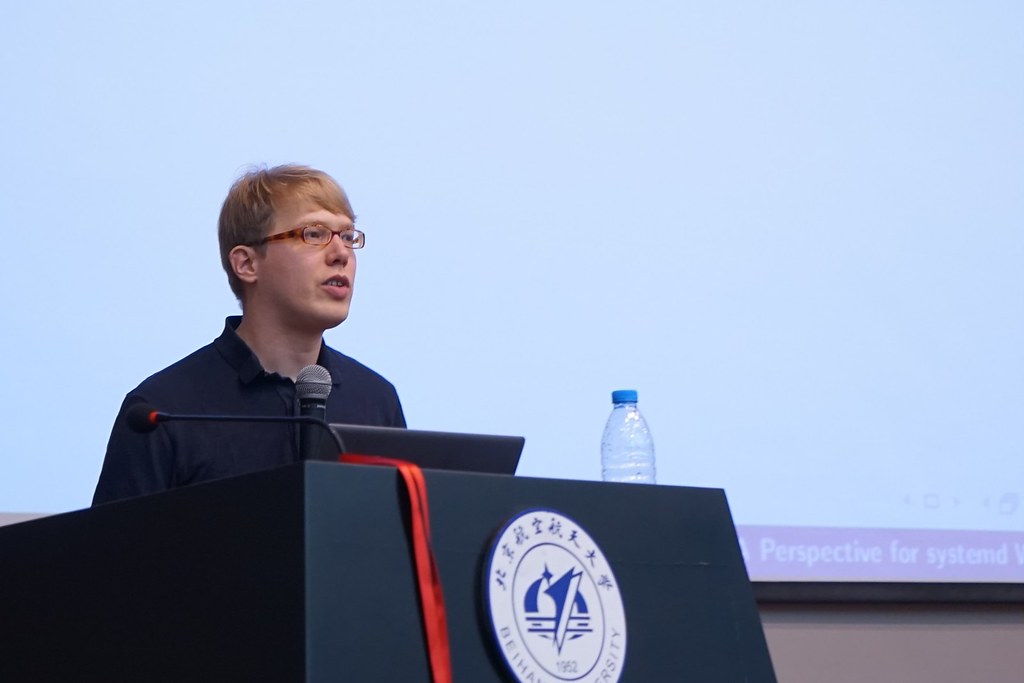

"For GNOME"
"For Fedora"
"For open source !! ""
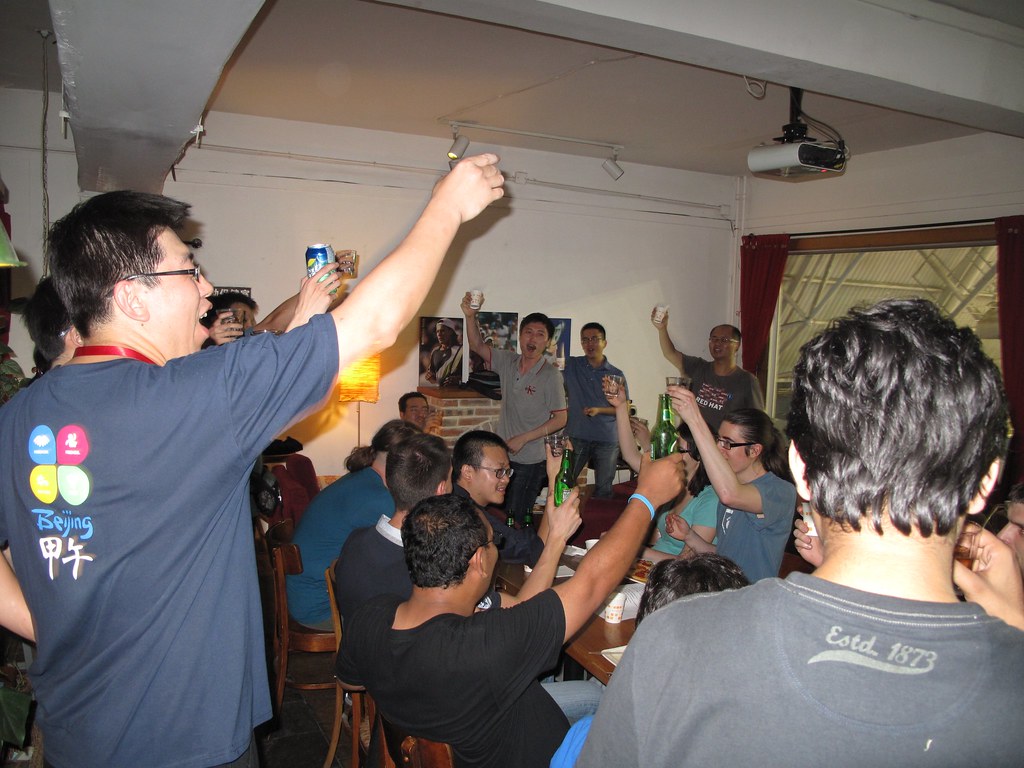
We have Sport Event this year.
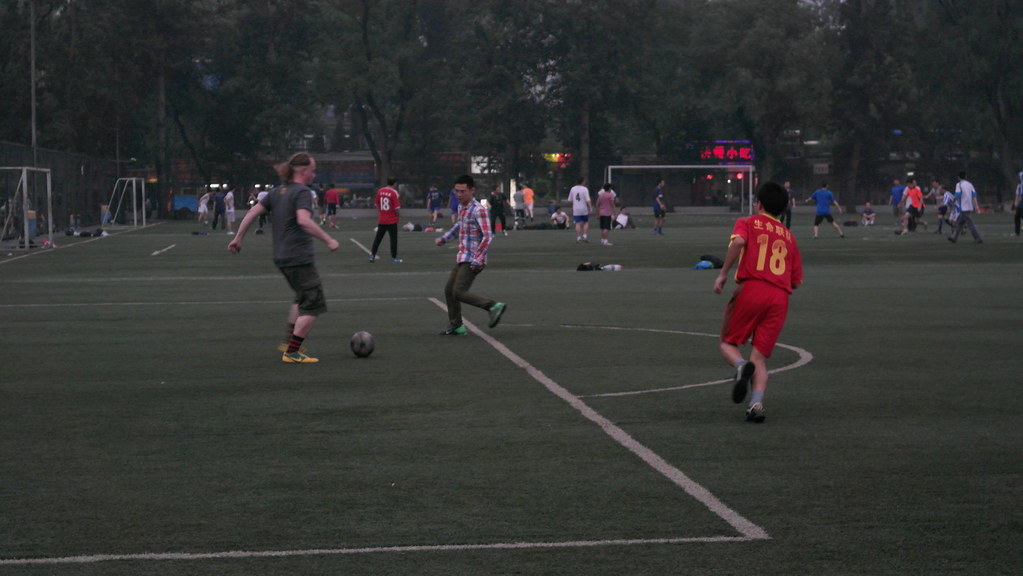

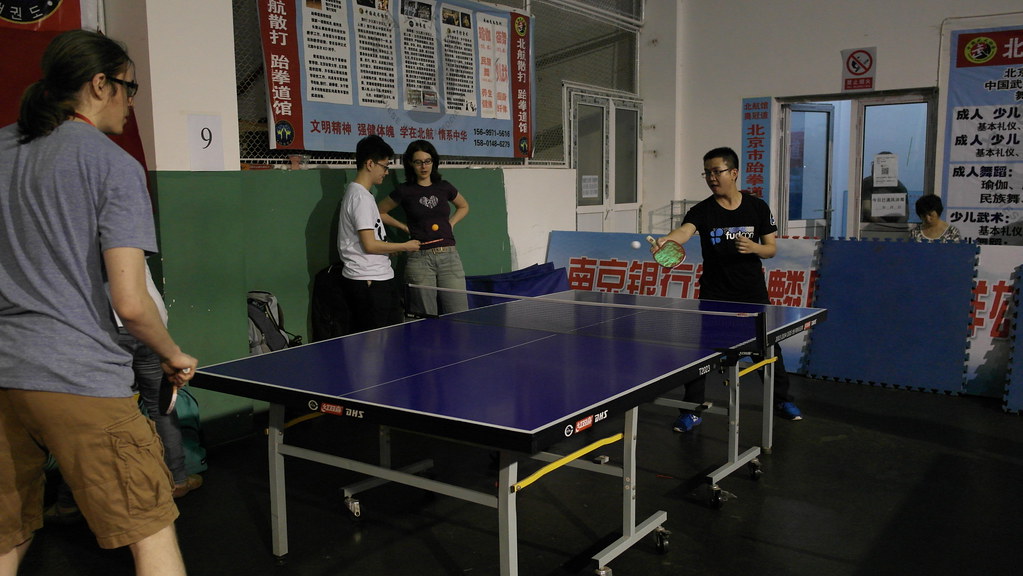
I really happy and lucky have chance to organize and join GNOME.Asia Summit
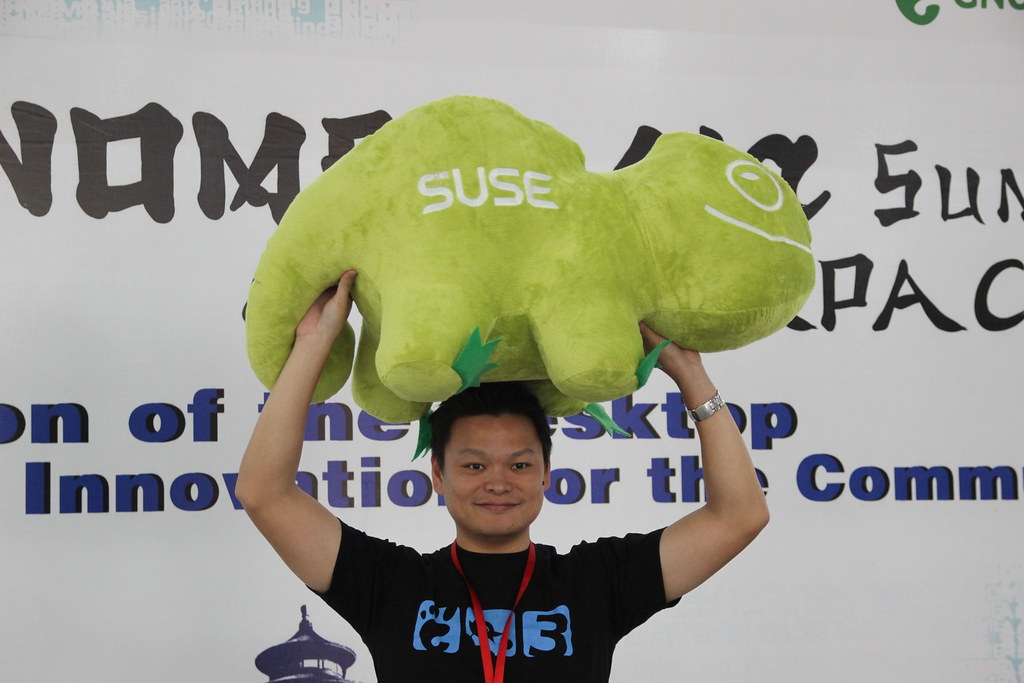
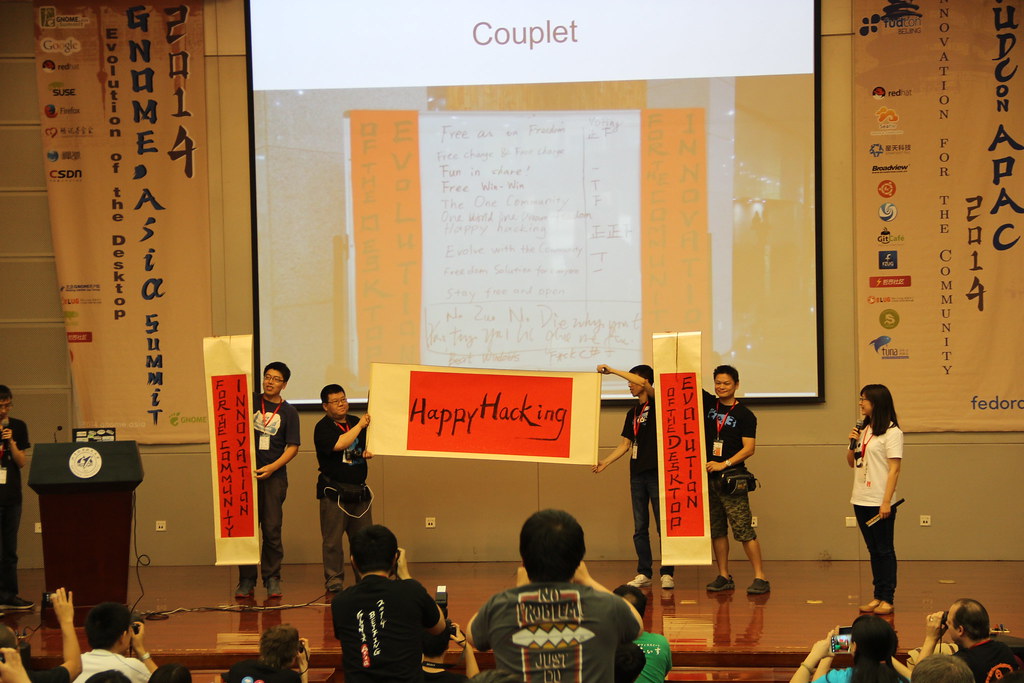
I think I will keep "Happy Hacking" and do more with GNOME.
Thanks speakers come to GNOME.Asia Summit and blog for summit.
- Ahmad Haris
- Aleksander Morgado
- Allan Day
- Andre Klapper
- Anish Patil
- Daiki Ueno
- David King
- Ekaterina Gerasimova
- ericsun
- Franklin Weng
- Ms. Kai-ju Tsai
- Sammy Fung
- Ting-Wei Lan
- Oliver Propst

I want to Thanks all our sponsor and GNOME Foundation.
Without their their support, we could not have this amazing GNOME.Asia Summit.

Adwaita 3.14
Now that the controversial 3.12 tab design has been validated by Apple, we're ready to tackle new challenges with the widgetry™.

Adwaita has grown into a fairly complex theme. We make sure unfocused windows are less eye-grabbing (flat). We provide a less light-polluting variant for visually-heavy content apps (Adwaita:dark). And last but not least we provide a specific widget style for overlay controls (OSD). All this complexity has made Adwaita quite a challenge to maintain and evolve. Since we were to relocate Adwaita directly into gtk+, we had to bite the bullet and perform quite a surgery on it.
There's a number of improvements we aimed to achieve. Limiting the number of distinct colors and making most colors derived makes it easier to adjust the overall feel of the theme and I'm sure 3rd party themers will enjoy this too. Not relying on image assets for majority of the drawing makes the workflow much more flexible as well. Many of the small graphical elements now make use of the icon theme assets so these remain recolorable based on the context, similar to how text is treated.

Benjamin has been working hard to move the theme closer to the familiar CSS box model, further minimizing the reliance on odd property hacks and engines (Adwaita no longer makes use of any engine drawing).
Anything gtk related never happens without the giant help from Matthias, Cosimo and Benjamin, but I have to give extra credits to Lapo Calamandrei, without whom these dark caverns would be impossible for me to enter. Another major piece that I'm grateful for living right inside the toolkit, ready to be brought up any time, is the awesome inspector. Really happy to see it mature and evolve.
Electronics OBS project
We are happy to announce reviving of electronics OBS project. It contains software for developing electronic circuits and firmware for microcontrollers: EDA, programmers, flashers, simulation tools and other.
Some software will be moved from science project to electronics, at least:
- dinotrace
- gEDA
- gerbv
- gnucap
- gtkwave
- iverilog
- KiCad
- ngspice
- PCB
- Qucs
So this packages can be deleted from science repository in future.