
Bulk conversion
Before continuing the “API saga” I needed to have an infrastructure to be able to load a bulk of documents and save them using a certain filter. For me the reason was mainly for testing purposes, however its very convenient for “bulk conversion” too.
The syntax is:
./soffice.bin -bulk [targetDir]/[filterName].[targetExt] [dir] ... [dir]
E.g. the following call will convert all *.odt documents from /home/freuter/tmp/ to “/home/freuter/tmp/out/*.doc” documents using the “MS Word 97” filter:
./soffice.bin -bulk "/home/freuter/tmp/out/MS Word 97.doc" /home/freuter/tmp/*.odt
This command will convert all ~/tmp/*.doc documents to ~/tmp/out/*.odt using the ODF converter:
./soffice.bin -bulk ~/tmp/out/writer8.odt ~/tmp/*.doc
And finally this call will convert all ~/tmp/*.doc document to ~/tmp/out/*.pdf PDF document using the “ writer_pdf_Export” filter:
./soffice.bin -bulk ~/tmp/out/writer_pdf_Export.pdf ~/tmp/*.doc
The patch is here. I additionally fixed a bug in the m_nRequestCount logic and I enabled it in the [Experimental] section.
WikiHome has been setup
Again thanks to my mentor, Stephen Shaw for the final push yesterday. The wiki is minimal now, but I hope it'll grow like all Wiki do :)
The changelog is on its way too.
Btw two good news-
1. Netbeans 6.7 has released which promises some good collaborative features.
2. I've set up Google Analytic for the http://code.google.com/p/vaani

 Member
 Bubli
BubliFarewell to Qt3, enter YaST Qt4 Control Centre
What's new?
- Transparently to the user, the whole thing has been rewritten to use model-view-controller paradigm (original initiative by Duncan MV)
- Window size and its position on the screen is now persistent - this is something users have been asking for for ages, YaST CC window used to open always in the same hard-coded size, no matter the resolution. Due to QSettings magic, coding it was incredibly easy
- Remember you now have to double-click the icon to launch the YaST module (single click is reserved for something that is not fully implemented yet)
- Modules are searched (filtered) as you type in the search field - that means no more opening of extra window to search. Search is done over the names only, keyword search to come soon :)
Footnote: the bubblegum pink is not supposed stay in the real version. It is my little gift to Pepa Reidinger.
openSUSE Day (Chile): Awesome.
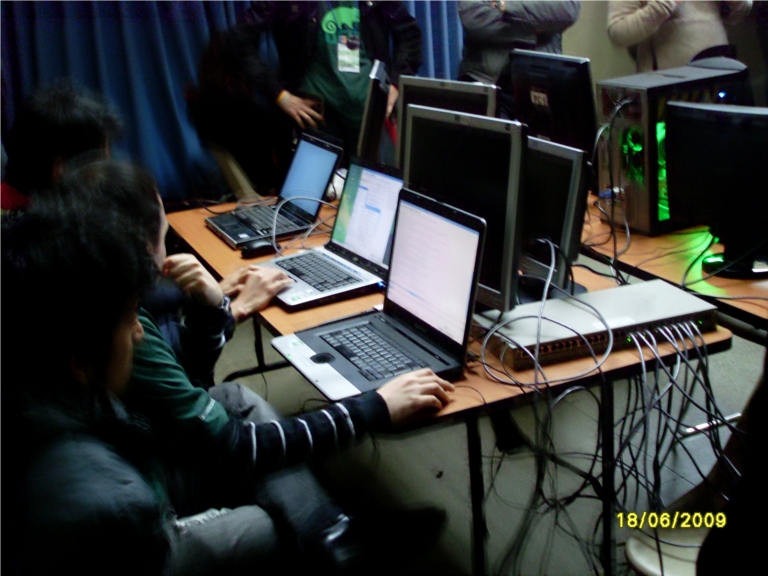
And the day came. After a six hours trip on bus, and a few minutes of sleep I got to Santiago de Chile. Francisco Toha picked me up so we headed to Universidad Andres Bello for the openSUSE Day. Huge building and plenty of room for everyone. The event started almost on time. I followed the first talk, a bit hoping to have a decent internet connection so I could show a live SUSE Studio test drive. OK, that didn’t happen. The internet traffic ratio was too slow like waiting 59 minutes to build an JeOS appliance was nuts so that was definitely the low aspect of the talk.
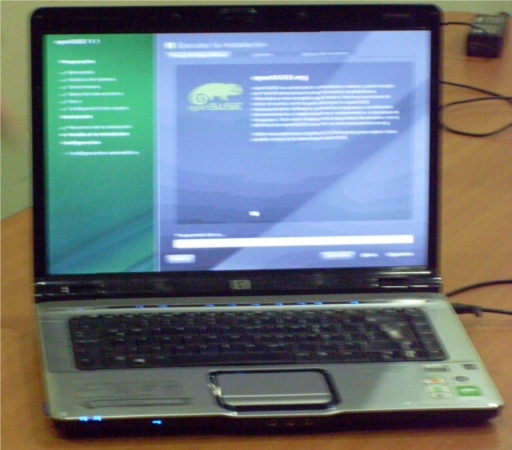
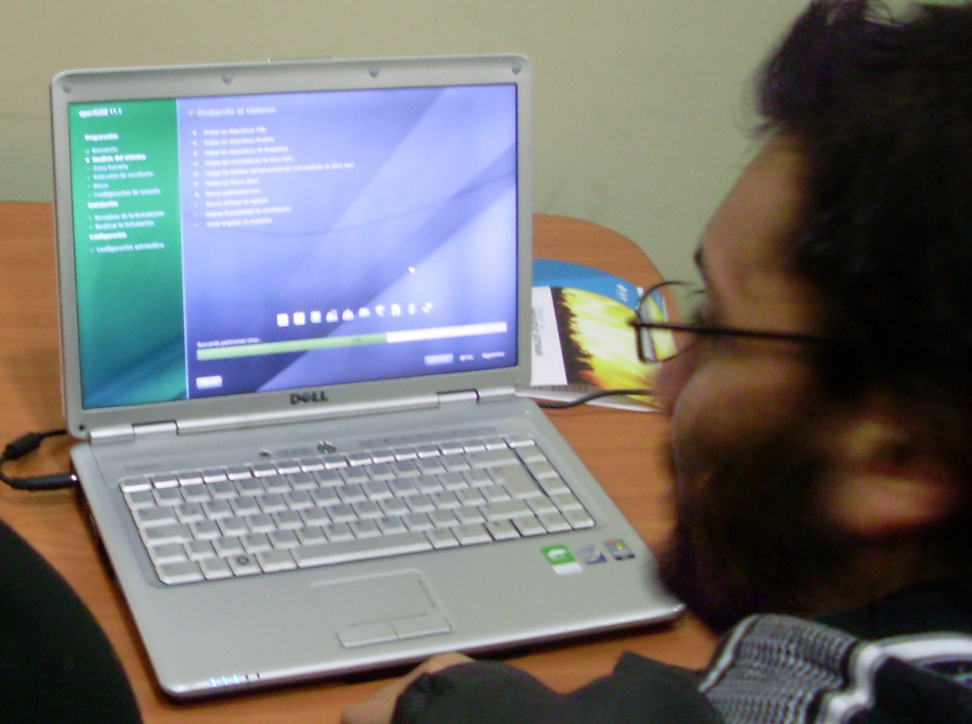
Again, huge thanks to Zonker for all the support. openSUSE 11.1 DVDs and stickers were cool and all loved it. Also big thanks everyone from Geeko’s, specially Enrique Herrera, Jose Muñoz, and Francisco Toha. Statistic and evaluation have not been finished yet. Anyway, some pictures here:

People wearing the LinuxLatinAmerica t-shirts and getting ready to install. Not enough t-shirts this time 

Myself wearing the openSUSE t-shirt. Just too cold to take off the jacket.
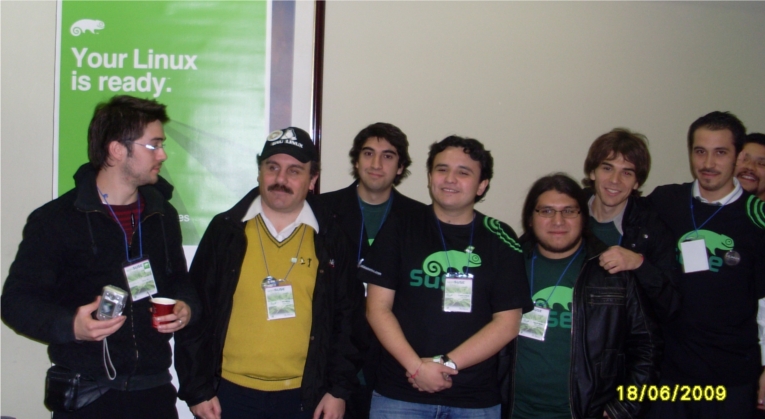
Some members of Geeko's. Mostly people from UNAB.
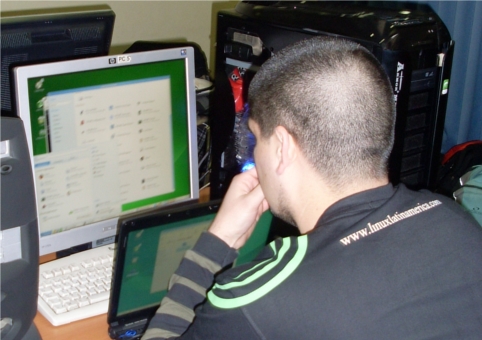
Installing openSUSE on 2 machines.



Using D-Bus in Java
Pre-requisites-
1. you need JVM and JDK (the version I used was openJDK 1.6 taken from the standard repository)
2. dbus-java (which requires you to install libmatthew as well).
The task at hand is to make an empty note in Tomboy using a java program.
Step-1 Extend the required interface for the function you're looking to implement (you can use a software called d-feet which can help you analyze various buses, object paths and interface names)
package org.gnome.Tomboy;

import org.freedesktop.dbus.DBusInterface;
import org.freedesktop.dbus.DBusInterfaceName;

/**
*
* @author sourcemorph
*/

@DBusInterfaceName("org.gnome.Tomboy.RemoteControl")
public interface RemoteControl extends DBusInterface {

  public String CreateNote();
}
[The annotation is important, and you need to mention the corresponding object path of the interface you're extending, here I have declared just one function that we needed, but you can choose from the available functions from d-feet].
Step-2 Write a main class to get an object of this interface type and execute the function.
/**
 *
 * @author sourcemorph
 */

import org.freedesktop.dbus.DBusConnection;
import org.freedesktop.dbus.exceptions.DBusException;
import org.gnome.Tomboy.RemoteControl;

public class NewClass {

    private static String ObjectPath = "/org/gnome/Tomboy/RemoteControl";
    private static String ServiceBusName = "org.gnome.Tomboy";
    private static DBusConnection conn;

    public NewClass() {
        try {
            conn = DBusConnection.getConnection(DBusConnection.SESSION);
            RemoteControl c = (RemoteControl) conn.getRemoteObject(ServiceBusName, ObjectPath);
            c.CreateNote();
        } catch(DBusException ex) {
            ex.printStackTrace();
        }
    }

    public static void main(String [] args) {
        NewClass n = new NewClass();
    }
}
Fairly simple. By the way its something really admirable about D-Bus because now my Java code can interact with processes which could have been coded in C sharp, Python etc. I am going to call methods on the Pidgin interface through Java code, and learning D-Bus was totally worth the effort.
PS: thanks to my mentor Stephen Shaw for patiently referring me to the README files when dbus-java wasn't compiling.. :) and also for d-feet, its awesome!

PowerPlayInfo V4.1
Basically, you get a list of potential combinations of engine clock, memory clock, and core voltage, plus a number of unknown flags. So far so good, but on some (especially high class) cards the entries do not vary as much as I'd like them to do, and many combinations do not exactly make sense. Others are repeated over and over.
Examples (engine clock in Mhz / memory clock in MHz / core voltage in Volt):
- RV770: 750/900/1.263 - 500/950/1.263 - 750/950/1.263
- RV670: 669/829/1.214 - 300/829/1.014 - 300/829/1.014 - 300/829/1.214
- RV635: 725/800/1.250 - 110/405/0.900 - 300/405/1.000 - 300/800/1.250 - 600/500/1.150
Also, the PowerPlayInfo V4.1 still has quite a number of fields we don't understand - marked as unknown in my AtomDis disassembler and table dumper.
On kontact
I will go on holiday next week, so today is my last day in the office. I have decided that the things I have to do today are too many and I should work in the train in my way to the office.
All good, start the computer, of course no internet, so I had to shutdown kontact to stop him crying about not being able to connect.
Being able to easy go to an offline mode would be a very nice and useful feature to have in kontact, and kde applications in general. Checking that before you want to communicate with some third party that you actually have the phone instead complaining that he is not answer, would be a very good design decision, too.
Now being the holiday season I hope at least one of the kde/kontact developers would get hit by this missing feature and soon we will have it.
API Design Matters
I was reading a very interesting article called "API Design Matters" with the subtitle "Bad application programming interfaces plague software engineering. How can we get things right?". Very cool stuff.
In OpenOffice.org we have an API "plague" too: The ODF import/export is based on the "UNO-API" and so is the OOXML import for Writer. And developers hate these APIs.
So the question is why do developers hate the "UNO-API"? And the obvious --- but wrong answer --- is: "I hate the UNO-API because of UNO". Don't get me wrong here: This is neither about pro or contra UNO. But the statement that "UNO is the problem of the ODF import/export and OOXML import problems" is wrong. It's not UNO per se, but its the design of the API.
[In case you're wondering what "UNO" is: UNO=COM ;-) So UNO is OpenOffice.org's way of COM.]
And just to be sure I do not offend the wrong people: The UNO-API was not designed to be used in the import/export filters. It was designed to be the API for "OpenOffice.org BASIC" developers, i.e. it was designed to provide a similar API to what VBA developers have in Microsoft Office. It was never designed to be used for import/export filters.
The problem was the decision to base the import/export code on such a high-level API! And we suffer from this decision until now!
Anyway. How can we fix this?
a) We claim the current API is the best mankind can do and print T-Shirts with 1000 years of OOo experience.
b) We claim UNO and abstraction is the problem and use the internal legacy APIs, so that we never get a chance to refactor the internal legacy stuff since we're creating even more dependencies.
c) We come up with a better API.
Option a) was demonstrated at the OpenOffice.org conference in Beijing. [Does anybody have a picture of the T-Shirt?]
Option b) is the straightforward approach. E.g. in Writer the “.DOC”, “.RTF”, .”HTML” filters are based on the internal “Core” APIs. So lets use these APIs instead of the UNO-APIs.
Whats wrong with the approach? The problem is that these internal APIs do not abstract from the underlying implementation at all. Repeat: The internal APIs do not abstract from the underlying implementation at all.
Does this answer the question why using the internal APIs is the wrong approach? Obviously *not* having an abstraction between your core implementation details and your import/exports filters is ... [offensive language detected ;-)].
Option c) only has one problem: How should the API look like?
I have some ideas here, but before posting them maybe there are some strong believes out there?
How to build MonoDevelop with Visual Studio

Some Small Tips (but useful enough)
The command is simple and run as normal user:
1. Shutdown the Firefox
2. Go to ~/.mozilla directory
3. From the konsole run "find . -name '*.sqlite' -exec sqlite3 '{}' 'VACUUM;' \;" without the quote
Try it and you will see the different. You can use it as much as you like if you use Firefox heavily :-)
Another tips here is about how to determine the date of installation or file system creation. Well, even that it is a bit tricky and actually I still try to find the exact answer, maybe you can use the date when you create your partition for you Linux installation. Assuming this is what you want, we can use the command below from the terminal/konsole as root.
1. su
2. find your / partition with "df -h"
3. assuming your / partition is /dev/sda2 run "dumpe2fs /dev/sda2 | grep "created""
change sda2 with your / partition
Try it, and till then have a lot of fun.